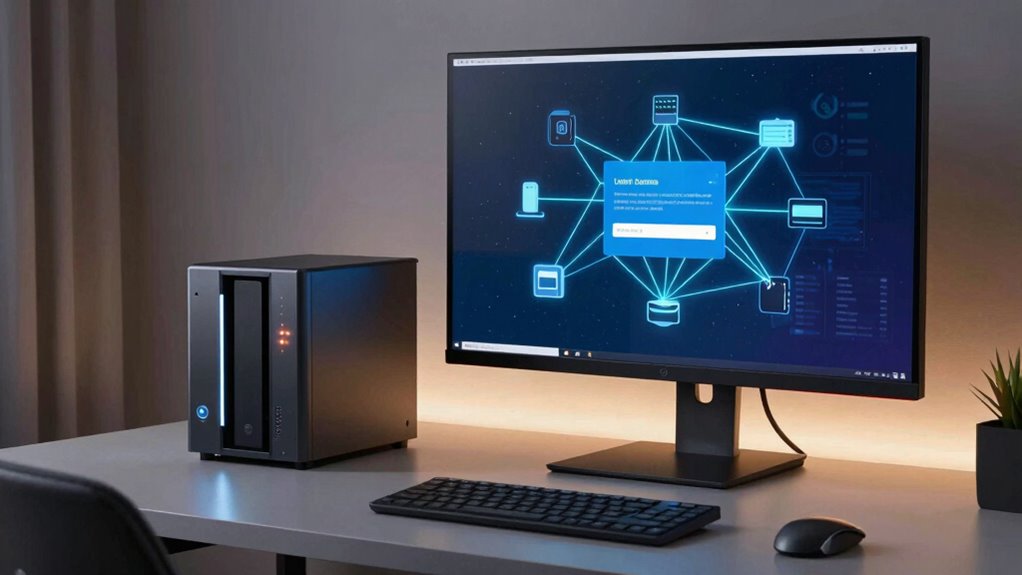

Enabling remote access to your NAS offers great convenience, but if you ignore basic security measures, you risk exposing your data to hackers, malware, and privacy breaches. Weak passwords, outdated software, open ports, and insecure connections make your system vulnerable. To stay protected, you need strong authentication, encrypted connections, regular updates, and restricted access. Keep these security essentials in mind, and discover how to keep your data safe while enjoying remote access’s benefits.

Get hardware and tech essentials delivered free with Prime
- Fast, free delivery on millions of items
- Prime Video, Amazon Music and more included
- Member-only deals all year
Key Takeaways
- Ignoring strong passwords and multi-factor authentication increases the risk of unauthorized access.
- Failing to update firmware and security protocols leaves NAS vulnerable to known exploits.
- Using open ports or insecure protocols like FTP exposes data to interception and malware.
- Overlooking user permissions and activity monitoring can lead to unnoticed security breaches.
- Neglecting regular security reviews and training allows vulnerabilities to persist over time.
Products Worth Considering

Bose QuietComfort Ultra Earbuds (2nd Gen), Deep Plum

LG UltraGear 32GX850A-B 32-Inch 4K UHD Glossy OLED Gaming Monitor

Samsung 27-Inch Odyssey QD-OLED G8 4K 240Hz Gaming Monitor
As an affiliate, we earn on qualifying purchases.
Risks of Remote Access to Your NAS
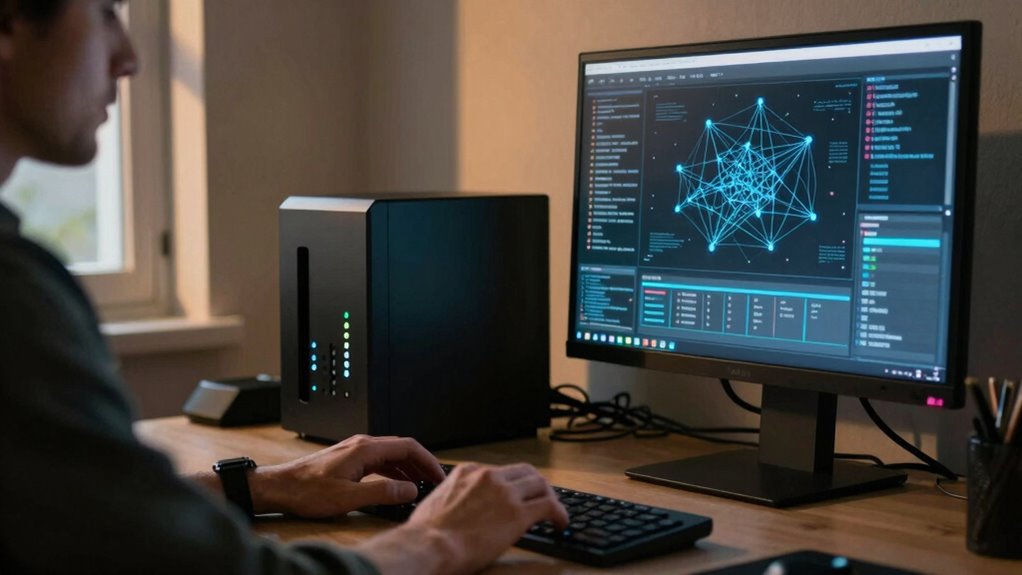
Allowing remote access to your NAS can expose it to various security threats if not properly protected. Remote access vulnerabilities can leave your data open to hackers, increasing the risk of unauthorized access. Without the right safeguards, cybercriminals could exploit weak passwords, outdated software, or open ports to infiltrate your system. This can lead to data breaches, where sensitive information is stolen or compromised. Additionally, insecure remote connections can serve as entry points for malware or ransomware attacks, escalating the threat landscape. To prevent these issues, you must prioritize data breach prevention strategies, like strong authentication and regular updates. Implementing security protocols and ensuring they are up-to-date can significantly reduce these risks. Understanding Red/Blue teams can help you better prepare for and defend against potential cyber threats. Regular security assessments and vulnerability testing can further identify weak points before they are exploited. Incorporating outdoor transformation essentials such as fire pits and landscaping into your security considerations can sometimes enhance physical security measures around your property as well. Ignoring these risks leaves your data vulnerable and can have serious consequences for your privacy and security.
Secure NAS Settings for Remote Access
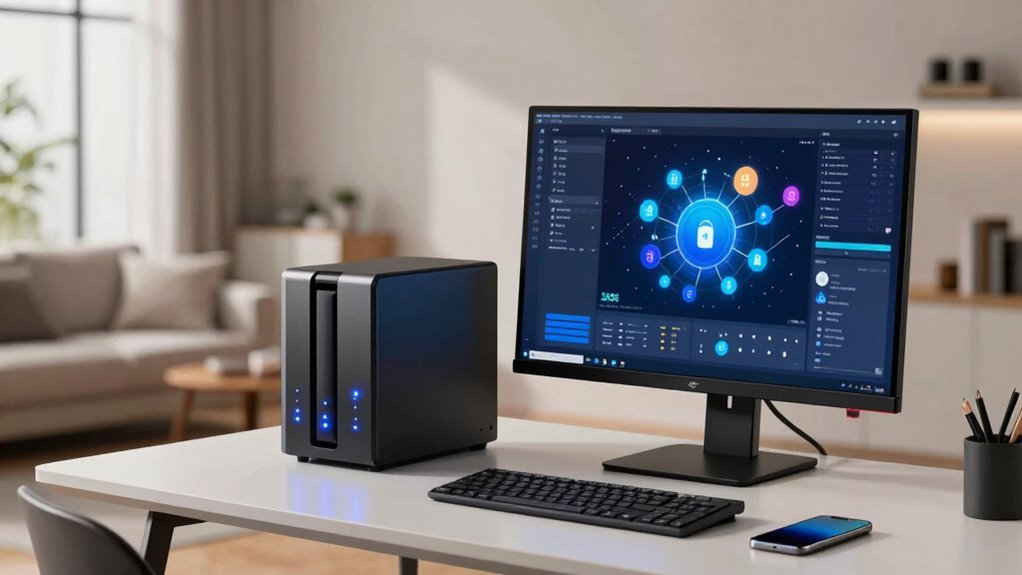
To guarantee your NAS remains secure when accessed remotely, you need to configure its settings carefully. Start by disabling unnecessary remote access features to reduce remote access vulnerabilities. Enable a firewall to control incoming traffic and restrict access to trusted IP addresses. Use secure protocols like SFTP or VPNs instead of open ports. Regularly update your NAS firmware to patch security flaws. Implement strong, unique passwords and consider multi-factor authentication. For backup strategies, avoid relying solely on cloud services without proper encryption and access controls. Confirm your cloud backup strategies include encrypted data transfer and storage. Additionally, understanding the role of affiliate disclosure and how it impacts transparency can help you make informed security decisions. These measures help prevent unauthorized access and data breaches, keeping your files safe while maintaining remote accessibility. Ensuring all security measures are properly configured is crucial for digital security and maintaining your privacy. Remember that proper configuration of your NAS settings is essential for robust security. Regularly reviewing your security settings can help identify and address potential vulnerabilities proactively, especially when considering remote access configurations.
How to Enable Strong Authentication and Encryption
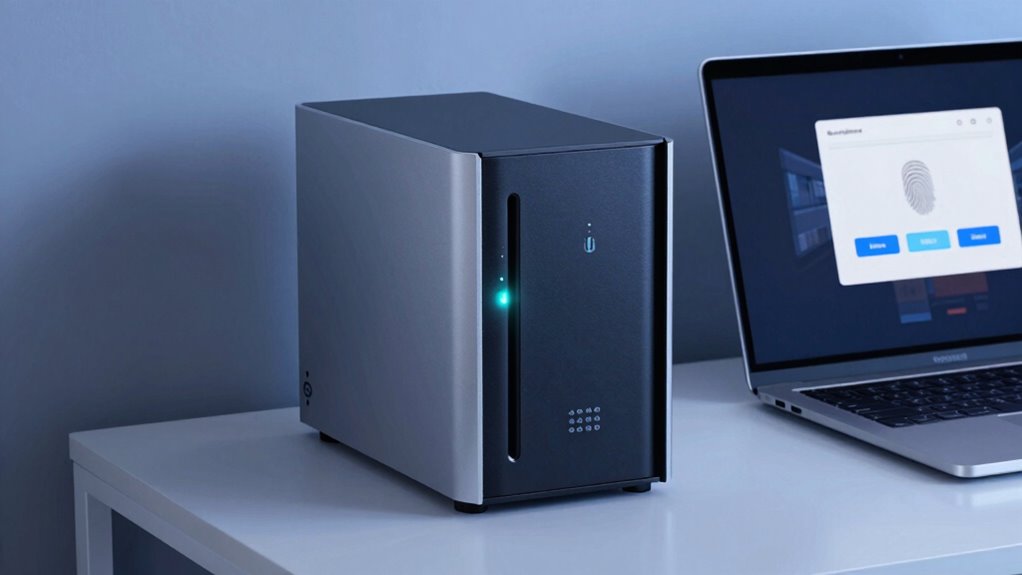
After configuring your NAS’s remote access settings, strengthening authentication methods and encrypting data are vital steps to secure your files. Use strong password complexity by combining uppercase, lowercase, numbers, and symbols to prevent brute-force attacks. Enable encryption protocols like SSL/TLS to protect data in transit. This guarantees that your information stays private even if intercepted.
| Authentication Method | Encryption Protocols |
|---|---|
| Two-factor authentication | SSL/TLS |
| Strong passwords | AES encryption |
| Account lockouts | VPN for remote access |
Prioritize these security measures to safeguard your NAS from unauthorized access and data breaches. Properly configured authentication and encryption form the foundation of a secure remote access environment.
Common NAS Security Mistakes to Avoid

Many common NAS security mistakes stem from neglecting basic precautions or misconfiguring settings. One mistake is skipping proper encryption protocols, leaving sensitive data vulnerable. Without strong encryption, unauthorized users can intercept or access your files easily. Another mistake is neglecting user education; if you don’t train yourself and others on safe practices, you risk falling for phishing or weak password habits. Failing to update firmware or improperly configuring remote access settings also exposes your NAS to attacks. Avoid default passwords or poorly secured ports. Always prioritize setting robust encryption protocols and educating users about security risks. Implementing security best practices can significantly reduce your vulnerability to attacks. These simple steps considerably reduce your risk of a breach and help you maintain a secure, private environment for your data. Additionally, understanding raw food benefits can help ensure that your diet remains nutritious and balanced while practicing good security habits with your NAS. Regularly reviewing your security settings and staying informed about emerging threats, such as network vulnerabilities, can further enhance your data protection efforts. Staying proactive with system monitoring can also help identify potential issues before they become critical.
Maintaining Your NAS Security Over Time
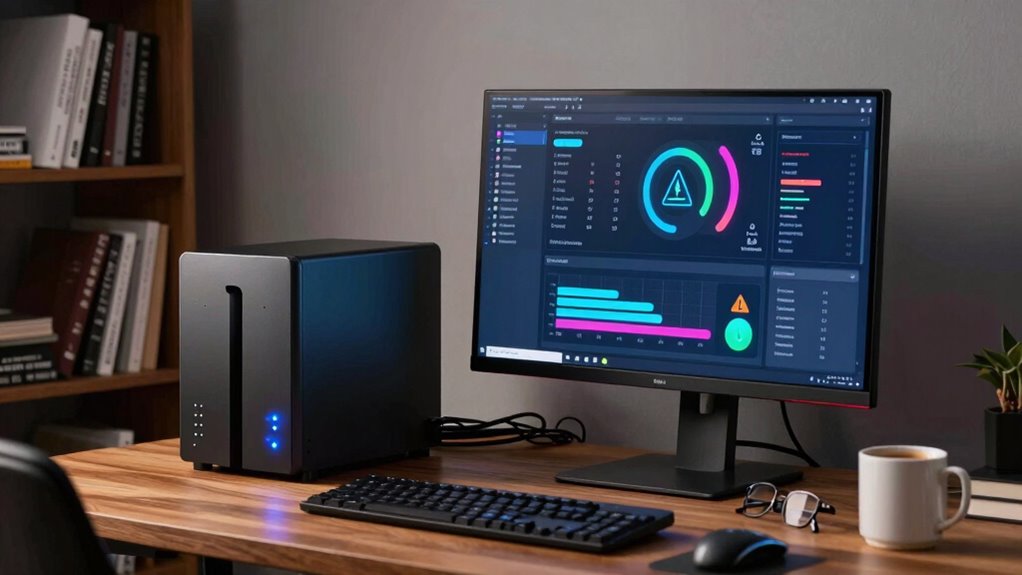
Maintaining your NAS security over time requires consistent effort and vigilance. Regularly updating your firmware ensures you have the latest security patches and features, closing vulnerabilities that could be exploited. Don’t ignore these updates—they’re vital for protection against emerging threats. Additionally, managing user permissions is essential. Review and adjust access rights periodically to ensure only authorized users can view or modify sensitive data. Remove unnecessary accounts and restrict privileges based on roles. Monitoring your NAS activity logs can also help identify suspicious activity early. Staying proactive with firmware updates and user permissions keeps your system secure, reducing the risk of breaches over time. Remember, security isn’t a one-time setup; it’s an ongoing process. Implementing security best practices and maintaining awareness of vetted wave and wind threats can further strengthen your defenses against potential attacks. Regular security assessments can help you identify gaps and adapt your strategies to evolving risks.
Frequently Asked Questions
Can Remote Access Improve Collaboration for My Team?
Yes, remote access can greatly improve your team’s collaboration by enhancing team synchronization and enabling seamless cloud integration. When your team can access files anytime, anywhere, they stay connected and productive. It eliminates delays, fosters real-time communication, and streamlines workflows. Just make sure your NAS security basics are in place to protect sensitive data, so your team benefits from improved collaboration without risking security breaches.
What Are the Best VPN Options for NAS Security?
Think of choosing a VPN for NAS security like locking your door with a high-quality deadbolt. For the best protection, opt for VPNs with strong protocols like OpenVPN or WireGuard, which offer robust encryption standards. These protocols guarantee your data stays private during remote access. Prioritize VPN providers that emphasize security and privacy, so you can confidently share files without worrying about prying eyes.
How Often Should I Update My NAS Firmware?
You should update your NAS firmware whenever a new release is available, ideally as soon as it’s released. Regular firmware updates include important security patches that fix vulnerabilities, so staying current helps protect your data. Check for firmware updates at least once a month, and enable automatic updates if possible. This proactive approach guarantees your NAS remains secure, reducing the risk of unauthorized access through outdated software.
Is Remote Access Safe on Public Wi-Fi Networks?
Remote access on public Wi-Fi isn’t inherently safe, as studies show public networks are 4 times more vulnerable to cyber threats. When you’re on public Wi-Fi, your data isn’t automatically protected, so enabling data encryption becomes essential. Always use a trusted VPN, which encrypts your connection, and avoid accessing sensitive files. These steps help secure your NAS and keep your data safe from prying eyes on insecure networks.
What Are Signs My NAS Has Been Compromised?
If your NAS has been compromised, you’ll notice signs like unauthorized access or strange activity on your files. You might see unfamiliar login attempts, unexpected data transfers, or new user accounts. These are clear indications of data theft or security breaches. Regularly monitor access logs and set up alerts to catch suspicious activity early. Staying vigilant helps prevent further damage and keeps your data safe from malicious threats.
Conclusion
Imagine your NAS as a fortress guarding your digital treasures. When you neglect security basics, it’s like leaving the gates wide open. But with strong passwords, encryption, and vigilant maintenance, you build an unbreachable wall. Don’t let complacency be the chink in your armor. By staying proactive, you turn a tempting target into a well-guarded castle, ensuring your data remains safe and sound—because in the world of remote access, security isn’t just a choice, it’s your shield.