
Power outages and electrical fluctuations can seriously damage your NAS drives, routers, and workstations by causing abrupt shutdowns, data corruption, and hardware stress. Surges and power spikes may fry sensitive components, while sudden loss of power can lead to data loss and system failures. Without proper protection like surge protectors or UPS systems, your devices remain vulnerable. To learn how to shield your equipment and guarantee data safety, see what strategies are recommended to keep your devices secure during outages.

Get hardware and tech essentials delivered free with Prime
- Fast, free delivery on millions of items
- Prime Video, Amazon Music and more included
- Member-only deals all year
Key Takeaways
- Power outages can cause data corruption and hardware damage in NAS drives, routers, and workstations.
- Sudden shutdowns during power loss lead to system crashes and potential data loss across devices.
- Voltage surges from outages can damage sensitive components in networking and storage hardware.
- Network connectivity is interrupted when routers and modems lose power during outages.
- Without proper protection, devices are vulnerable to internal damage and costly repairs from power fluctuations.
Products Worth Considering

Anker SOLIX C300 Portable Power Station, 288Wh

Jackery Explorer 500 v2 Portable Power Station, 512Wh, 500W

Amazon Kindle Scribe Colorsoft 64GB (1st Generation)
As an affiliate, we earn on qualifying purchases.
What Happens to Your Devices When the Power Goes Out?
Have you ever wondered what actually happens to your electronic devices when the power suddenly goes out? When the electricity cuts, your devices might experience power fluctuations as the voltage drops unexpectedly. These fluctuations can cause your equipment to turn off abruptly or operate erratically. Electrical interference from unstable power sources can also introduce surges or noise into the system, affecting sensitive components. This interference may lead to data corruption or hardware stress if the devices aren’t protected. Without proper surge protectors or uninterruptible power supplies, your devices are vulnerable to sudden shutdowns and damage. You might notice your devices rebooting unexpectedly or malfunctioning, which can compromise your data and hardware longevity. Being aware of these risks helps you take steps to safeguard your electronics, especially considering how power quality influences device safety and performance. Understanding the impact of electrical noise on your devices can help you better prevent damage during power irregularities. Properly managing power irregularities can significantly extend the lifespan of your hardware and protect your critical data. Additionally, using power conditioning devices can help mitigate some of these issues caused by electrical fluctuations. Recognizing the significance of stable power supply can further inform your efforts to prevent hardware failure.
How Power Outages Can Damage Your NAS and Data
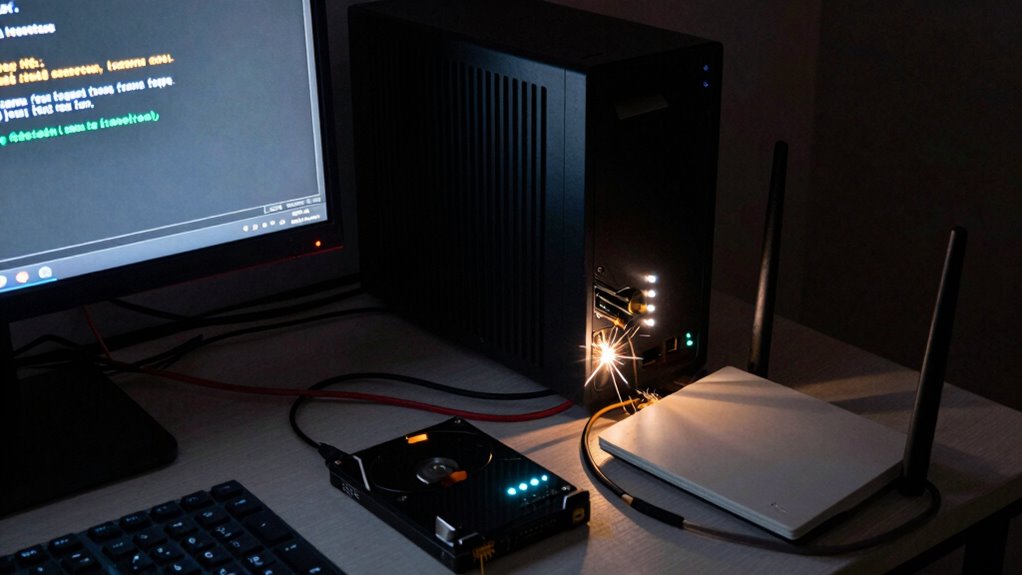
Power outages pose a significant threat to your NAS and the data stored on it because sudden power loss can cause immediate hardware damage and data corruption. Without proper power management, your NAS may experience corrupted files, system failures, or even permanent hardware damage. To protect your data, think about integrating renewable energy sources like solar power, which can provide backup during outages. Implementing effective power management strategies ensures your NAS has a stable power supply, reducing risks. Additionally, understanding digital concepts can help you better prepare for unforeseen power disruptions. For example, familiarity with smart lock technology can also aid in securing physical access points during power outages. Recognizing the importance of power protection devices can further safeguard your hardware from unexpected surges or outages. Incorporating outdoor power solutions, such as weatherproof backup systems, can enhance resilience in outdoor or exposed setups. Moreover, utilizing water-resistant equipment can help prevent damage in outdoor environments where water exposure is a concern.
The Impact of Power Loss on Routers and Internet Connectivity
When the power goes out, your internet connection can be interrupted, leaving you offline unexpectedly. Power surges or outages also pose a risk of damaging your router’s hardware. Understanding these impacts helps you protect your devices and stay connected when it matters most. Regularly using indoor plant care tips such as proper humidity levels can also help maintain a stable environment for your networking equipment. Additionally, maintaining device stability can prevent sudden failures caused by power fluctuations. Implementing engine upgrades or backup power solutions can further minimize downtime during outages. Incorporating body-based healing techniques can also reduce stress and improve your overall resilience during unexpected outages. Being aware of smart home privacy practices can further safeguard your connected devices from potential security threats during power disruptions.
Disrupted Internet Access
A power outage can instantly cut off your internet connection by shutting down your router and modem, leaving you stranded without online access. During events like solar storms or issues in the power grid, outages become more frequent and unpredictable. Without power, your connection drops, disrupting work, communication, and entertainment.
Consider these points:
- Solar storms can cause surges that damage your network hardware, leading to longer downtimes.
- Power grid failures cut electrical supply, halting internet services unexpectedly.
- Without backup power, your router and NAS drives become useless during outages.
- Restoring internet involves not only power but also waiting for service providers to fix grid issues.
Being prepared with backup power sources helps maintain connectivity during such disruptions.
Hardware Damage Risks
Given that electrical surges and outages can occur unexpectedly, your router and internet equipment are at serious risk of damage if not properly protected. Power loss can cause sudden voltage spikes when electricity returns, risking hardware damage. To mitigate this, use surge protection devices to absorb sudden jolts and prevent internal component damage. Battery safety is also essential; investing in an uninterruptible power supply (UPS) ensures your router remains powered during outages, protecting against abrupt shutdowns that can harm delicate electronics. Proper surge protection not only safeguards your devices but also prolongs their lifespan. Always confirm your equipment is connected through surge protectors and consider a UPS for critical devices. This combination minimizes the risk of hardware damage caused by power fluctuations and outages. Additionally, understanding hardware damage risks can help you better prepare and protect your valuable electronics.
Why Your Workstation Is Vulnerable During Power Failures
Power failures can quickly leave your workstation vulnerable because most electronic devices rely on a steady power supply to operate safely and effectively. Without proper precautions, sudden outages can cause data loss, hardware damage, and system crashes. To protect your workstation, focus on:
- Battery management—using uninterruptible power supplies (UPS) ensures you have time to save work during outages.
- Surge protection—installing surge protectors prevents voltage spikes from damaging components.
- Regular backups—keeping backups ensures data safety if the system shuts down unexpectedly.
- Power management settings—configuring your workstation to shut down safely during power issues minimizes risk.
Implementing hardware safeguards such as surge protectors can further reduce the risk of damage from unexpected voltage fluctuations.
Taking these steps helps safeguard your workstation from the immediate threats of power failures and prolongs its lifespan.
How Different Devices Respond to Power Outages : and Why It Matters
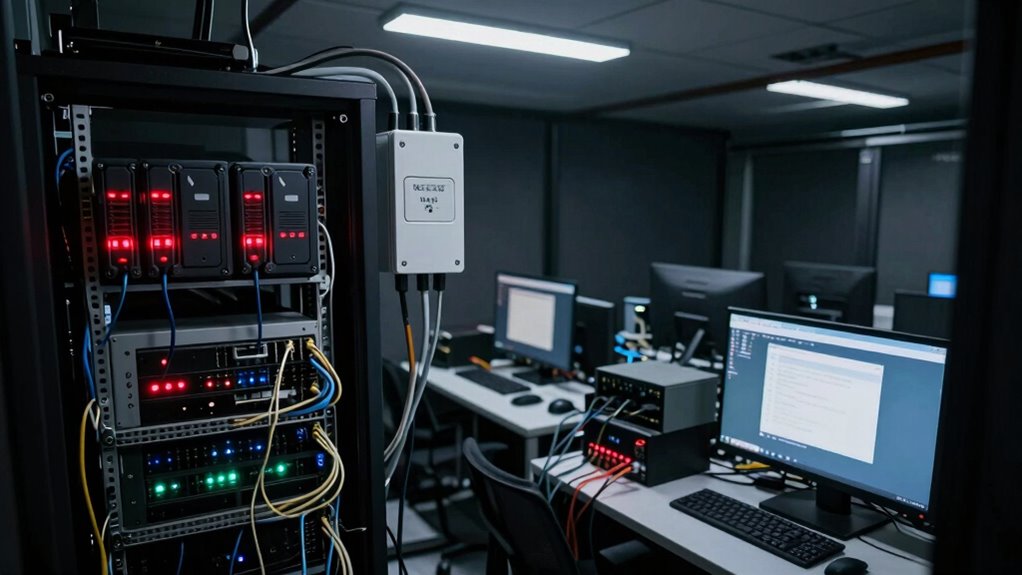
When the power goes out, your NAS drive might become vulnerable to data corruption, risking important files. Your router could lose stability or shut down unexpectedly, disrupting your internet connection. Meanwhile, your workstation faces data risks if it isn’t properly protected, making understanding these responses essential for safeguarding your devices. Additionally, selecting a suitable standby generator can help ensure continuous power supply and prevent device damage during outages.
NAS Drive Vulnerabilities During Power Loss
Have you ever wondered what happens to your NAS drive during a sudden power outage? Power loss can expose your NAS to vulnerabilities that threaten data integrity and security. Here’s what you need to take into account:
- Sudden shutdowns can corrupt files, risking data loss or requiring recovery.
- Inadequate battery maintenance might prevent safe shutdowns, increasing hardware stress.
- Power interruptions can disrupt ongoing data encryption processes, risking security breaches.
- Without proper safeguards, your NAS’s firmware could become corrupted, making recovery difficult.
- Implementing cybersecurity tactics for device protection can further minimize these risks during outages. Understanding these risks helps you protect your data. Using uninterruptible power supplies (UPS) and maintaining batteries ensures safer shutdowns. Additionally, regularly updating encryption protocols keeps your data secure during unexpected outages. It’s also important to be aware of power management strategies to reduce the impact of power interruptions on your devices. Incorporating power management techniques can help extend device lifespan and improve overall resilience during outages. Furthermore, understanding security zone best practices can help safeguard your devices from external threats during power fluctuations. Research into sound healing science suggests that certain frequencies can influence device performance, which highlights the importance of maintaining optimal operating conditions.
Router Stability and Power Interruptions
Different devices respond to power outages in ways that can considerably impact your network stability and security. Routers are especially vulnerable to voltage fluctuations and power surges that occur during outages. Sudden spikes in voltage can damage internal components, causing instability or complete failure. Power interruptions can also lead to router crashes, disconnecting your network and disrupting internet access. If you don’t use surge protectors or uninterruptible power supplies (UPS), your router is at greater risk of damage from unexpected surges or fluctuating power levels. This instability can result in data loss, prolonged downtime, or costly repairs. Understanding halal traditions and the importance of reliable power sources can help you better protect your network infrastructure. Ensuring your router has proper surge protection and backup power sources helps maintain network reliability and prevents damage caused by unpredictable power interruptions. Recognizing the impact of power fluctuations can help you take proactive steps to safeguard your devices.
Workstation Data Risks in Outages
Power outages can pose significant risks to your workstation data, especially since devices respond differently to sudden power loss. Without proper safeguards, your files can become corrupted or lost, risking data encryption keys stored locally. You might also experience data inconsistencies that complicate recovery. To minimize these risks:
- Save work frequently and enable automatic backups.
- Use UPS systems to maintain power during outages.
- Rely on cloud storage for real-time data synchronization.
- Guarantee data encryption is handled securely, so that even if files are corrupted, sensitive information remains protected.
Recognizing how your workstation responds to power interruptions helps you implement better strategies, safeguarding your data from loss and unauthorized access during outages.
Common Types of Damage Caused by Power Outages
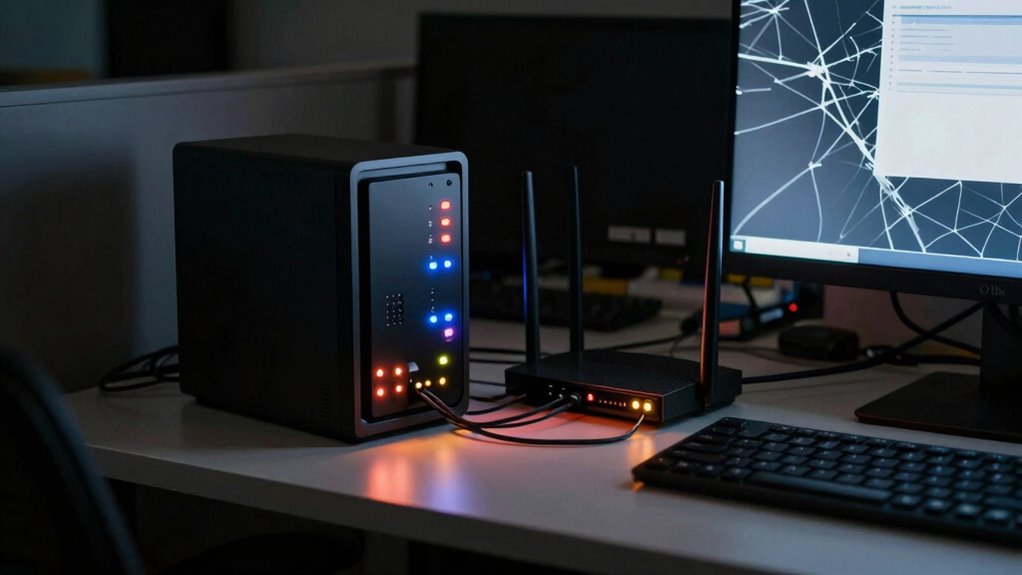
Power outages can cause immediate and irreversible damage to your electronic devices if you’re not prepared. One common issue is power fluctuation, where sudden surges or drops in voltage can overload components, leading to hardware failure. Electrical interference during outages can also corrupt data or cause erratic device behavior. These fluctuations may occur when power is restored, risking damage to NAS drives, routers, and workstations. Devices not equipped with proper protection are especially vulnerable, as inconsistent power can fry circuits or corrupt stored data. Additionally, abrupt shutdowns caused by outages can lead to data loss or file system corruption. Understanding these risks highlights the importance of safeguarding your equipment against unpredictable power conditions to prevent costly repairs or replacements.
How to Protect Your NAS, Router, and PC From Power Surges and Outages
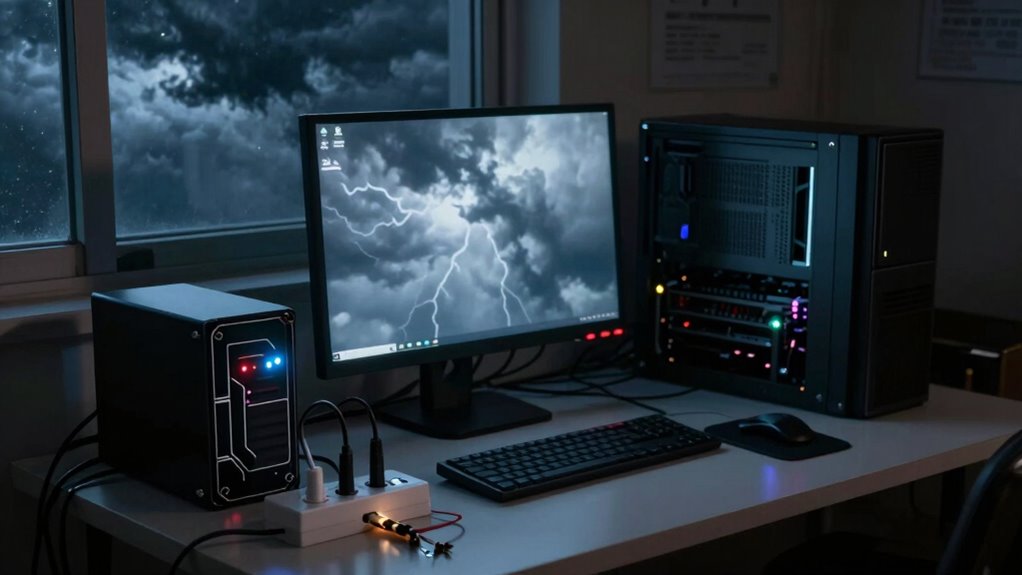
To effectively protect your NAS, router, and PC from power surges and outages, investing in reliable surge protectors and uninterruptible power supplies (UPS) is essential. These devices help maintain power efficiency and support energy conservation by preventing damage and reducing energy waste during outages.
Protect your NAS, router, and PC with surge protectors and UPS for reliable power and energy conservation.
Consider these steps:
- Use surge protectors with high joule ratings to shield against voltage spikes.
- Connect critical devices to a UPS to ensure continuous operation during outages.
- Regularly test your backup power devices for proper functionality.
- Opt for energy-efficient surge protectors that minimize power consumption when idle.
These measures safeguard your equipment, promote power efficiency, and help conserve energy, minimizing potential damage caused by power fluctuations.
Best Backup and UPS Solutions to Safeguard Your Data
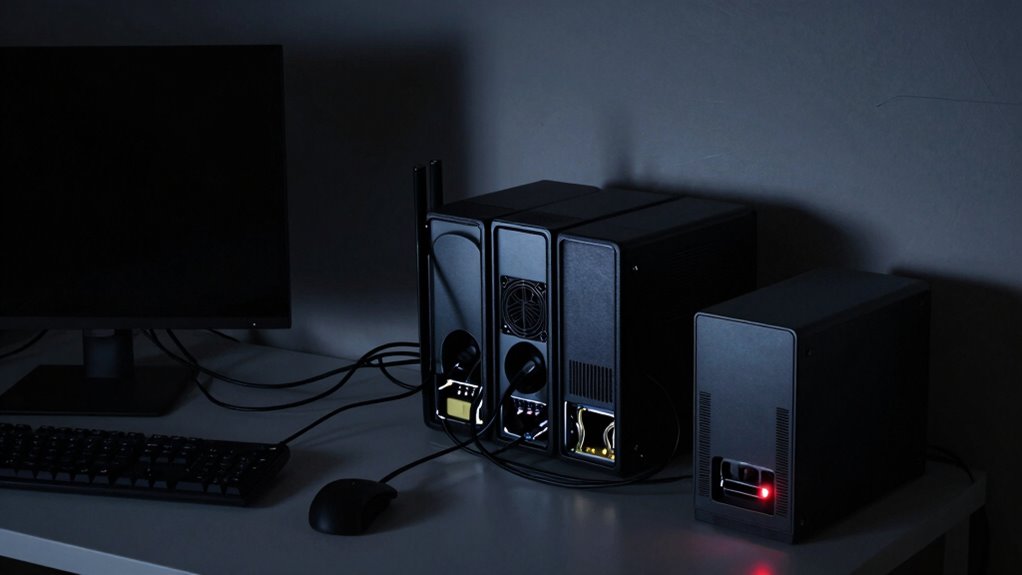
Protecting your devices from surges and outages is just the first step; guaranteeing your data remains safe requires reliable backup and UPS solutions. A quality Uninterruptible Power Supply (UPS) provides surge protection and backup power, giving you time to save work during outages. Regular battery maintenance is essential to keep your UPS functioning properly and extend its lifespan. Choose a UPS with sufficient capacity for your NAS, router, and workstation to prevent sudden shutdowns. Implement automatic backups to cloud or external drives to safeguard data even if hardware fails. Combining surge protection with a dependable backup plan ensures your data remains intact and accessible, minimizing disruption and potential loss caused by power fluctuations or outages.
Immediate Steps to Take After a Power Outage to Minimize Damage
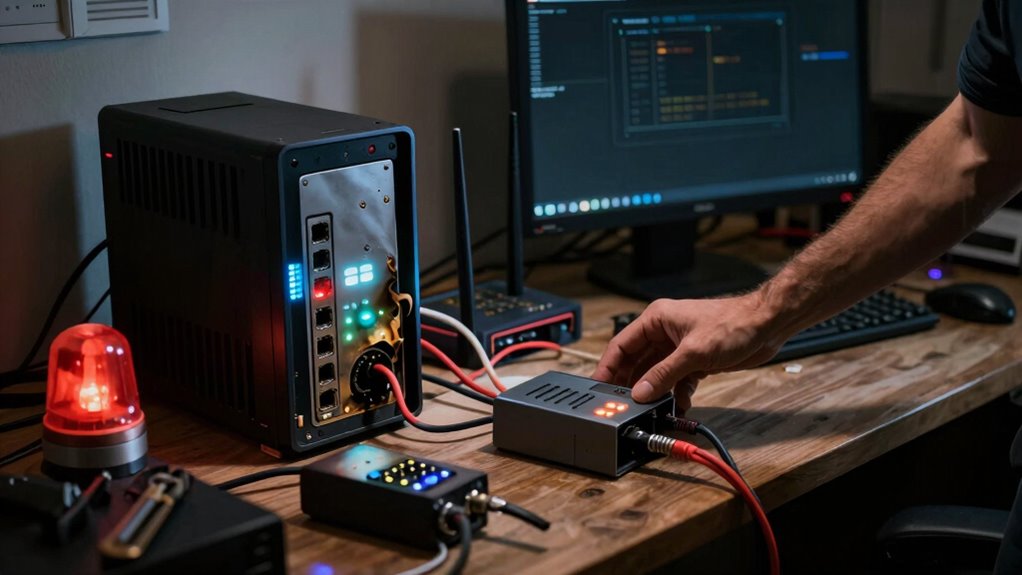
When the power suddenly goes out, your first priority should be to prevent further damage to your devices and data. Act quickly to safeguard your equipment by doing the following:
- Unplug devices to avoid power surges when electricity returns, reducing risk of damage.
- Use surge protection outlets or strips to shield sensitive electronics like NAS drives and routers.
- Check battery maintenance on your UPS or backup power source, ensuring it’s ready to support critical devices if needed.
- Avoid turning on devices immediately after power is restored; wait for stable power to prevent voltage spikes.
Taking these steps minimizes hardware stress and protects your data, ensuring your devices stay safe and operational longer.
Frequently Asked Questions
How Long Can a NAS Drive Operate Safely During a Power Outage?
During a power outage, your NAS drive can operate safely for only a short period, typically a few minutes, if connected to a battery backup. This device provides temporary power and protects against surges. To extend safe operation, guarantee your NAS is connected to both a battery backup and surge protection. This setup prevents data loss and hardware damage, giving you vital extra time to save work or shut down properly.
Are There Specific Signs Indicating My Router Has Been Damaged by a Power Outage?
You might notice your router’s performance feels a bit off after a power hiccup—like slow connections or intermittent drops. Check for physical signs such as unusual heat or blinking lights. Using surge protection can help shield it from future damage. Also, make certain you have solid backup strategies in place, so your network stays safe even if signs of damage appear. Staying vigilant keeps your setup resilient against power fluctuations.
What Are the Long-Term Effects of Frequent Power Outages on Workstation Hardware?
Frequent power outages can cause long-term damage to your workstation hardware by stressing components like the power supply and motherboard. Using a battery backup provides consistent power, preventing sudden shutdowns, while surge protection shields your equipment from voltage spikes. Over time, this reduces wear and tear, prolonging your workstation’s lifespan. Investing in these protections helps guarantee your hardware remains reliable and functional, even during unpredictable power issues.
Can Power Outages Cause Data Corruption in NAS Drives Even if They Don’T Shut Down Properly?
Yes, power outages can cause data corruption in NAS drives even if they don’t shut down properly. Studies show that improper shutdowns increase the risk of data loss by up to 70%. Using battery backups and surge protectors helps prevent this by ensuring a safe shutdown process and protecting against voltage spikes. These tools are essential for safeguarding your data during unexpected outages, reducing the risk of corruption and hardware damage.
How Does Power Outage Frequency Affect the Lifespan of Network Devices?
Frequent power outages can shorten your network devices’ lifespan because each outage risks power surges that damage internal components. Using a battery backup helps protect your devices during outages, preventing sudden shutdowns and surges. Regular power interruptions wear out components faster, leading to more frequent replacements. To extend your devices’ life, invest in surge protectors and battery backups, ensuring a stable power supply and reducing the stress on your network equipment.
Conclusion
Power outages can strike when you least expect, and without proper safeguards, your NAS, router, and workstation are vulnerable to damage and data loss. By understanding how each device reacts and taking proactive steps like investing in UPS solutions, you can stay one step ahead. Don’t wait for trouble to knock on your door—be prepared and act now. Remember, it’s better to be safe than sorry, especially when digital assets are on the line.