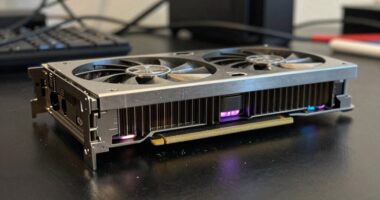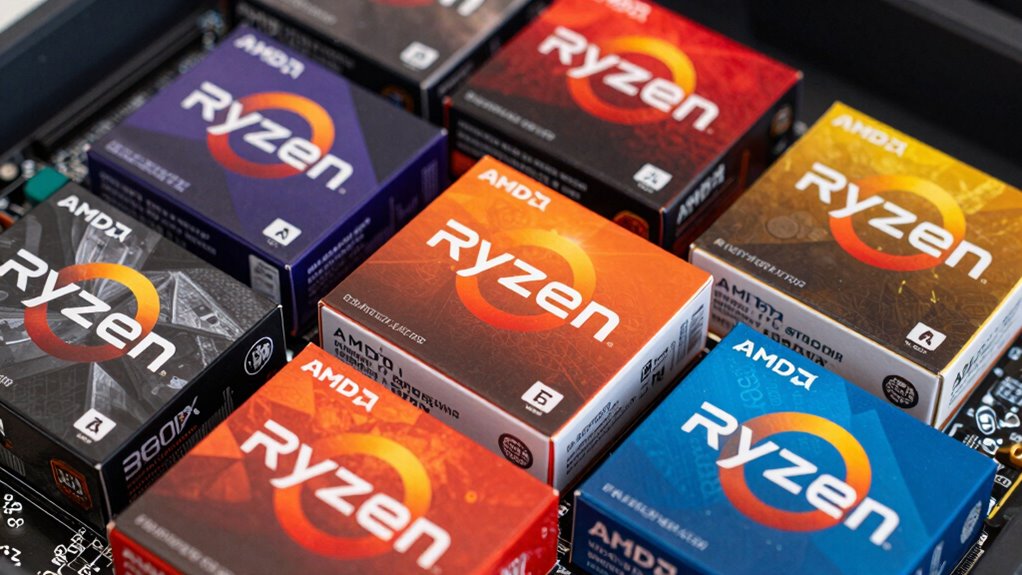

To understand AMD’s naming confusion, focus on how model numbers indicate performance but aren’t always consistent. Higher numbers usually mean better performance, but exceptions exist, so benchmarks help clarify actual differences. Pay attention to specific features like integrated graphics, socket compatibility, and refresh cycles. Recognizing these patterns saves money and prevents mismatched components. If you want to make smarter choices and find the best fit, there’s more to discover about AMD’s naming system.

Get hardware and tech essentials delivered free with Prime
- Fast, free delivery on millions of items
- Prime Video, Amazon Music and more included
- Member-only deals all year
Key Takeaways
- Higher model numbers usually indicate better performance but can vary by series and generation.
- AMD’s naming conventions include features like integrated graphics or socket compatibility, requiring research.
- Performance benchmarks are essential, as model numbers alone don’t guarantee real-world performance.
- Compatibility depends on matching the processor’s socket and chipset with your motherboard.
- Understanding product refresh cycles helps identify when newer, better-value models are available.

If you’re trying to choose an AMD processor or graphics card, the confusing naming conventions can make your decision more difficult than it needs to be. AMD’s naming system often includes a string of numbers and letters that seem to lack clear logic, which can make it tough to compare products at a glance. For example, a Ryzen 5 5600X and a Ryzen 7 5800X might look similar, but their performance differences are significant. To navigate this, you need to understand the correlation between the naming scheme and actual performance benchmarks. Generally, higher numbers indicate better performance, but that’s not always consistent across product lines or generations. Recognizing these patterns helps you set realistic expectations and narrow down options that match your needs.
Understanding AMD’s naming conventions helps you choose the right processor or graphics card for your needs.
Another key aspect to take into account is compatibility considerations. AMD’s naming conventions sometimes include details about the processor’s socket type, chipset compatibility, or specific features like integrated graphics. For instance, a Ryzen 5 5600G has integrated graphics, while the 5600X does not. If you’re building a system, you must verify your motherboard supports the specific processor you’re considering, which can be confusing if you’re unfamiliar with AMD’s series. The same goes for graphics cards—certain models are designed for specific PCIe slots or power requirements. Compatibility considerations involve not just matching the product name but also confirming your existing components or planned setup can work together seamlessly. Being aware of model-specific features can further help you avoid mismatched components and ensure your system functions optimally. Additionally, understanding the AMD product line updates can help you anticipate upcoming releases and avoid purchasing outdated models prematurely. Staying informed about product refresh cycles can assist you in making more future-proof choices and recognizing when a newer model might offer better value.
Understanding AMD’s naming conventions also helps you avoid overpaying for features you don’t need. A higher number might suggest a more powerful processor, but it could also include features that aren’t relevant to your use case, such as unlocked overclocking capabilities or specific cache sizes. By focusing on performance benchmarks relevant to your tasks—gaming, content creation, or general use—you can make more informed decisions without getting lost in the jargon. Additionally, staying informed about AMD’s product line updates can prevent confusion caused by frequent model refreshes and new releases. Being aware of performance tiers within each series can further guide your choice toward the best value for your budget.
In essence, decoding AMD’s naming system requires a little research, but it pays off by giving you clarity. Pay attention to the numbers, read up on compatibility considerations, and review performance benchmarks for each model. Doing so guarantees you pick the right processor or graphics card that meets your performance expectations and integrates smoothly with your existing or planned setup. This approach saves you time, money, and frustration, making your upgrade or build much more straightforward.
As an affiliate, we earn on qualifying purchases.
Frequently Asked Questions
How Do AMD CPU Generations Differ From Each Other?
AMD CPU generations differ mainly in architecture, performance improvements, and features. Each new generation typically uses a different AMD architecture, like Zen 2 or Zen 3, offering better efficiency and speed. You should also check CPU socket compatibility, as newer generations often require newer sockets. This means you might need a new motherboard when upgrading to a different AMD generation, so understanding these differences helps guarantee your system stays compatible and performs at its best.
What Is the Significance of Amd’s Ryzen and Athlon Branding?
A stitch in time saves nine, so understanding AMD’s Ryzen and Athlon branding helps you navigate their brand evolution and market positioning. Ryzen signifies high-performance, modern processors aimed at gamers and enthusiasts, while Athlon targets budget-conscious users seeking basic computing power. Recognizing these brands’ roles helps you choose the right CPU based on your needs, avoiding confusion and ensuring you get the best value for your investment.
Are Amd’s GPU Names Consistent Across Generations?
AMD’s GPU names aren’t always consistent across generations, which can make comparisons tricky. While AMD tries to follow certain naming patterns, like the Radeon RX 6000 series, variations happen as new architectures and product lines are introduced. You should pay close attention to the specific model numbers and generation indicators, as brand consistency isn’t always maintained across different GPU releases. This helps you better understand each GPU’s performance and value.
How Can I Tell if an AMD Processor Is Suitable for Gaming?
You can tell if an AMD processor suits gaming by checking its overclocking potential and compatibility considerations. A higher number in the Ryzen series usually indicates better gaming performance, but don’t overlook the processor’s architecture and core count. Make sure your motherboard supports the processor, and consider how overclocking might boost performance. Research benchmarks and reviews to confirm it handles popular games smoothly, aligning with your gaming needs.
Do Amd’s Naming Conventions Indicate Performance Levels?
Yes, AMD’s naming conventions give you clues about performance levels through their brand hierarchy. Higher numbers generally indicate better performance, but it’s crucial to check performance benchmarks for specific models. For example, Ryzen 9 processors typically outperform Ryzen 5s. Keep in mind, AMD’s naming can be confusing, so always compare benchmark results to verify the processor meets your gaming or productivity needs.
As an affiliate, we earn on qualifying purchases.
Conclusion
To navigate AMD’s confusing naming system, stay informed and compare specifications carefully. While it might seem overwhelming at first, understanding the differences helps you make smarter choices. Don’t let the naming chaos discourage you—doing a bit of research guarantees you pick the right processor or graphics card for your needs. With patience, you’ll find the perfect fit without feeling lost in the naming maze. Ultimately, knowledge empowers you to buy confidently and get the performance you deserve.
As an affiliate, we earn on qualifying purchases.
As an affiliate, we earn on qualifying purchases.
Fall Picks
fall essentials
As an affiliate, we earn on qualifying purchases.