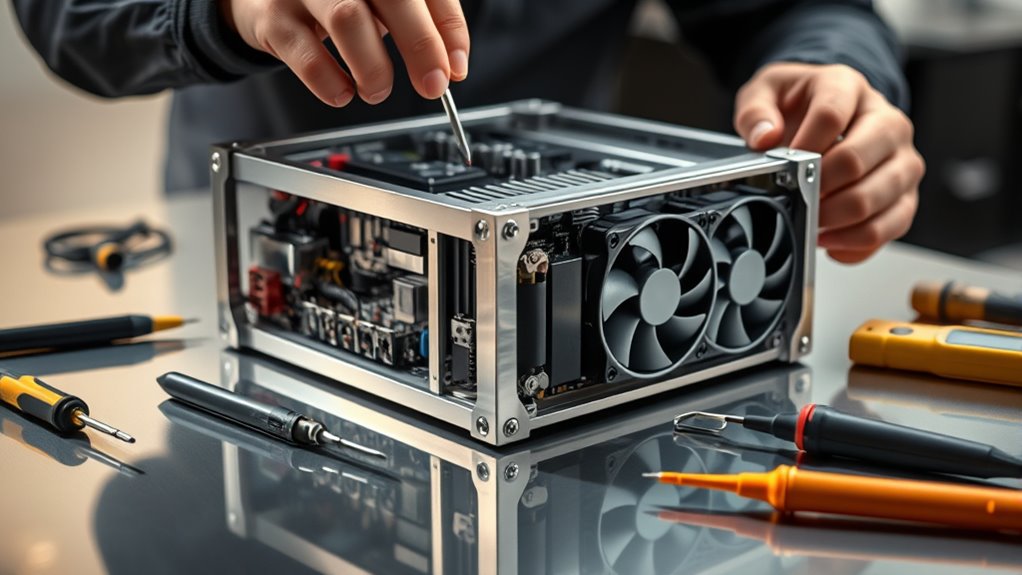

To set up your Bitmain Antminer, first gather your device, PSU, Ethernet cable, and a stable internet connection. Connect the Antminer to power and your router via Ethernet, then turn it on. Find its IP address through your router’s admin panel or network tools, and access the web interface using a browser. From there, update the firmware, input your mining pool details, and customize settings. If you’re enthusiastic to optimize your setup, continuing with the steps will guide you through each stage.
Key Takeaways
- Gather all equipment, including Antminer, PSU, Ethernet cable, and ensure stable internet before starting setup.
- Connect the Antminer to power and the router via Ethernet, then power on the device.
- Locate the device’s IP address through your router’s admin panel or network scanning tools.
- Access the web interface using the IP, update firmware if needed, and input your mining pool details.
- Monitor device performance such as hash rate and temperature through the web dashboard for optimal operation.
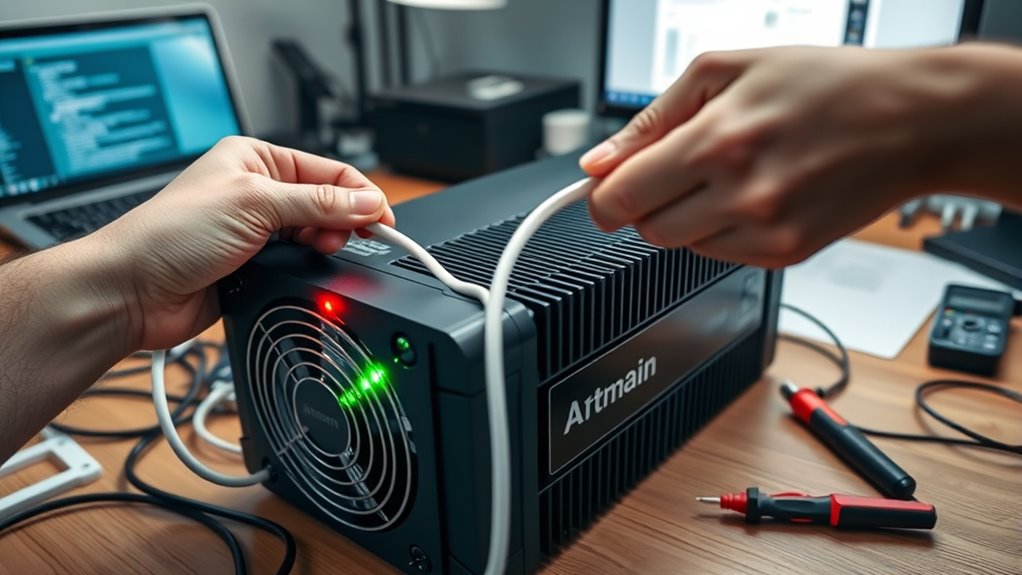
Setting up a Bitmain Antminer is a straightforward process that anyone can follow with a bit of preparation. Before diving in, ensure you have all the necessary equipment, including the Antminer device, power supply unit (PSU), Ethernet cable, and a stable internet connection. One of the first things you’ll need to consider is the electricity requirements of your Antminer. These devices can draw a significant amount of power, so check the specific model’s power consumption to ensure your electrical setup can handle it safely. Using a dedicated power outlet is recommended to prevent overloads and ensure stable operation. Once plugged in, power on the Antminer and connect it to your router using an Ethernet cable. This wired connection is more reliable than Wi-Fi and helps prevent connection drops, which can affect mining performance.
Accessing the Antminer’s web interface is your next step. Find your device’s IP address through your router’s admin panel or use network scanning tools. Enter this IP address into a web browser to access the setup dashboard. Here, you’ll be prompted to set up your mining pool details and configure your device’s settings. It’s vital to keep your firmware up to date, as manufacturers regularly release updates to improve performance, add features, and fix security vulnerabilities. Firmware updates can often be initiated directly through the device’s web interface, or you can download the latest firmware from the official Bitmain website and upload it manually if needed. Staying current with firmware updates ensures your Antminer operates efficiently and remains secure against potential threats.
During setup, you’ll need to configure your mining pool credentials, which allows your Antminer to connect to the mining network and start earning rewards. Double-check all entered details for accuracy. Once everything is configured correctly, reboot the device if prompted. Monitoring tools within the web interface provide real-time data on hash rate, temperature, and power usage, helping you optimize performance and troubleshoot issues. Also, keep an eye on your electricity consumption to manage costs effectively. Managing power efficiently not only saves money but also prolongs your device’s lifespan. Additionally, understanding power management strategies can help you operate your Antminer more reliably and safely.
Frequently Asked Questions
What Are the Common Troubleshooting Steps for Antminer Connectivity Issues?
When facing Antminer connectivity issues, start by checking your cable connections to make certain they’re secure and undamaged. Next, verify your power supply is functioning properly and providing consistent power. Restart the device to refresh its network settings. If problems persist, test your Ethernet cable with another device or replace it, and ensure your router’s settings allow proper communication. These steps often resolve common connectivity problems quickly.
How Do I Optimize Antminer Performance for Maximum Hash Rate?
Imagine boosting your Antminer’s hash rate like a miner who improved cooling and power settings. To optimize performance, first enhance cooling strategies—install better fans or improve airflow to prevent overheating. Then, adjust power optimization settings in the firmware to balance energy use and output. Regularly monitor temperatures and hash rates, fine-tuning these elements for maximum efficiency, so your miner runs at peak performance without risking damage.
What Safety Precautions Should I Follow During Setup?
You should prioritize electrical safety by ensuring all connections are secure, avoiding overloads, and using a grounded power source. Keep the Antminer in a well-ventilated area to prevent overheating and maintain peak performance. Avoid contact with exposed wiring and always unplug the device before handling or maintenance. These precautions protect you from electrical hazards and help your miner operate efficiently and safely during setup.
How Can I Monitor and Manage Energy Consumption?
To monitor and manage your Antminer’s power consumption, you should use energy monitoring tools or software compatible with your device. Keep an eye on real-time power consumption data to identify inefficiencies. Adjust settings if possible to optimize energy use, and verify your power supply is adequate. Regularly review consumption patterns to prevent overheating or overloading, helping you maintain efficient operation and reduce electricity costs effectively.
What Are the Best Practices for Firmware Updates?
Think of firmware updates as tending to a garden—you need to do it carefully. To guarantee firmware stability, always back up your current settings before updating. Schedule updates during low-traffic times to minimize disruption. Keep your Antminer’s firmware current with official releases, and follow manufacturer instructions precisely. Regular, well-timed updates help maintain ideal mining performance and protect your device from vulnerabilities.
Conclusion
Now that you’ve set up your Bitmain Antminer, you’re ready to start mining and potentially earn some crypto. Just remember, even with all this modern tech, patience and careful monitoring are key—think of it as your digital version of tuning a classic car. Don’t forget to keep your firmware updated and stay vigilant about security. With persistence, you’ll be steering the mining world like a seasoned pro, proving that sometimes, old-school dedication beats the fastest processor.