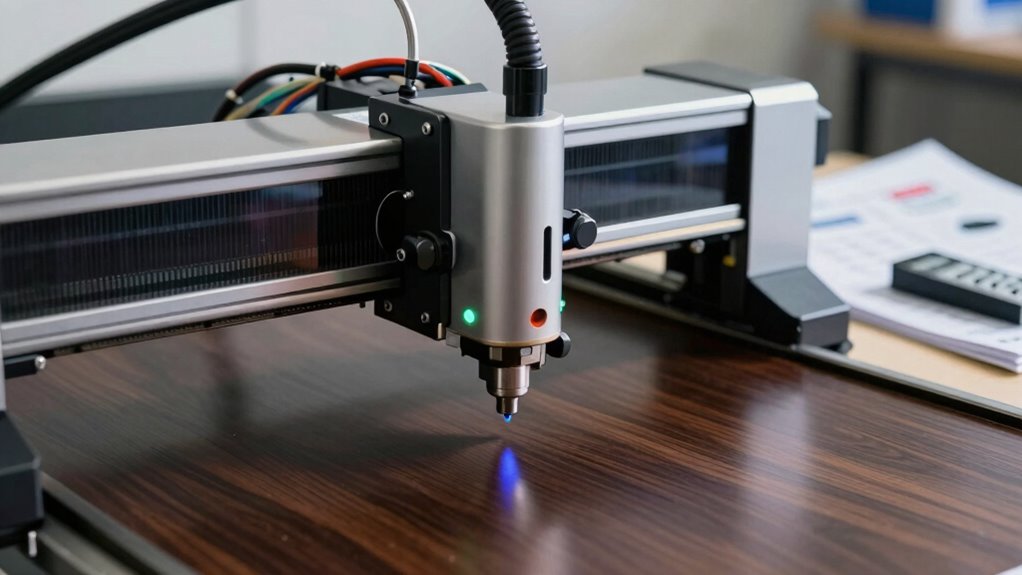

Before buying a laser engraver, you should understand safety features like enclosed work areas and eye protection, and follow safety regulations to prevent accidents. Check if the machine works with your chosen materials—wood, acrylic, or metal—and verify it matches your project’s thickness needs. Consider the laser type and power, as well as ease of use and maintenance requirements. If you keep these factors in mind, you’ll be better prepared for successful engraving projects. Keep exploring to learn more details.

Get hardware and tech essentials delivered free with Prime
- Fast, free delivery on millions of items
- Prime Video, Amazon Music and more included
- Member-only deals all year
Key Takeaways
- Ensure the laser engraver is compatible with your intended materials, such as wood, acrylic, or metals.
- Prioritize safety features like enclosures, interlocks, and proper eye protection to prevent accidents.
- Choose the appropriate laser type and wattage based on your projects’ material thickness and complexity.
- Consider maintenance requirements and machine durability for long-term performance and safety.
- Verify software usability and support to facilitate easy operation and project customization.
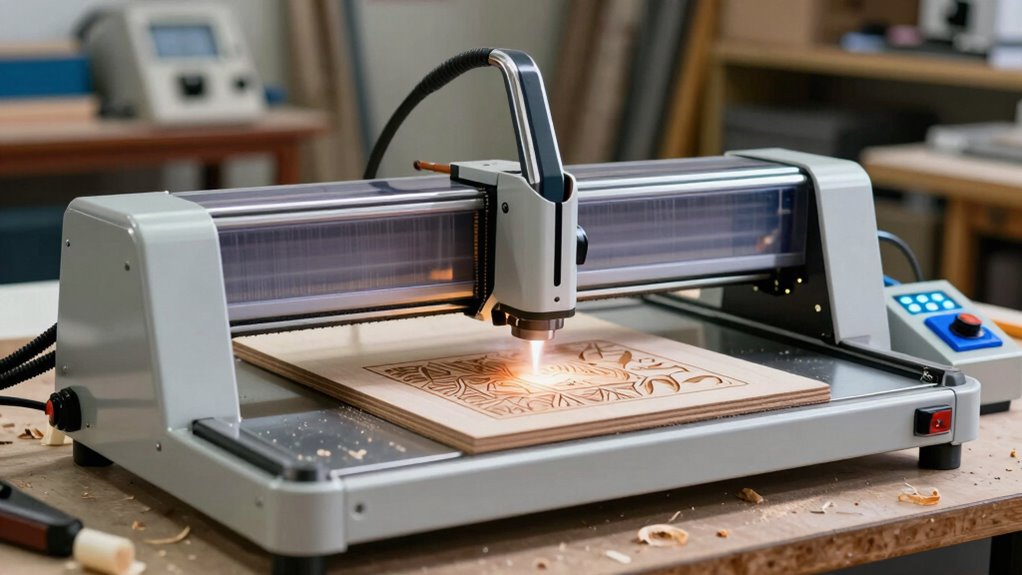
If you’re contemplating adding a laser engraver to your maker toolkit, understanding how to choose the right machine is crucial. One of the most critical factors to consider is laser safety. Laser engravers use concentrated light beams that can be hazardous if not handled properly. You need to guarantee the device you select has adequate safety features, such as enclosed work areas, automatic shut-offs, and safety interlocks. Proper eye protection, like certified goggles, is also indispensable whenever operating the machine. Familiarize yourself with safety regulations and manufacturer guidelines to prevent accidents and protect yourself and others around you. Additionally, understanding the laser safety standards and best practices can help ensure a safer working environment. Material compatibility is another key aspect. Not all laser engravers work equally well with every material, so you need to determine what you’ll be working with most often. Some machines are optimized for engraving on wood, acrylic, leather, or paper, while others can handle metals or certain plastics. Check the engraver’s specifications to see which materials it supports and whether it offers adjustable power and speed settings. This flexibility can markedly expand your creative options and ensure your projects turn out as planned. Additionally, consider the thickness of materials you intend to work with—some machines are better suited for thin materials, whereas others can handle thicker substrates with ease. When selecting a laser engraver, it’s also important to consider its maintenance requirements to keep it functioning safely and efficiently over time. Regular cleaning and calibration are essential components of laser machine maintenance, which can extend the lifespan of your equipment. Properly understanding the laser type and power options can help you choose a machine that aligns with your project goals and safety needs. Beyond safety and material compatibility, consider the laser type and power. CO2 lasers are common for engraving organic materials like wood and acrylic, while fiber lasers excel at marking metals. The power of the laser correlates with cutting and engraving depth; higher wattage machines can typically handle more demanding tasks but tend to be more expensive. Think about your typical projects and choose a laser with an appropriate power rating that balances capability and budget. Ease of use is also important. Look for a machine with user-friendly software, clear instructions, and reliable support. A good interface will streamline your workflow, especially if you’re new to laser engraving. Portability might matter if you plan to move it around your workspace or attend maker fairs, so consider size and weight. In the end, making an informed decision involves weighing safety, material compatibility, power, and usability. Doing thorough research now ensures you pick a laser engraver that fits your skill level, project needs, and safety requirements. That way, you can focus on creating amazing projects while keeping safety at the forefront.
Products Worth Considering

Jackery Explorer 1000 v2 Portable Power Station

Jackery Explorer 300 Portable Power Station, 292Wh

Bose TV Speaker Compact Soundbar with Bluetooth and HDMI-ARC, Black
As an affiliate, we earn on qualifying purchases.
Frequently Asked Questions
How Do I Maintain and Clean a Laser Engraver Effectively?
To maintain your laser engraver effectively, regularly clean the lens and mirrors with a soft, lint-free cloth to guarantee peak laser performance. Keep the engraving bed free of debris and dust. Perform frequent laser engraver calibration to maintain precision. When selecting engraving materials, choose appropriate types to prevent residue buildup. Proper maintenance extends your engraver’s lifespan and guarantees high-quality results, so stay consistent with cleaning routines and calibration checks.
What Safety Precautions Should I Follow When Operating a Laser Engraver?
When operating a laser engraver, prioritize laser safety by always wearing protective gear like safety goggles designed for laser use. Keep the workspace well-ventilated, and never leave the machine unattended during operation. Make certain the laser area is clear of flammable materials, and follow the manufacturer’s safety guidelines. Regularly inspect equipment for issues, and always shut down the machine properly after use to prevent accidents.
Can a Laser Engraver Engrave on Reflective or Transparent Materials?
A laser engraver can dance on reflective materials and transparent surfaces, but it’s a tricky waltz. Reflective materials like mirrors can bounce the laser beam, risking damage and poor results. Transparent surfaces, such as glass or acrylic, require special settings and sometimes a different laser type. With careful calibration and safety precautions, you can create stunning engravings on these surfaces, turning everyday items into works of art.
What Are the Legal Regulations for Owning and Operating a Laser Engraver?
You need to understand laser safety and legal compliance before owning or operating a laser engraver. Laws vary by location, often requiring you to register your device, follow safety protocols, and use proper protective gear. Make sure your laser engraver meets safety standards to prevent accidents. Staying informed about local regulations helps you operate legally and safely, protecting both you and others from potential hazards associated with laser engraving.
How Do I Troubleshoot Common Issues With Laser Engravers?
When troubleshooting laser engravers, start by checking if the laser power is consistent; low power causes faint engravings. If your designs aren’t sharp, adjust the engraving speed—slowing it down often improves detail. Clean the lenses regularly and make sure the bed is level. These steps help resolve common issues, making your engravings clearer and more precise. Visualize adjusting laser power and speed as tuning your machine for peak performance.
Conclusion
Before you plunge into the world of laser engraving, remember it’s not just about the tool but the magic you create with it. Think of your laser engraver as the brush and your ideas as the canvas—choosing the right one sets the stage for masterpieces. With the right knowledge, you’ll navigate this tech like a captain steering through calm waters, transforming raw materials into stunning projects. Happy creating—your next masterpiece awaits!