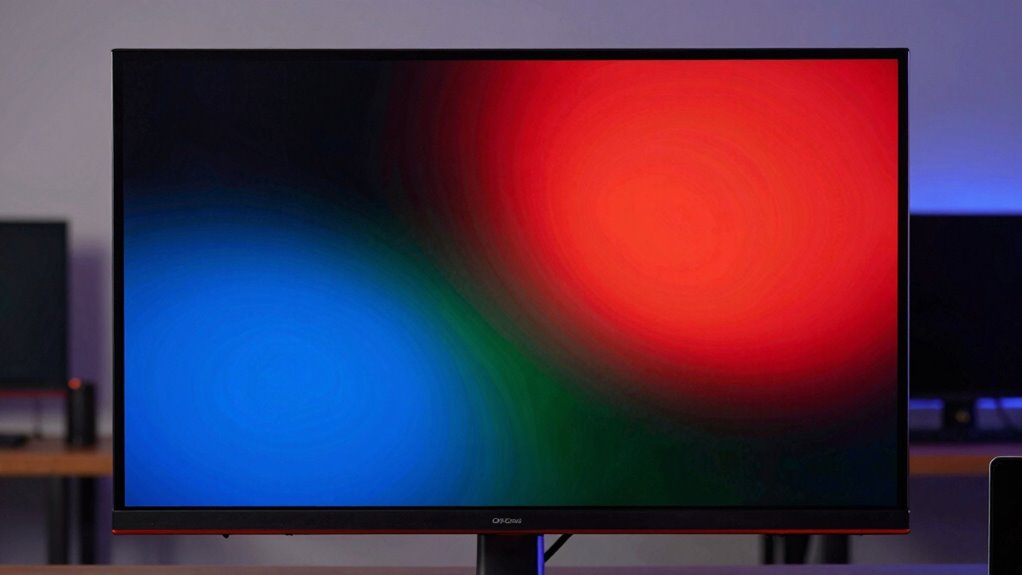

You’ll notice OLED monitors deliver stunning visuals with deep blacks, vibrant colors, and excellent contrast, making them perfect for gaming, editing, or enjoying movies. However, you should be aware of burn-in risks from static images and the higher cost compared to LED or LCD screens. Over time, color accuracy can shift, and longevity might be a concern. Want to understand how to get the best out of OLED tech despite these trade-offs? Keep exploring to find out more.
Key Takeaways
- OLED monitors deliver stunning visuals with deep blacks and vibrant colors, creating an immersive viewing experience.
- Burn-in risk from static images can cause permanent ghosting and degrade display quality over time.
- Color accuracy is excellent initially but may shift as the display ages, affecting consistent visual quality.
- Higher costs and technological limitations impact longevity, requiring careful consideration of maintenance and usage.
- Proper usage habits, like avoiding static images and regular calibration, can extend OLED lifespan and preserve image quality.
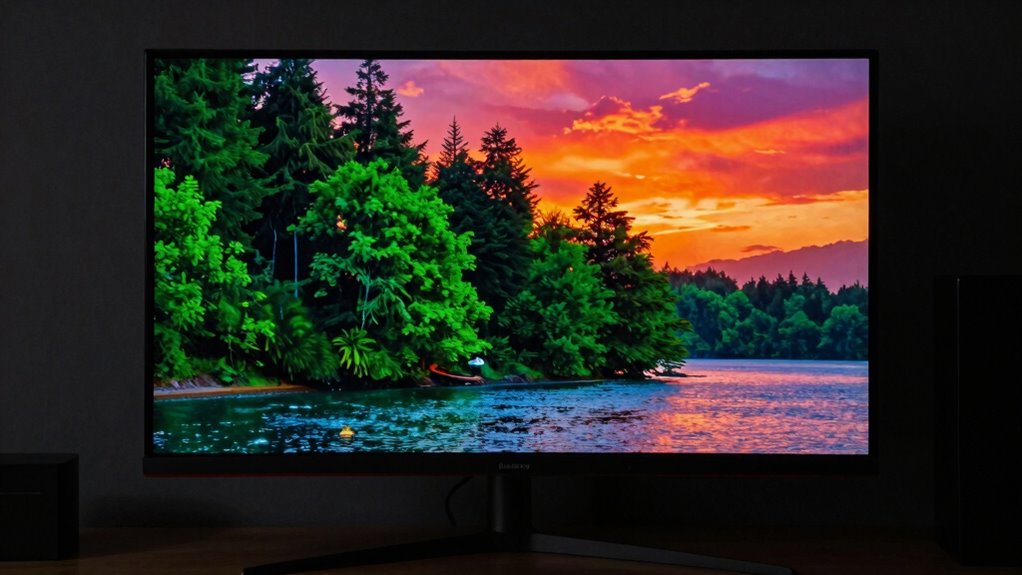
OLED monitors have generated a buzz for their stunning visuals and deep blacks, but it’s important to recognize that the hype comes with some significant trade-offs. One of the main attractions of OLED technology is its ability to produce vibrant colors and perfect contrast ratios. When you look at an OLED screen, it’s almost like the colors are alive, with remarkable color accuracy that makes images pop. Whether you’re editing photos, watching movies, or gaming, these displays can deliver a visual experience that feels immersive and lifelike. However, this impressive color fidelity isn’t without its downsides.
One of the biggest concerns with OLED monitors is burn-in issues. If you leave a static image on the screen for too long, you risk permanently ghosting that image in your display. This isn’t just a minor annoyance; it can degrade the overall quality of your monitor over time and affect your viewing experience. If you work with static interfaces or frequently display the same elements—like dashboards or UI elements—you need to be aware of the potential for burn-in. Manufacturers have taken steps to minimize this problem, such as screen savers and pixel shifting, but the risk remains, especially if you’re not careful with usage habits.
Burn-in risk persists with OLED monitors, especially with static images or UI elements over time.
Another aspect to think about is color accuracy over time. While OLED screens are known for their excellent color reproduction out of the box, they can sometimes shift as the display ages. This means that the colors you initially see might gradually change, especially if burn-in issues occur or if the display is used heavily. For professionals who rely on precise color calibration, this could pose a challenge, demanding regular adjustments and monitoring to maintain consistent quality. Additionally, understanding the technology limitations of OLED displays can help set realistic expectations for longevity and performance. As OLED technology continues to evolve, manufacturers are working on solutions to extend lifespan and reduce risks, but some challenges still remain. It’s also worth noting that the cost of OLED monitors tends to be higher, which can be a significant factor for budget-conscious buyers.
Furthermore, OLED monitors tend to be more expensive than their LED or LCD counterparts, reflecting their advanced technology and superior image quality. But you need to weigh this cost against the potential longevity and maintenance concerns. If you’re someone who values perfect contrast and color vibrancy, and you’re cautious about static images, an OLED monitor can be a game-changer. It’s also helpful to consider user habits, as cautious usage can significantly extend the lifespan of the display. Regularly updating your knowledge about display technology can help you make informed decisions and optimize your experience. Still, you should remain aware of the risks like burn-in and the potential for color accuracy shifts over time.

ASUS ROG XG34WCDG 34 Inch 1440p 175Hz Ultrawide OLED G-SYNC Gaming Monitor
- Display Size: 34-inch ultrawide QD-OLED screen
- Resolution: 3440 x 1440 pixels
- Refresh Rate: 175Hz for smooth gameplay
As an affiliate, we earn on qualifying purchases.
As an affiliate, we earn on qualifying purchases.
Frequently Asked Questions
How Long Do OLED Monitors Typically Last Before Experiencing Burn-In?
OLED monitors typically last around 30,000 to 50,000 hours before experiencing burn-in, but this varies based on usage. To maximize screen lifespan, you should practice burn-in prevention, like avoiding static images for extended periods and enabling screen savers. Regularly changing content and reducing brightness also help. With proper care, you can enjoy vibrant visuals without worrying about early burn-in, ensuring your OLED monitor stays in good condition longer.
Are OLED Monitors Suitable for Professional Color Grading?
You might find OLED monitors suitable for professional color grading, but only with careful calibration. Studies show OLED screens can deliver 100% DCI-P3 color accuracy, ideal for precise work. However, calibration challenges arise because OLED panels can shift color over time, affecting consistency. If you’re willing to invest in regular calibration and monitor management, OLED can offer stunning contrast and vibrant visuals for your professional projects.
What Is the Average Price Range for a Quality OLED Monitor?
The average price for a quality OLED monitor typically ranges from $1,000 to $3,000, though pricing variations depend on features and brand. Affordability trends show that as technology advances, prices may gradually decrease, making high-end OLEDs more accessible. You should consider your specific needs and budget, balancing the benefits of OLED’s vibrant displays against the higher costs, especially if you’re seeking professional-grade performance.
Can OLED Monitors Be Used Effectively in Bright Ambient Lighting?
Yes, OLED monitors can be used effectively in bright ambient lighting, but you need to manage screen glare and ambient reflections. Their deep blacks and vibrant colors help improve visibility, but reflective screens may still cause issues under direct light. You should consider anti-glare coatings or positioning your monitor to minimize reflections. Proper setup allows you to enjoy OLED benefits even in well-lit environments, though some compromises may remain.
Do OLED Monitors Require Special Maintenance or Calibration?
You don’t need to fuss over special maintenance or calibration for OLED monitors, but gentle care helps preserve their vibrant color accuracy and screen longevity. Regularly avoiding harsh cleaning agents and keeping the display in ideal ambient conditions can prevent burn-in and image retention. While calibration isn’t mandatory, occasional adjustments ensure your colors stay true, letting you enjoy stunning visuals without compromising the monitor’s lifespan.
best color calibration OLED monitor
As an affiliate, we earn on qualifying purchases.
As an affiliate, we earn on qualifying purchases.
Conclusion
While OLED monitors dazzle with vibrant colors and true blacks, they’re not without their pitfalls. Think of them as a double-edged sword—offering stunning visuals but demanding careful consideration of their limitations like burn-in and cost. If you’re willing to navigate these trade-offs, you’ll find an immersive experience that’s worth the investment. Just remember, in the world of display tech, beauty truly can be pain—yet, it’s often worth the price of admission.

Samsung 27" Odyssey OLED G6 (G61SH) QD-OLED, QHD (1440P) Gaming Monitor
- Display Size: 27-inch OLED QHD display
- Display Technology: QD-OLED for vibrant colors
- Brightness & Color: High brightness with wide color range
As an affiliate, we earn on qualifying purchases.
As an affiliate, we earn on qualifying purchases.
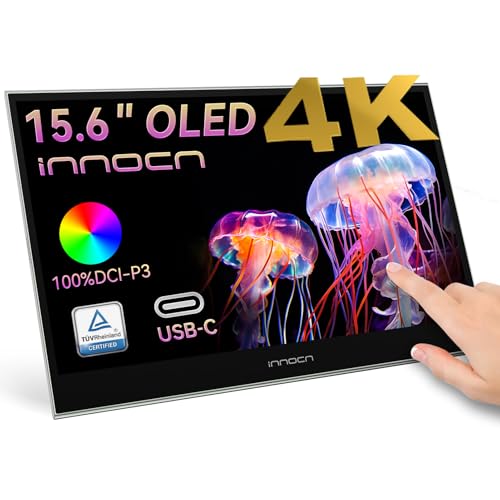
INNOCN 15.6" Portable Monitor OLED Touch Second Screen for Photo Editing with 4K, 100% DCI-P3, 100000:1, 10Bits, USB C External Monitor for Laptop,PC, Phone,Consoles, Brown, PU15 Pre C6
- Display Size: 15.6-inch OLED touchscreen
- Resolution: 4K Ultra HD
- Color Accuracy: 100% DCI-P3
As an affiliate, we earn on qualifying purchases.
As an affiliate, we earn on qualifying purchases.