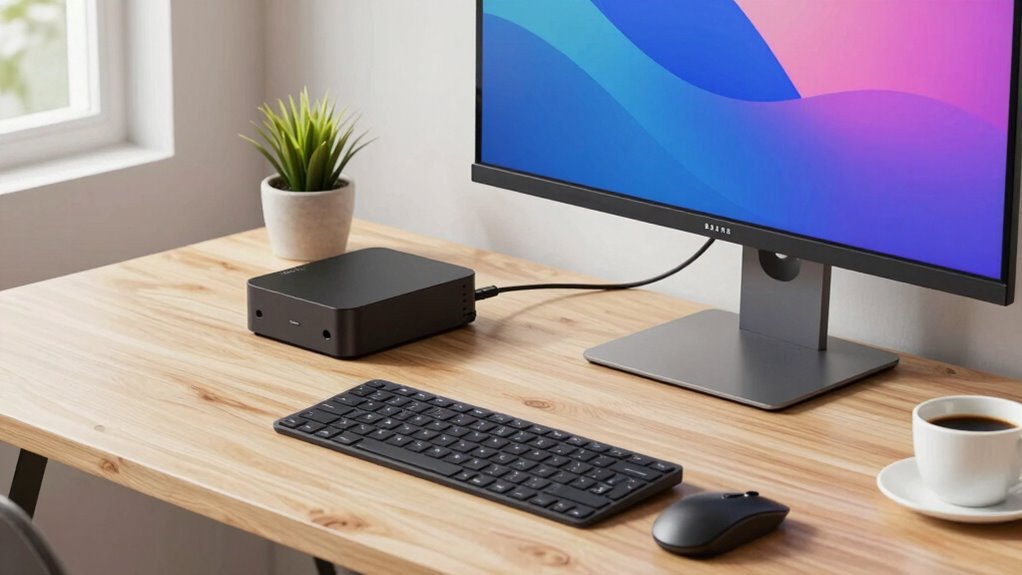

A good mini PC can replace your desktop if you choose one that matches your specific workflow. Assess your tasks carefully—light office work, multimedia, or creative projects—and pick hardware with the right processor, RAM, and storage. Make sure it has enough ports and connectivity options to suit your peripherals. When you align a mini PC to your needs, you’ll enjoy a space-saving, efficient setup. Keep exploring to discover how to optimize your mini PC for your daily tasks.
Key Takeaways
- Match mini PC specifications, such as CPU, RAM, and storage, to your specific workflow demands for optimal performance.
- Use mini PCs for basic tasks like office work, web browsing, and multimedia, where they can effectively replace desktops.
- Ensure connectivity options and peripherals support your workflow to enhance productivity and workspace organization.
- Consider thermal management and upgrade limitations to maintain system reliability under your workload.
- Select models with future-proof features aligned with your long-term needs to maximize mini PC utility as a desktop replacement.
What Are Mini PCs and Why Are They Popular?

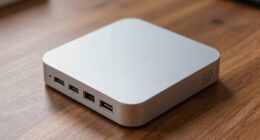
Mini PCs are compact, powerful computers that fit easily on a desk or in tight spaces. Their miniature versatility allows you to perform a wide range of tasks without the bulk of traditional desktops. Thanks to their compact design, they’re ideal for small workspaces, home offices, or even on-the-go setups. These tiny machines pack enough processing power to handle everyday productivity, multimedia, and light creative work. Because of their size, they’re easy to carry and set up anywhere, making them a flexible choice for many users. The popularity of mini PCs stems from their ability to deliver desktop-level performance in a smaller, more efficient package. If you value space-saving solutions without sacrificing power, mini PCs are an increasingly attractive option. They also align well with digital concepts that emphasize adaptable and long-term content exploration, such as modular and customizable setups.
Is a Mini PC Right for Your Workflow?
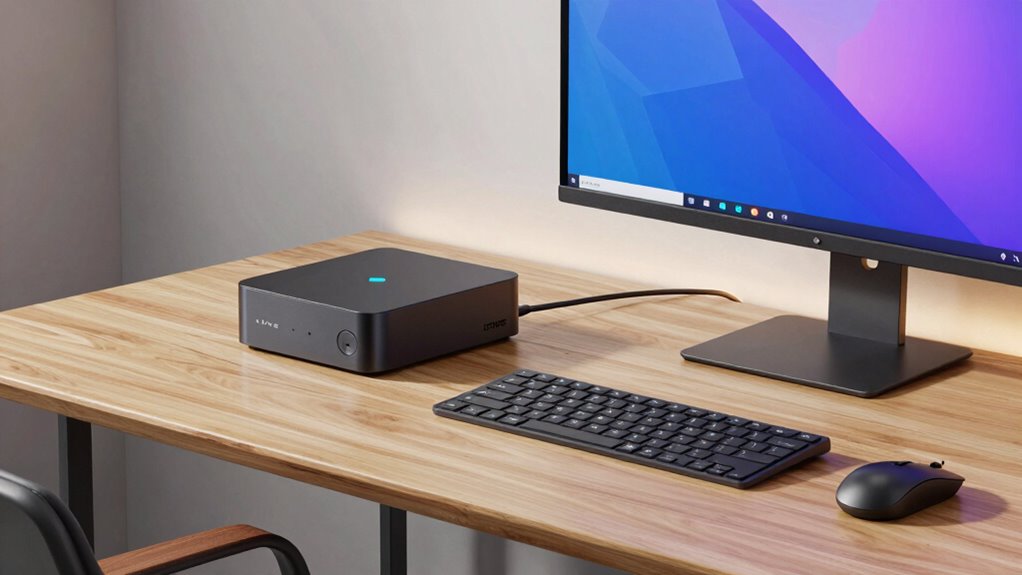
Is a mini PC suitable for your workflow? If your tasks involve cloud gaming, a mini PC’s portable design makes it easy to set up anywhere, giving you flexibility and convenience. Its compact size is perfect if you work in small spaces or need a machine that can travel with you. However, if your workflow demands high processing power or intensive multitasking, a mini PC might fall short. Consider whether your daily activities, like streaming, light editing, or browsing, align with the capabilities of a small device. If portability and quick access are priorities, and your tasks aren’t demanding, a mini PC could fit seamlessly into your workflow. Otherwise, you might need a more powerful desktop setup. Additionally, understanding projector features can help you optimize your home workspace or entertainment area if you decide to incorporate visual displays.
How to Choose the Best Mini PC for Your Needs
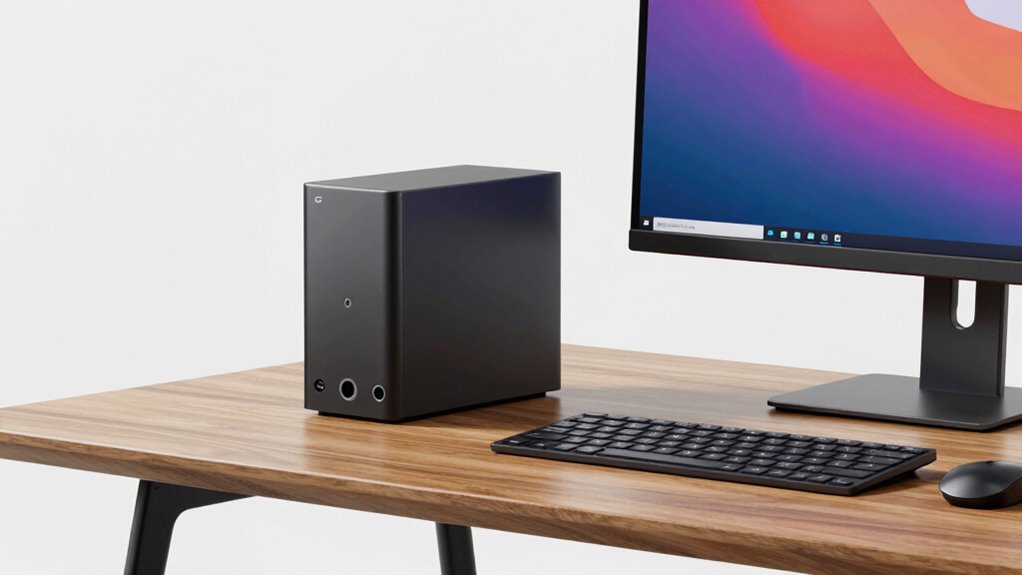
Choosing the right mini PC depends on clearly defining what you need it to do. If gaming performance matters, look for models with a dedicated GPU and a powerful processor to handle demanding games smoothly. For software compatibility, guarantee the mini PC supports your essential applications and operating system requirements. Consider the types of programs you’ll run most often—design software, video editing tools, or productivity suites—and verify they work seamlessly on the device. Also, check for enough RAM and storage to support your workflow efficiently. Don’t forget to assess ports and connectivity options to match your peripherals. By focusing on these factors, you’ll select a mini PC that aligns with your specific needs, offering the right balance of performance and compatibility.
Matching Mini PC Hardware to Your Tasks
To get the most out of your mini PC, you need to match its hardware with the tasks you’ll perform daily. Consider the compatibility of your tasks with processor speed, RAM, and storage needs, ensuring your setup can handle peak workflows. By aligning your hardware specs with your workflow strategies, you’ll optimize efficiency and prevent bottlenecks. For example, selecting components that are vetted for reliability and performance, similar to Vetted electric bike kits, can help ensure consistent operation for demanding tasks. Additionally, paying attention to gaming gear and peripherals can enhance your overall productivity and user experience.
Task Compatibility Considerations
When selecting a mini PC for your desktop workflows, it’s essential to match the hardware capabilities to the specific tasks you’ll be performing. Consider whether your tasks demand high processing power, graphics, or multitasking, or if they’re lighter, like browsing or document editing. For instance, creative work requires more robust CPUs and GPUs, while simple tasks prioritize power efficiency and a sleek design aesthetic. Here’s a quick comparison:
| Task Type | Recommended Hardware Focus |
|---|---|
| Basic Office Work | Power efficiency, integrated graphics |
| Creative Design | High CPU, dedicated GPU, larger RAM |
| Video Editing | Strong CPU, ample storage, good cooling |
| Programming | Moderate CPU, fast storage, multiple ports |
| Multitasking | Balanced CPU, decent RAM, efficient cooling |
Matching hardware guarantees top performance aligned with your workflow.
Hardware Specification Matching
Matching your mini PC’s hardware to your specific tasks guarantees peak performance and efficiency. Focus on key components to assure smooth operation and future-proofing. For example, if you work with demanding software, opt for a powerful processor and ample RAM. If your workflow includes cloud integration, prioritize reliable network connectivity and fast storage options. For creative or design tasks, a dedicated GPU can boost performance. Keep software compatibility in mind—check that your applications run well on the hardware you choose. Considering body jewelry measurements and materials can also play a role in understanding hardware durability and compatibility, especially if you work in environments requiring specialized equipment. Understanding digital concepts can help you select hardware tailored to your evolving needs. Additionally, being aware of hardware longevity can guide you toward components that offer durability and sustained performance over time. Ensuring your hardware is aligned with performance requirements minimizes bottlenecks and enhances productivity. Matching hardware to your workflow helps you avoid bottlenecks and maximizes your mini PC’s potential.
Workflow Optimization Strategies
Optimizing your workflow starts with aligning your mini PC’s hardware with the specific tasks you perform daily. Focus on choosing an aesthetic design that complements your workspace, making your environment more inspiring and organized. For tasks like photo editing or video production, prioritize models with powerful processors and ample RAM. If your work involves frequent multitasking, select a mini PC with fast storage options and multiple ports for peripherals. Energy efficiency also matters—opt for models that consume less power, reducing costs and environmental impact. This not only maximizes productivity but creates a seamless, visually appealing setup that supports your workflow. Tailoring your mini PC based on these factors guarantees you get the right balance of performance, design, and efficiency for your daily tasks.
How to Analyze Your Tasks to Find the Perfect Mini PC
To find the perfect mini PC for your desktop workflows, you first need to clearly understand the tasks you’ll be performing regularly. Think about whether your work involves cloud gaming, which requires decent graphics and internet speed, or if portability is key for on-the-go flexibility. Consider whether your tasks are CPU-intensive, like video editing, or more lightweight, such as browsing and email.
Focus on these aspects:
- Performance needs for specific applications
- Storage capacity for large files
- Connectivity options for peripherals and accessories
- Size and portability for easy transport
Setting Up Your Mini PC for Peak Performance

To get the most out of your mini PC, start by optimizing your system settings to improve speed and stability. Next, explore your connectivity options to guarantee you have the best possible ports and wireless setup for your workflow. Making these adjustments helps your mini PC run smoothly and efficiently.
Optimize System Settings
Ever wonder how small tweaks to your system settings can dramatically boost your mini PC’s performance? Adjusting settings can enhance system cooling and power management, making your device run smoother and more efficiently. Implementing expert recommendations can further optimize your setup for the best results.
Start by fine-tuning your power options to prioritize performance or energy savings. Enable system cooling profiles to prevent overheating. Disable unnecessary startup programs to free resources. Additionally, update drivers and firmware regularly to ensure compatibility and stability. For optimal system stability, consider adjusting your BIOS settings as well. Understanding hardware components and their impact on performance can help you make more informed adjustments. Properly managing system settings can also improve energy efficiency and prolong your device’s lifespan. Being aware of toilet flushing mechanisms and their efficiency can also contribute to overall resource management in your setup.
- Configure your power plan for maximum performance or energy efficiency
- Set system cooling policies to maintain hardware health
- Manage startup programs for faster boot times
- Keep drivers and firmware updated for stability
These adjustments help your mini PC operate at peak performance, ensuring it handles your workflow efficiently without overheating or unnecessary power drain.
Enhance Connectivity Options
Maximizing your mini PC’s connectivity options is vital for maintaining a seamless workflow. Start by making sure it supports wireless charging for your compatible devices, reducing cable clutter and improving convenience. Look for models with fast wireless charging capabilities so you can power up your smartphone or accessories effortlessly. Cloud integration is also essential; choose a mini PC that easily connects with your preferred cloud services. This allows you to sync files, access data remotely, and back up your work automatically. Additionally, make certain your mini PC has multiple USB ports, HDMI, and Ethernet connections for versatile device compatibility. By optimizing these connectivity options, you’ll streamline your setup, boost productivity, and keep your workspace organized and efficient. Incorporating digital asset analysis and luxury lifestyle products such as premium accessories can further elevate your workspace experience. Enhancing your connectivity infrastructure can also help ensure a reliable and fast network environment, especially if you work with large files or streaming high-quality media.
When Is a Mini PC a Good Desktop Replacement?
A Mini PC can serve as a solid desktop replacement when your work involves light to moderate tasks that don’t demand high-end hardware. If your workflow relies on cloud computing, it can handle web-based applications smoothly, reducing hardware strain. Software compatibility is also key; verify the Mini PC supports your essential programs, especially if they’re not cloud-based. Consider these points:
- Basic office tasks like word processing and spreadsheets
- Web browsing and streaming
- Light photo editing or design work
- Running cloud-based or lightweight software
If your work stays within these bounds, a Mini PC offers a compact, energy-efficient solution. However, for intensive tasks like gaming, video editing, or large data processing, it might fall short. Match your workflow to its capabilities to ensure a smooth experience.
Troubleshooting Common Mini PC Limitations

You might encounter limitations with your mini PC’s expansion options and performance. These constraints can affect your workflow, especially when you need more power or connectivity. Understanding how to troubleshoot these issues helps you maximize your mini PC’s capabilities. Additionally, being aware of cryptid mysteries and other folklore themes can inspire creative ways to think about problem-solving and exploring unconventional solutions. Recognizing the importance of ergonomics and workspace layout can also lead to more effective adjustments that improve your overall comfort and productivity. For example, considering workspace organization can help you create a more efficient environment that enhances your workflow and reduces clutter. Paying attention to grocery savings strategies might inspire you to optimize your workspace environment for better focus and well-being.
Limited Expansion Options
Limited expansion options are a common challenge when working with mini PCs, as their small form factor restricts the number of available ports and upgrade possibilities. This limitation can impact your ability to connect additional peripherals or upgrade components easily. You might find yourself needing to prioritize essential connections upfront. Port limitations could affect your battery life and portability concerns, especially if you rely on external devices or peripherals. Additionally, the power output of mini PCs may limit their ability to run certain high-powered accessories or devices efficiently. Considering these points:
- Limited USB and video outputs restrict expandability
- Internal upgrade options are often minimal or nonexistent
- External docks can help, but add bulk and complexity
- Future-proofing is difficult due to hardware constraints
Being aware of these restrictions helps you choose a mini PC that matches your workflow and avoids frustration down the line.
Performance Constraints
While small size restricts expandability, it also impacts overall performance. Mini PCs often face limitations like constrained thermal management, which can cause overheating during heavy workloads, reducing efficiency. Battery life is another concern if your mini PC relies on a portable power source; prolonged use drains batteries faster. To optimize performance, choose models with efficient cooling systems and energy management features.
| Limitation | Solution |
|---|---|
| Thermal management | Use cooling pads or improve airflow |
| Battery life | Opt for models with larger batteries or power management features |
| CPU performance | Select models with high-performance processors |
| Storage and RAM | Upgrade within supported limits for better multitasking |
Address these factors to guarantee your mini PC meets your workflow demands without performance hiccups.
Enhancing Connectivity and Peripherals With Your Mini PC

Connecting your mini PC to a variety of peripherals is essential for maximizing its productivity and versatility. To do this effectively, consider adding multiple USB ports, HDMI or DisplayPort connections, and audio jacks. Wireless charging pads work seamlessly with compatible smartphones, reducing clutter on your desk. Incorporate a reliable cloud backup service to safeguard your files effortlessly, ensuring data is protected without external drives. You might also want to connect wireless keyboards and mice for a clean setup and better mobility. Additionally, using Bluetooth speakers or headphones enhances your audio experience without cables. These peripherals and features help turn your mini PC into a powerful, flexible workspace, making it easier to stay organized, productive, and connected. Paying attention to work-life harmony can also help prevent burnout and maintain your overall well-being.
Mini PCs vs. Traditional Desktops: Pros and Cons
Mini PCs and traditional desktops each have distinct advantages and drawbacks, depending on your needs. Mini PCs are compact, energy-efficient, and easy to move, making them great for space-saving setups or basic tasks. However, they have limitations, like limited upgrade options and lower performance for demanding workloads. In contrast, desktops often offer better power, expandability, and hardware customization, which makes them suitable for intensive tasks or future desktop upgrades. In addition, auditory processing considerations might influence your choice if sound management or therapy compatibility is important in your environment. But they take up more space and typically consume more energy. If you need a simple, portable system, a mini PC might suffice. But if you require high performance and flexibility, a traditional desktop provides more growth potential, despite its larger footprint. Choose based on your workflow priorities and future upgrade plans.
Frequently Asked Questions
Can Mini PCS Handle High-End Gaming or Professional Content Creation?
Mini PCs can handle high-end gaming and professional content creation, but their gaming performance depends on the GPU and cooling system. You’ll want a model with a dedicated graphics card for smooth gameplay and efficient content editing. While they’re compact, some mini PCs are powerful enough for demanding tasks, but for ultra-high-end gaming or intensive content creation, a full-sized desktop might still be the better choice.
What Are the Security Considerations When Using a Mini PC?
Think of your mini PC like a fortress—you need strong defenses. When using remote access, make certain you enable two-factor authentication and secure networks. Data encryption is your moat, protecting sensitive information from intruders. Regularly update your software and firmware to patch vulnerabilities. Be cautious with public Wi-Fi, and consider VPNs for safer connections. These steps keep your mini PC secure, safeguarding your data like a well-fortified castle.
How Upgradeable Are Most Mini PCS Over Time?
Most mini PCs have limited upgrade options due to their compact design, which often restricts hardware flexibility. You might be able to upgrade components like RAM or storage, but replacing the CPU or GPU is usually challenging or impossible. When choosing a mini PC, consider its upgrade options carefully, especially if you plan to extend its lifespan. Keep in mind that limited upgradeability could impact its long-term performance.
Are Mini PCS Suitable for Business or Enterprise Use?
Mini PCs are quite suitable for business and enterprise use, especially for remote collaboration. Think of them as compact powerhouses, like a Swiss Army knife—small but versatile. They offer impressive energy efficiency, reducing operational costs. Many companies use mini PCs for tasks like data processing and virtual meetings, proving they’re reliable enough for daily work. If you match them to your workflow, mini PCs can be a smart, space-saving choice.
What Is the Typical Lifespan of a Mini PC Before Replacement?
You can expect a mini PC’s performance longevity to be around 3 to 5 years, depending on usage and hardware durability. Regular updates and proper maintenance can prolong its lifespan. High-quality mini PCs with sturdy components often last longer, but intensive tasks may wear out hardware faster. Ultimately, choosing a reliable model and caring for it guarantees you get the most out of your mini PC before needing a replacement.
Conclusion
Choosing the right mini PC is like finding a perfectly tuned instrument—when it matches your workflow, it plays a symphony of efficiency. With the right hardware, seamless connectivity, and a clear understanding of your tasks, your mini PC can transform your workspace into a sleek, agile command center. Embrace its compact power, and watch your productivity soar—proving that sometimes, small can be mighty and mighty fine.