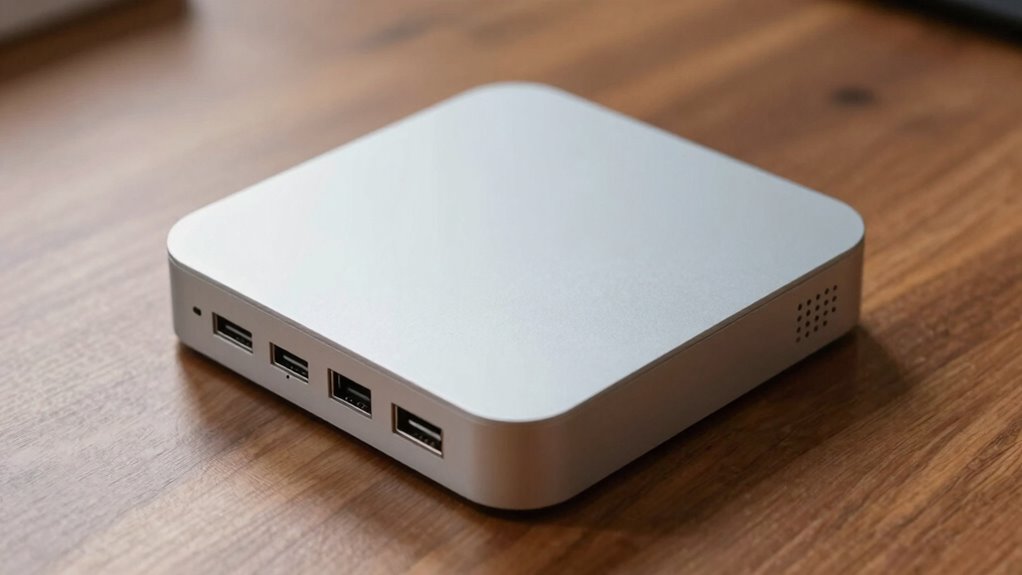
Mini PCs are compact, but their main limits lie in restricted ports and cooling. Limited connections make it hard to connect all your peripherals and expandability options are minimal. Poor cooling can lead to overheating, thermal throttling, and reduced lifespan. These issues affect performance and device longevity. If you want to know how to overcome these challenges and maximize your mini PC’s potential, there’s more to discover ahead.
Key Takeaways
- Limited internal space restricts component upgrades, impacting performance and future expandability.
- Fewer ports hinder connectivity with peripherals and external devices, reducing versatility.
- Compact design challenges effective cooling, risking overheating and thermal throttling.
- Insufficient ventilation can decrease device lifespan and cause performance drops.
- External solutions like docks and cooling accessories are often necessary to compensate for built-in limitations.
What Are the Main Limitations of Mini PCs?
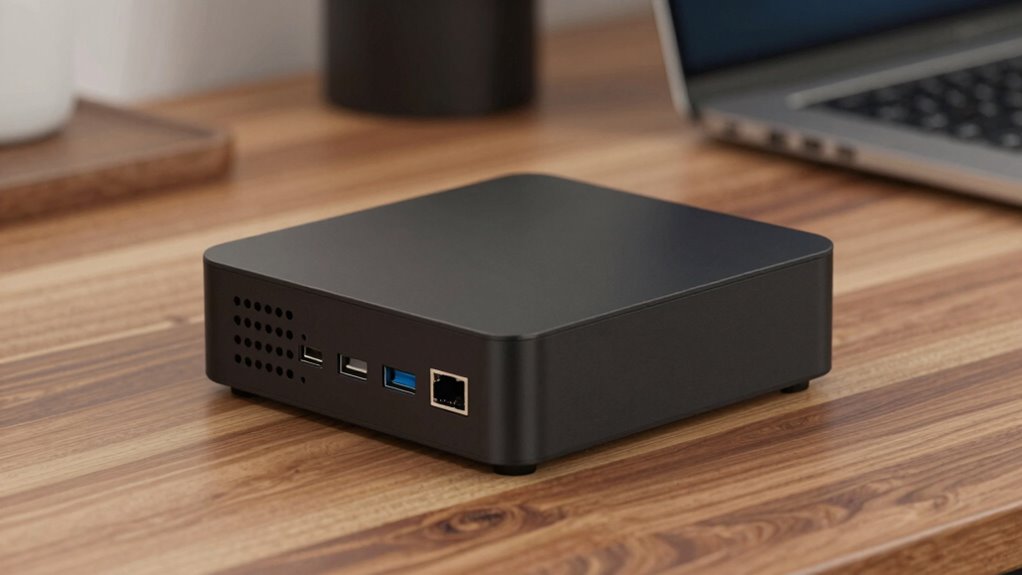
Mini PCs are praised for their compact size, but this design inherently introduces some significant limitations. The mini PC design means there’s limited space for components, which restricts performance and upgrade options. You might find that powerful hardware is hard to fit inside, leading to lower processing speeds and less storage capacity. Additionally, the small form factor impacts power efficiency; while mini PCs are often designed to consume less energy, their compact size can cause thermal challenges. Overheating becomes a concern, which can throttle performance or reduce lifespan. You won’t get the same versatility as larger desktops, and expansion options are minimal. Overall, the tiny size offers portability and energy savings, but it also means sacrificing some performance, upgradeability, and thermal management. thermal challenges are particularly critical because they directly affect the longevity and stability of the device. To mitigate these issues, manufacturers are exploring innovative cooling solutions tailored for small spaces that can help improve thermal management in mini PCs. Understanding the thermal limitations is essential for designing effective cooling strategies that ensure consistent performance over time. In some cases, the internal layout of mini PCs must be carefully optimized to maximize airflow and heat dissipation.
How Do Port Restrictions Affect Mini PC Connectivity?
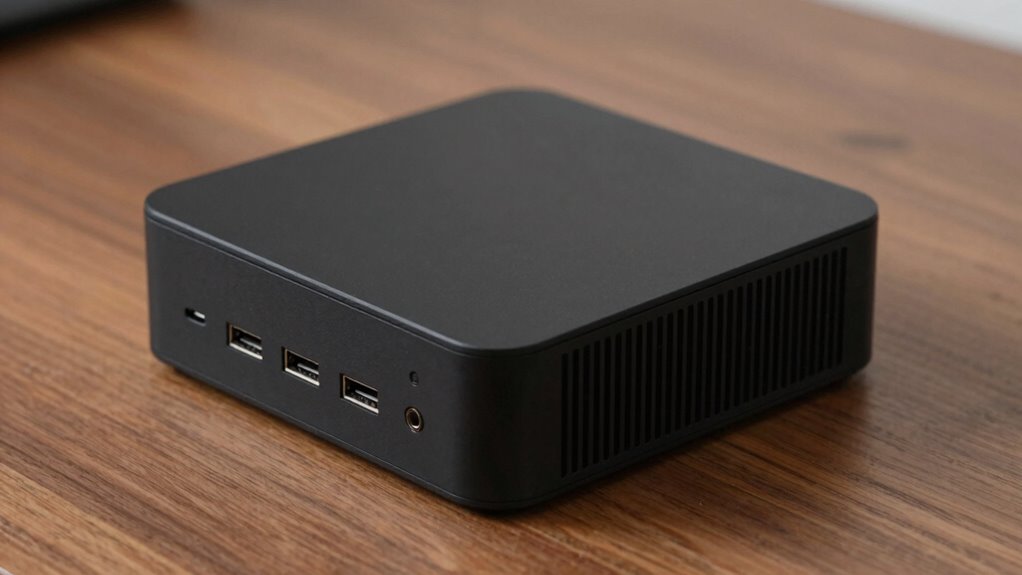
Port restrictions can limit how you connect peripherals, making it harder to expand your mini PC’s capabilities. With fewer USB options, you might struggle to add devices, and restricted video outputs can limit your display choices. Additionally, limited network ports can affect your ability to connect to wired networks efficiently. Cookie management policies can also influence your browsing experience and access to certain online services. Understanding port limitations is essential for optimizing your mini PC’s connectivity options.
Limited USB Options
Limited USB options in mini PCs can substantially impact your connectivity, especially if you rely on multiple peripherals. With fewer ports, connecting wireless peripherals like keyboards, mice, or external drives becomes more challenging, often requiring USB hubs or docking stations. This can lead to clutter and reduce overall convenience. Additionally, limited USB ports restrict your ability to efficiently manage power distribution, which is vital for devices that need steady power or fast data transfer. You might find yourself constantly swapping devices or missing out on essential peripherals. This restriction hampers your setup’s flexibility and can slow down productivity, especially if you depend on multiple accessories. Ultimately, port constraints force you to prioritize devices and complicate your workspace organization. Port limitations also highlight the importance of considering overall device compatibility and future expandability when choosing a mini PC. Recognizing device compatibility is crucial to ensure your mini PC meets your evolving needs without frequent upgrades. Moreover, understanding the technology limitations of mini PCs can help you better plan your peripheral setup and avoid potential bottlenecks.
Restricted Video Outputs
While compact design is a key advantage of mini PCs, it often comes at the expense of versatile video output options. Many mini PCs feature limited ports, restricting your ability to connect multiple displays or use high-resolution monitors. Instead, you might rely on wireless display solutions like Miracast or Chromecast, which can introduce latency or reduce image quality. Additionally, built-in audio outputs may be minimal or absent, forcing you to use USB adapters or external sound cards for better sound quality. These port restrictions can hamper your productivity or entertainment setup, making it harder to connect to various screens or speakers simultaneously. As a result, your mini PC’s connectivity options become less flexible, forcing compromises in how you display and sound content.
Network Connectivity Constraints
Restrictions on video and audio ports often extend to network connectivity options, shaping how your mini PC interacts with other devices. Limited ports can hinder your ability to connect via Ethernet or USB adapters, affecting reliable wireless networking. You might find fewer options for direct wired connections, which impacts speed and stability. Additionally, port restrictions can limit your mini PC’s power delivery capabilities, especially when using external network adapters. This can also limit expandability, and the range of peripherals you can connect for network setup and troubleshooting. Reduced port availability can also compromise network reliability, making it more challenging to maintain consistent internet access. Furthermore, these Port limitations can restrict your ability to upgrade or adapt your mini PC over time, impacting its long-term usability. Understanding the capacity of ports can help you better evaluate the potential for future connectivity enhancements.
Why Cooling Is Critical for Mini PC Performance

Cooling is indispensable for maintaining your mini PC’s performance because high temperatures can cause components to slow down or shut off to prevent damage. Effective thermal management guarantees that heat is efficiently dissipated, keeping critical parts like the CPU and GPU within safe operating ranges. Without proper cooling, thermal buildup can lead to thermal throttling, which reduces performance to prevent overheating. Airflow optimization plays a key role in this process, as well-designed airflow paths help move heat away from components quickly. Mini PCs have limited space for cooling solutions, making it even more important to implement efficient thermal management. By maintaining ideal temperatures, you guarantee stable performance, prolong component lifespan, and reduce the risk of sudden shutdowns or hardware failures.
How Cooling and Ports Can Slow Down Your Mini PC
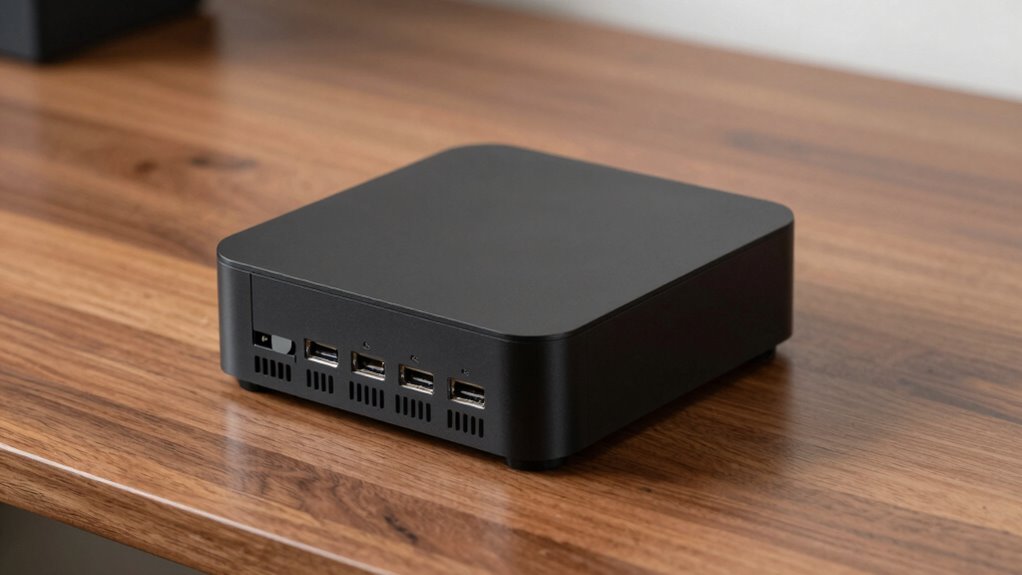
Limited ports and cooling solutions can considerably slow down your mini PC’s performance because they restrict airflow and data transfer options. This impacts the Mini PC design and aesthetic appeal, often forcing compromises. When ports are scarce, you might need hubs or adapters, slowing data transfer and reducing convenience. Poor cooling limits hardware efficiency, causing thermal throttling that reduces processing speed. A balanced approach that considers both performance and design is essential to optimize mini PC capabilities. Additionally, integrating mind-body healing techniques can help manage stress caused by performance limitations and hardware issues. Ensuring proper cooling not only prevents overheating but also helps maintain the hardware’s strength and durability, which are important factors in overall performance.
Tips to Improve Cooling and Expand Connectivity
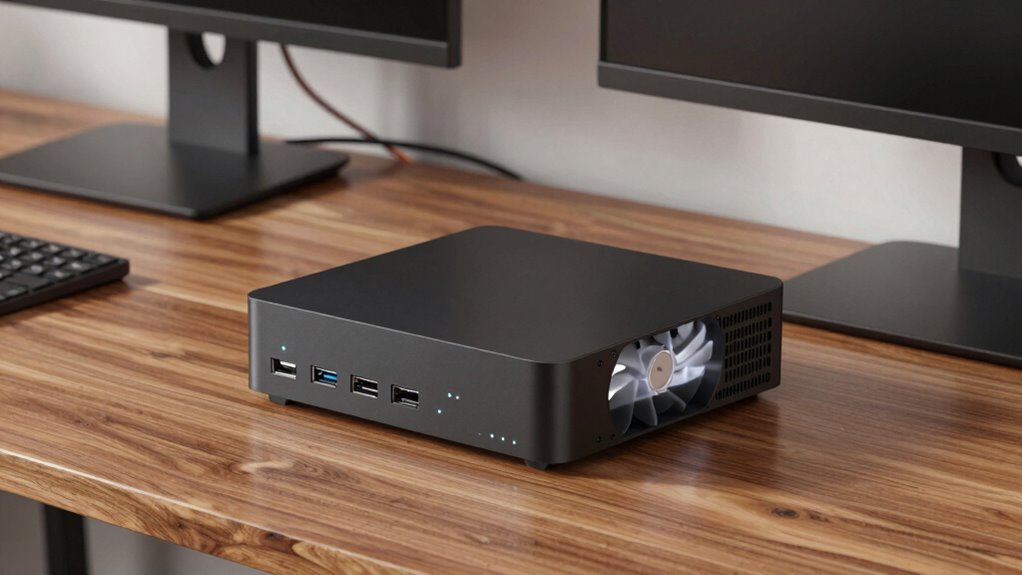
To boost cooling and expand connectivity, start by optimizing your ventilation setup to keep airflow steady. Consider using external expansion devices like USB hubs or docking stations to add more ports without cluttering your mini PC. These simple steps can help your system run cooler and connect to more peripherals easily. Additionally, managing your home environment to maintain proper temperature and airflow can significantly enhance your device’s performance and longevity. Properly recycling and disposing of electronic waste ensures environmentally friendly practices while maintaining your device’s efficiency. Implementing performance upgrades like improved cooling solutions can further maximize your mini PC’s capabilities and lifespan. For even better results, monitoring your device’s temperature can help you identify overheating issues early and optimize your cooling strategies. Incorporating biohacking techniques such as optimizing your workspace ergonomics can also contribute to better overall device performance and personal well-being.
Optimize Ventilation Strategies
Optimizing ventilation strategies is essential to improve your mini PC’s cooling performance and expand its connectivity options. Proper airflow management guarantees heat dissipates efficiently, preventing overheating. Fan placement plays a key role—position fans to create a clear airflow path, ideally front to back or bottom to top.
A well-ventilated case can also help maintain the longevity of internal components. Here are four tips to optimize ventilation:
- Keep vents unobstructed—avoid blocking air intake or exhaust ports.
- Use additional case fans or cooling pads for better airflow.
- Arrange cables neatly to prevent airflow obstruction.
- Regularly clean dust from vents and fans to maintain efficiency. Effective airflow management is crucial for preventing overheating and ensuring your mini PC runs smoothly. Additionally, considering thermal performance can further enhance cooling efficiency.
Use External Expansion Devices
When your mini PC’s built-in ports and cooling options fall short, external expansion devices can be a game-changer. External docks provide additional USB, HDMI, or Ethernet ports, boosting connectivity without opening your device. Wireless adapters are perfect if Wi-Fi or Bluetooth is limited, giving you faster, more reliable connections. These devices help manage heat by reducing internal load and improve versatility.
| Device Type | Benefits | Ideal Use Case |
|---|---|---|
| External Docks | Extra ports, easy access | Expanding connectivity quickly |
| Wireless Adapters | Better wireless range, speed | Upgrading Wi-Fi or Bluetooth capabilities |
| USB Hubs | Multiple device connections | Connecting peripherals efficiently |
| Cooling Fans | Enhanced heat dissipation | Keeping mini PC cool during heavy use |
Emerging Technologies That Enhance Mini PC Capabilities

Emerging technologies are rapidly transforming the capabilities of mini PCs, making them more powerful and versatile than ever before. You can now expect innovations that push their limits, such as wireless charging and energy harvesting, reducing dependence on traditional ports and power sources.
Here are four key advancements:
- Wireless charging eliminates the need for bulky power cables, making setups cleaner and more flexible.
- Energy harvesting captures ambient energy, like sunlight or motion, to extend battery life or power small components.
- Advanced cooling techniques, such as vapor chambers, help mini PCs stay cool without large fans.
- Miniaturized AI processors boost performance without increasing size, enabling smarter, more efficient devices.
These innovations disclose new potentials for mini PCs, enhancing portability and functionality.
Frequently Asked Questions
Can Mini PCS Handle High-End Gaming or Intensive Workloads?
Mini PCs can handle high-end gaming or intensive workloads, but they often struggle with prolonged performance due to limited cooling and ports. If you’re using it for remote work or multimedia streaming, they work well. However, for demanding tasks, you might find their thermal limits causing throttling. So, while they’re compact and versatile, they aren’t ideal for sustained high-performance gaming or heavy-duty workloads.
What Are the Best External Solutions for Expanding Mini PC Ports?
Think of external hubs and port expanders as bridges connecting your mini PC to a world of peripherals. They’re the best solutions for expanding your ports, offering multiple USBs, HDMI, and Ethernet options in a compact form. External hubs are plug-and-play, while port expanders often connect via Thunderbolt or USB-C, giving you quick, reliable access to all your devices without overcrowding your mini PC’s limited ports.
How Do Mini PC Size and Design Impact Internal Component Choices?
Your mini PC’s size and design directly influence internal component choices through miniature limitations and design trade-offs. You must prioritize compact, energy-efficient parts like low-profile GPUs and SSDs, often sacrificing high-performance options. These constraints mean you’ll balance cooling solutions and port placements carefully, ensuring the system stays cool and functional despite limited space. Ultimately, your design choices reflect a compromise between performance, expandability, and maintaining a tiny, sleek form.
Are There Mini PCS With Better Cooling Options for Overclocking?
Yes, some mini PCs offer better cooling options for overclocking, thanks to improved thermal management. Look for models with advanced cooling solutions like larger heatsinks, better airflow design, or liquid cooling options integrated into their compact design. These enhancements help dissipate heat more effectively, allowing you to push performance higher without overheating. Keep in mind, though, that the compact design still limits cooling capacity compared to larger desktops.
How Long Do Mini PCS Typically Last Before Needing Upgrades?
Like a vintage radio, your mini PC’s durability depends on usage and upgrades. Typically, mini PCs last about three to five years before you’ll want to upgrade components or replace the entire unit. Their component longevity is limited by thermal constraints and hardware performance. To maximize lifespan, guarantee proper cooling and regular maintenance. Overclocking or heavy workloads might shorten this window, but with good care, your mini PC can stay relevant longer.
Conclusion
So, while mini PCs seem tiny enough to fit in your palm, their true limits are like giant walls blocking your tech dreams. Ports and cooling can turn your sleek powerhouse into a sluggish turtle or a clumsy elephant. But don’t worry—by boosting cooling and expanding ports, you’re basically giving your mini PC superhero powers. Soon, it’ll be so unstoppable, it’ll make the Avengers look like a bunch of kids playing dress-up!