
Motion sickness in VR often begins with a small mistake most people overlook: poor headset calibration or an improper setup. When your headset isn’t aligned correctly, or sensors aren’t calibrated, your brain gets conflicting signals, causing nausea and dizziness. Simple issues like cluttered space or improper movement speeds can also contribute. Getting your hardware fitted right and optimizing settings can make a big difference. If you stick with it, you’ll learn other easy fixes to keep your VR experience comfortable.

Get hardware and tech essentials delivered free with Prime
- Fast, free delivery on millions of items
- Prime Video, Amazon Music and more included
- Member-only deals all year
Key Takeaways
- Failing to properly calibrate the headset causes visual and physical misalignment, often triggering motion sickness.
- Using rapid or unnatural movement controls increases disorientation and sensory conflict.
- Overlooking environmental setup, like cluttered space or poor lighting, can overload senses and cause discomfort.
- Ignoring headset fit and hygiene leads to misalignment and physical discomfort, contributing to motion sickness.
- Not gradually acclimating to VR sessions results in sensory overload and increased nausea.
As an affiliate, we earn on qualifying purchases.
What Causes Motion Sickness in VR and How to Recognize It
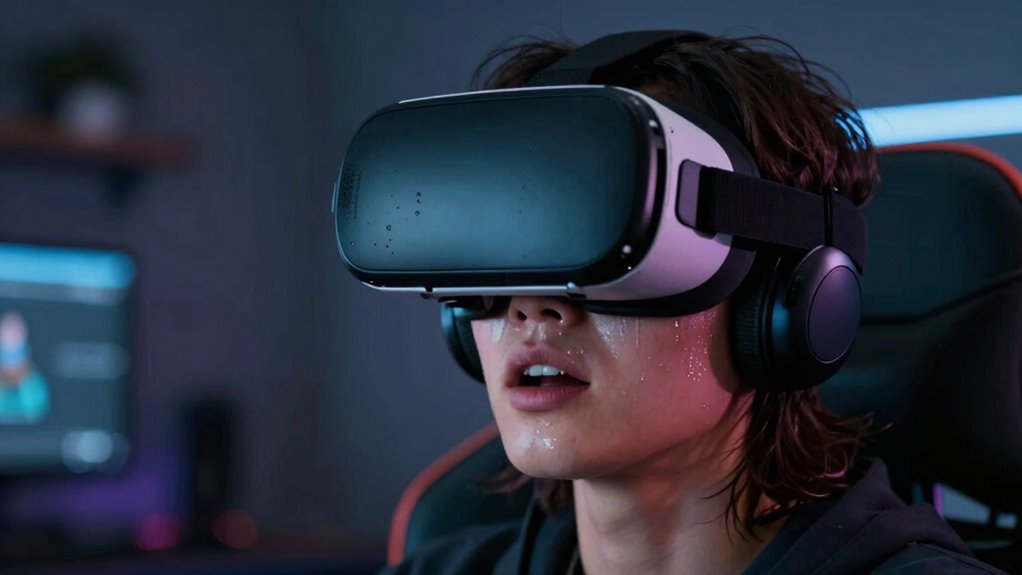
Motion sickness in VR happens when your eyes and inner ear send conflicting signals about your movement, confusing your brain. Poor virtual reality ergonomics can worsen this mismatch, making it harder for your body to adapt. As you use VR, your sensory adaptation kicks in, but if the headset isn’t well-fitted or aligned, your brain struggles to reconcile visual cues with your physical sensations. Recognizing the early signs—such as dizziness, nausea, or headaches—can help you take breaks before symptoms worsen. Being mindful of how your body responds and adjusting your VR setup accordingly can minimize discomfort. Proper ergonomics guarantees your visual and physical inputs align more naturally, reducing the likelihood of motion sickness and helping you enjoy immersive experiences more comfortably. Regularly checking your headset fit and alignment can also play a crucial role in preventing discomfort. Additionally, understanding the causes of motion sickness can empower you to take proactive steps to improve your VR experience. Paying attention to visual cues and how they interact with your physical sensations is essential for minimizing motion sickness and ensuring a more comfortable VR experience. Sometimes, adjusting your VR environment can significantly reduce the risk of discomfort, especially if you are prone to motion sickness. Incorporating knowledge about sensory conflict can further help you adapt better and enjoy more seamless sessions.
VR headset fit and hygiene accessories
As an affiliate, we earn on qualifying purchases.
As an affiliate, we earn on qualifying purchases.
How Poor Headset Calibration Leads to VR Nausea
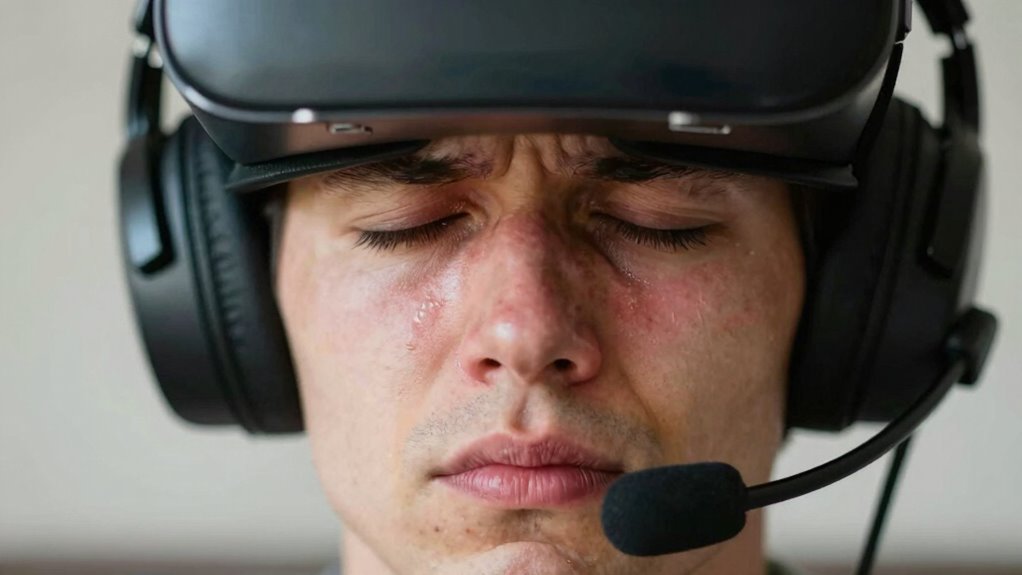
When your VR headset isn’t properly calibrated, it can create a disconnect between what you see and what your body feels. Poor calibration affects headset ergonomics, making the device sit unevenly or misaligning the display with your eyes, which can cause motion sickness. If your visuals don’t match your head movements accurately, your brain receives conflicting signals, resulting in nausea. Regular software updates are essential, as they often include calibration improvements and bug fixes that enhance tracking accuracy. Ensuring your headset is well-calibrated and fits comfortably helps maintain alignment between visual input and physical movements. When these elements are off, your brain struggles to interpret the virtual environment properly, increasing the risk of VR nausea. Proper calibration is a simple yet vital step to keep your VR experience comfortable.
VR environment setup accessories
As an affiliate, we earn on qualifying purchases.
As an affiliate, we earn on qualifying purchases.
Why Taking Regular Breaks Prevents VR Motion Sickness
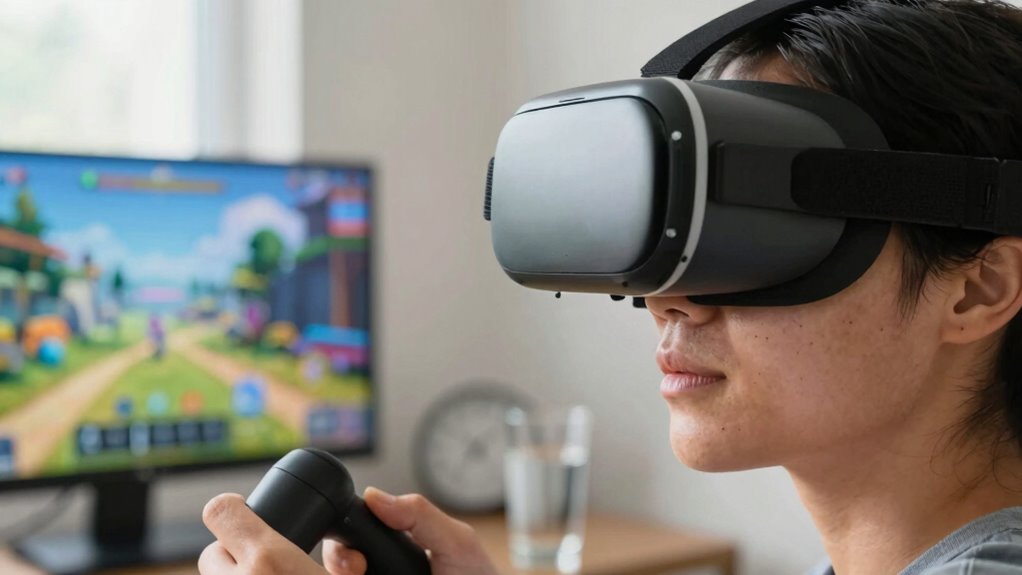
Taking regular breaks helps reduce visual fatigue, so your eyes don’t get overwhelmed by prolonged exposure. It also prevents disorientation by giving your brain time to reset and process sensations. By stopping frequently, you can enjoy VR experiences without risking motion sickness. Incorporating calibration techniques can further ensure a comfortable viewing experience and minimize potential discomfort.
Reduces Visual Fatigue
Have you ever noticed your eyes feeling strained after a long VR session? Taking regular breaks helps reduce visual fatigue, preventing discomfort and motion sickness. During breaks, you give your eyes a chance to rest and reset, which is essential for maintaining good virtual reality ergonomics. Ensuring headset hygiene also plays a role—clean lenses prevent glare and eye strain. To stay engaged, here’s a quick overview:
| Aspect | Benefit | Tips |
|---|---|---|
| Eye Strain | Less fatigue, clearer vision | Take 5-minute breaks every 20 minutes |
| Headset Hygiene | Reduces glare, improves clarity | Clean lenses regularly |
| Break Frequency | Prevents overexertion | Follow the 20-20-20 rule |
| Visual Comfort | Better VR experience | Adjust headset fit for comfort |
| Long-term Health | Avoids strain-related issues | Practice good virtual reality ergonomics |
Maintaining proper visual ergonomics can significantly enhance your VR experience and prevent long-term discomfort. Additionally, paying attention to proper headset maintenance ensures that your device remains in optimal condition, providing a clearer, safer experience. Incorporating ergonomic accessories can also improve comfort during extended sessions, reducing the risk of strain.
Prevents Disorientation
Frequent breaks during VR sessions help your brain process sensory input more effectively, reducing the risk of disorientation. When you step away briefly, your senses reset, preventing confusion caused by conflicting signals. During breaks, you can adjust settings like haptic feedback to avoid overstimulation and use voice commands to pause or end experiences easily. This prevents sensory overload and keeps your balance intact. To maximize comfort, consider these tips:
- Take short, regular pauses every 15-20 minutes.
- Use voice commands to navigate menus and pause the game.
- Adjust haptic feedback intensity to avoid overwhelming sensations.
- Step outside or focus on distant objects to recalibrate your senses.
These practices help you stay grounded, reducing disorientation and motion sickness in VR.
VR motion sickness prevention devices
As an affiliate, we earn on qualifying purchases.
As an affiliate, we earn on qualifying purchases.
Choosing Comfortable VR Headsets to Minimize Discomfort
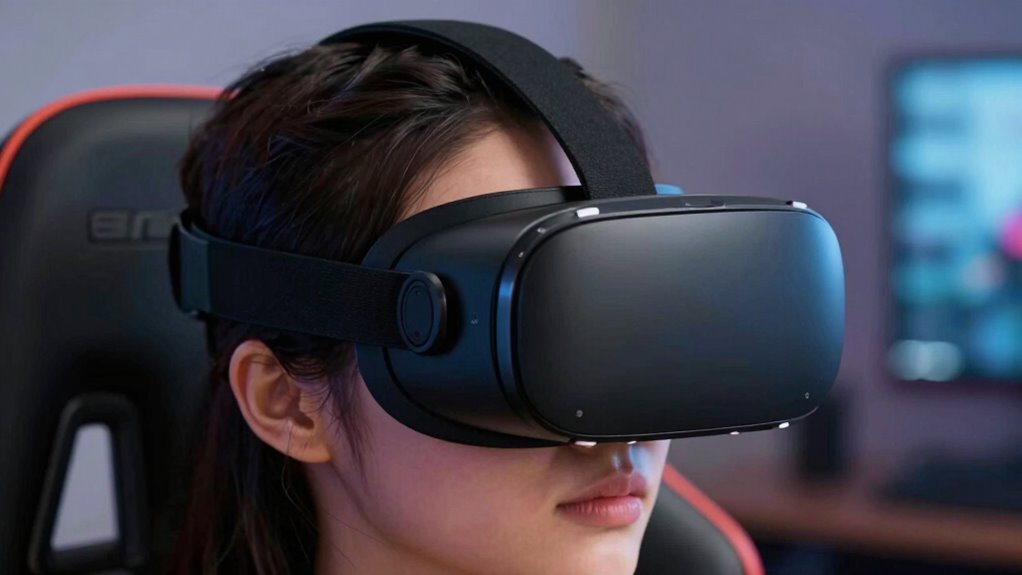
Choosing a comfortable VR headset is essential for reducing motion sickness, as the right fit can considerably lessen discomfort during extended use. Look for a headset with an ergonomic design that distributes weight evenly, preventing pressure points on your face and head. Adjustable straps help customize the fit, ensuring stability and minimizing unnecessary movement. Prioritize materials with breathability to keep your face cool and reduce sweating, which can add to discomfort. Lightweight headsets also decrease strain on your neck and face, making longer sessions more tolerable. Avoid bulky or poorly fitting models that cause pressure or slip during use. Proper ventilation and heat dissipation can further improve comfort by reducing heat build-up during prolonged use. Ensuring the ergonomic design promotes better posture and reduces fatigue, enhancing overall comfort for extended periods. Additionally, selecting a headset with good weight distribution can significantly impact overall comfort by preventing uneven pressure. Incorporating adjustable fit features can help customize the headset to your unique head shape, further enhancing comfort. Ultimately, a well-designed, breathable headset enhances your comfort, helping you stay immersed without feeling overwhelmed by physical discomfort or fatigue.
Setting Up Your VR Space for a Smooth Experience
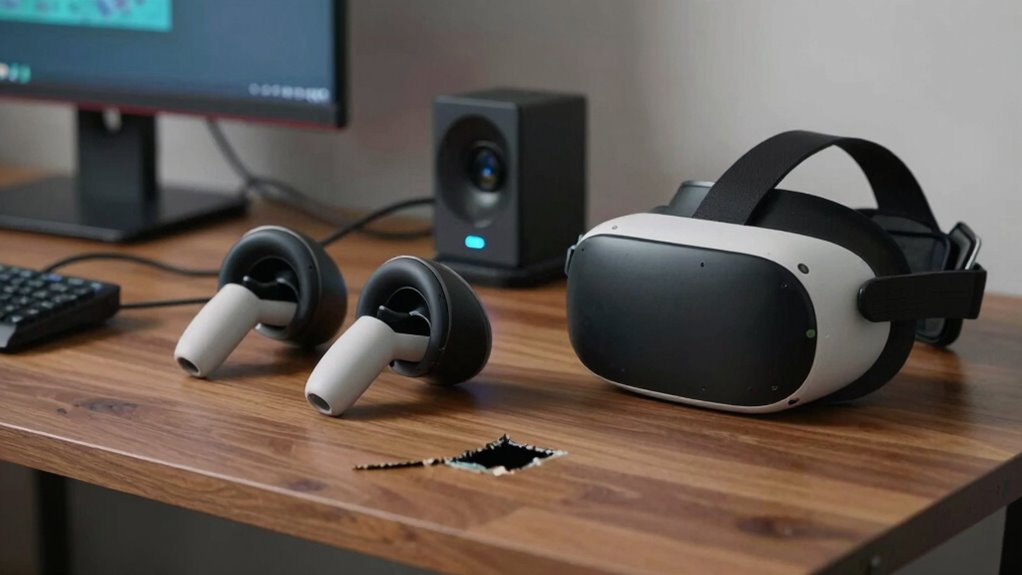
Creating a safe and spacious environment is essential for a smooth VR experience, as cluttered or confined areas can increase the risk of accidents and motion sickness. To optimize your setup, consider these key points:
- Clear your play area of obstacles to prevent collisions and injuries.
- Guarantee good VR headset hygiene by cleaning lenses and straps regularly for clear vision.
- Adjust ambient lighting to reduce glare and reflections, which can interfere with tracking.
- Choose a dedicated, clutter-free space to help your movements feel natural and reduce disorientation.
A well-prepared environment minimizes distractions and discomfort, helping you stay focused and enjoy your VR experiences without unnecessary motion sickness triggers.
Adjusting VR Settings to Prevent Motion Sickness
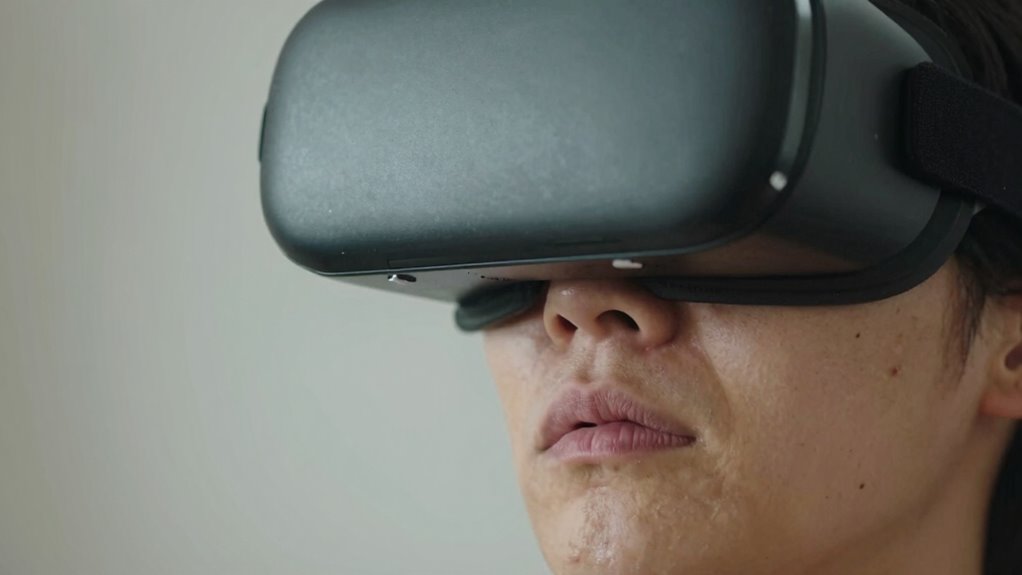
To reduce motion sickness, start by calibrating your headset properly so the visuals align with your movements. Next, tweak the visual settings like field of view and movement sensitivity to find what feels best for you. Finally, manage your movement controls to minimize jarring motions and sudden shifts that can upset your stomach.
Calibrate Headset Properly
Properly calibrating your VR headset is essential for reducing motion sickness, as it guarantees the device aligns accurately with your eyes and head movements. Regular headset maintenance ensures sensors function properly, minimizing tracking errors. Before use, check for software updates, as manufacturers often release improvements that enhance calibration and stability. Follow these steps:
- Clean lenses and sensors to ensure clear visuals.
- Recalibrate the headset through the setup menu for precise tracking.
- Confirm the interpupillary distance (IPD) matches your eyes for comfort.
- Update firmware and software regularly for peak performance.
- Balance and comfort during setup can significantly improve your VR experience and reduce discomfort caused by misalignment. Maintaining proper VR calibration ensures the device operates within optimal parameters, helping to prevent motion sickness caused by misalignment or tracking issues. Additionally, staying aware of sensor placement can further enhance tracking accuracy and comfort.
Adjust Visual Settings
Adjusting your VR settings can make a considerable difference in preventing motion sickness. Start by fine-tuning color calibration to reduce eye strain and create a more natural visual experience. Proper audio synchronization also plays an essential role—when sound matches visuals, it minimizes disorientation. Additionally, tweak the refresh rate and field of view for smoother visuals. Use this table as a quick reference:
| Setting | Adjustment Tip | Effect |
|---|---|---|
| Color calibration | Match display to ambient lighting | Decreases eye fatigue |
| Audio synchronization | Ensure sound aligns with visuals | Reduces disorientation |
| Refresh rate | Set to highest supported by your headset | Smoother motion, less nausea |
| Field of view | Adjust to comfortable level | Prevents visual overload |
These small changes can notably reduce motion sickness triggers. Incorporating visual adjustments in VR can further enhance comfort and prevent symptoms.
Manage Movement Controls
Managing how you move within the VR environment can considerably reduce motion sickness. To do this effectively, prioritize ergonomic design in your controls and settings. Properly calibrated movement options help prevent disconnects between sight and motion, which cause discomfort. Additionally, invest in user training to familiarize yourself with the controls, reducing sudden or jerky movements.
Consider these tips:
- Use smooth, continuous locomotion instead of teleportation to minimize disorientation.
- Adjust movement speed to comfortable levels, avoiding rapid shifts.
- Enable comfort options like vignette or static rest frames during movement.
- Customize control schemes to fit your ergonomic needs for better stability.
How Your Behavior and Expectations Affect VR Comfort
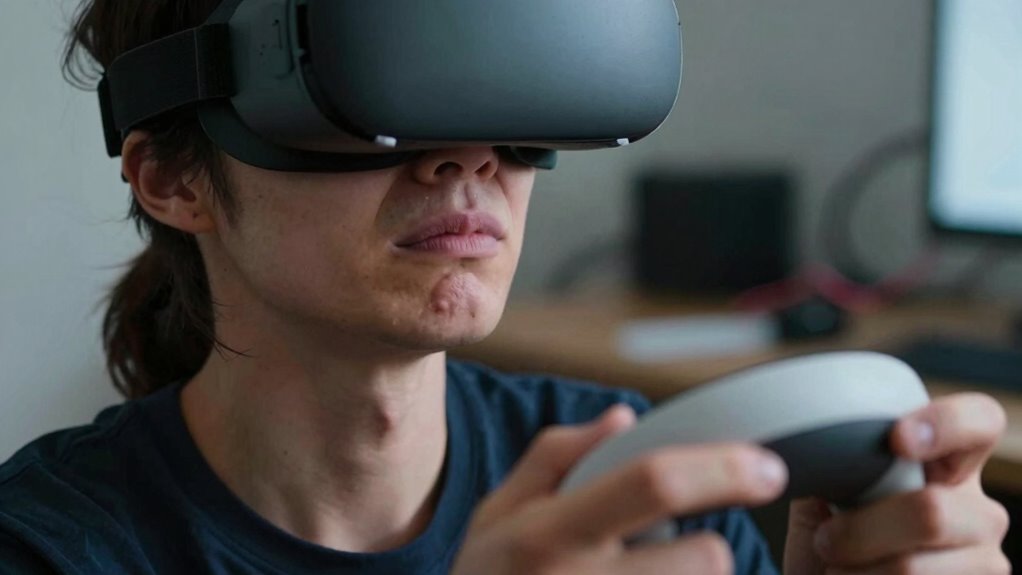
Your behavior and expectations play a significant role in how comfortable you feel during VR experiences. If you approach VR with impatience or impatience, your user patience drops, making you more prone to discomfort. Expecting perfect immersion without environmental distractions can lead to frustration, increasing motion sickness symptoms. To improve comfort, set realistic expectations—know that some disorientation is normal initially. Stay patient as your brain adapts, and minimize environmental distractions like noise or bright lights that can pull your focus away. Maintaining a calm, relaxed attitude helps your body adjust more smoothly. Remember, your mindset influences how your body responds, so approach each session with patience and awareness to reduce discomfort and enhance your overall VR experience. Additionally, considering factors such as ventilation and reducing external stimuli can help mitigate symptoms like dizziness or nausea, especially since proper hydration can also impact your tolerance to VR environments. Being mindful of environmental factors like humidity and airflow can further improve your comfort during extended VR sessions. Recognizing the importance of early warning signs for motion sickness can help you take proactive steps to prevent worsening symptoms. Incorporating knowledge from the Gold IRA markets, such as understanding transparent policies and customer support, can serve as a reminder that a well-informed mindset contributes to better decision-making and patience during your VR sessions.
Troubleshooting Persistent Motion Sickness in VR
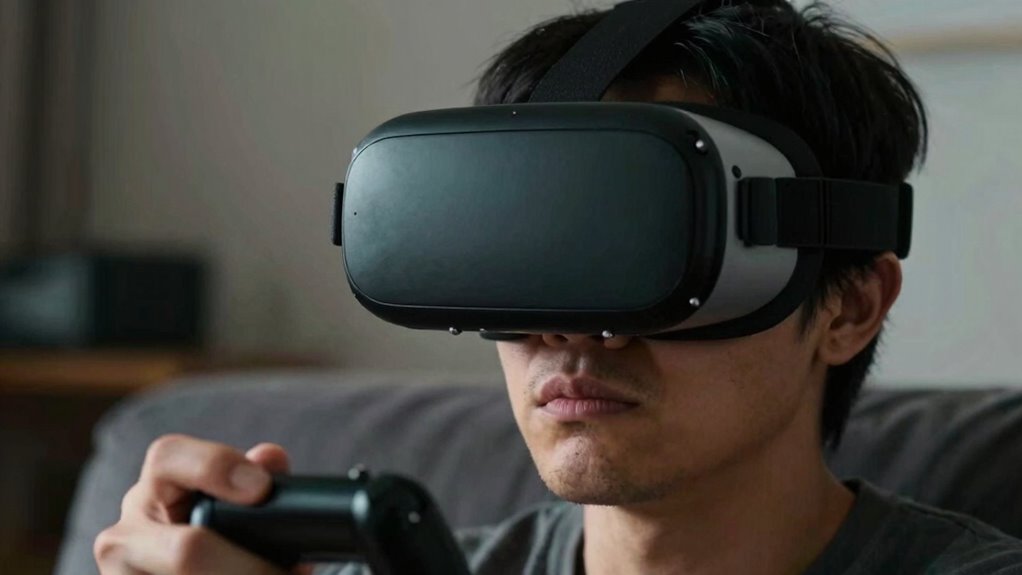
When motion sickness persists despite initial adjustments, it’s important to identify specific causes and take targeted steps to improve your comfort. Focus on enhancing VR safety and supporting your motion adaptation process. Here are four strategies:
- Adjust your headset fit—a snug, comfortable fit reduces sensory mismatch.
- Limit session length—gradually increase VR exposure to build motion adaptation.
- Take frequent breaks—this helps your body reset and reduces symptoms.
- Choose calming VR experiences—avoid fast movements and intense visuals that trigger discomfort. Incorporating vacuum cleaners with advanced filtration can also improve overall air quality, reducing environmental factors that may contribute to discomfort during VR use. Paying attention to cultural shifts in entertainment preferences can help you find more relaxing and nostalgic VR content.
Frequently Asked Questions
Can Certain Medications Increase Susceptibility to VR Motion Sickness?
Certain medications can increase your susceptibility to VR motion sickness due to medication interactions and dosage considerations. If you’re on drugs like antidepressants, antihistamines, or sedatives, they might affect your balance or sensory perception, making you more prone to discomfort. Always check with your healthcare provider about potential effects of your medications before VR sessions. Adjusting dosage or timing can help minimize the risk and guarantee a safer, more comfortable experience.
Does Age Influence How Easily Someone Experiences VR Nausea?
Age influences how easily you experience VR nausea, like how a delicate flower responds differently to the sun. Younger users tend to have fewer susceptibility differences because their brains adapt quickly, while older individuals might find themselves more prone to discomfort. Factors like vision and balance decline with age, increasing vulnerability. Recognizing these age factors helps you prepare better and enjoy VR experiences without unnecessary nausea.
Are There Specific VR Experiences That Are More Likely to Cause Motion Sickness?
Certain VR experiences, especially those with rapid movements or inconsistent visual cues, are more likely to cause motion sickness. When your virtual environment causes sensory conflicts—like mismatched visual motion and physical sensation—your body struggles to adapt. Fast-paced games, flight simulators, or experiences with sudden camera shifts are prime examples. To minimize discomfort, start with calmer experiences and gradually increase intensity, allowing your senses to adjust smoothly.
How Does Prior Experience With Video Games Affect VR Motion Sickness?
Your prior gaming experience can boost your virtual adaptation and reduce sensory conflict in VR. As a seasoned gamer, you’re more likely to understand spatial cues, control schemes, and immersion techniques, easing your shift into virtual environments. This familiarity helps your brain adapt quicker, minimizing motion sickness. Conversely, newcomers might struggle more with sensory conflicts, making initial VR experiences uncomfortable. So, your gaming background can be a valuable advantage in enjoying VR comfortably.
Can Physical Fitness Levels Impact VR Discomfort?
Your fitness impact can influence VR discomfort; higher physical endurance often helps your body adapt better to virtual environments. If you’re physically fit, your muscles and cardiovascular system handle the demands of VR more efficiently, reducing symptoms like nausea or dizziness. Regular exercise can improve your overall resilience, making it easier to stay balanced and focused during extended VR sessions. So, boosting your fitness levels can considerably decrease VR motion sickness and enhance your experience.
Conclusion
Are you paying enough attention to the small details? Often, it’s that overlooked mistake—like poor calibration or skipping breaks—that leads to motion sickness in VR. By setting up your headset properly, adjusting settings, and managing your expectations, you can enjoy immersive experiences without discomfort. Don’t let simple errors ruin your adventure—aren’t your VR sessions worth a little extra care? Take these steps, and you’ll stay comfortable and engaged every time.
Halloween Picks
halloween
As an affiliate, we earn on qualifying purchases.