
Your gaming experience depends heavily on display quality, more than most players realize. A high-quality display enhances visual clarity, making fast-paced scenes clearer and reducing motion blur. It also affects responsiveness, giving you quicker reaction times. Good color accuracy and calibration deepen immersion, helping you recognize subtle details. Understanding these factors can dramatically improve your gameplay and overall enjoyment. Keep exploring, and you’ll discover how optimizing your display can truly elevate your gaming to the next level.

Get hardware and tech essentials delivered free — and shop member deals
- Fast, free delivery on millions of items
- Access to Prime Big Deal Days deals on October 6–7
- Prime Video, Amazon Music and more included
Key Takeaways
- High display quality enhances visual immersion, making gaming environments feel more realistic and engaging.
- Accurate colors improve recognition of subtle details, crucial for competitive gameplay and fast decision-making.
- Calibrated monitors ensure consistent visuals, boosting clarity and reducing distractions during intense gaming sessions.
- Fast response times minimize motion blur, providing smoother visuals and quicker reactions in fast-paced scenes.
- Overall display performance directly influences gameplay experience, often more than most buyers realize.
When it comes to gaming, display quality can make or break your experience. You might think that a powerful graphics card or fast processor is enough to deliver top-tier gameplay, but your display’s quality plays an equally crucial role. Two key factors to consider are color accuracy and response time. These elements directly influence how you perceive the game world and how smoothly it responds to your commands.
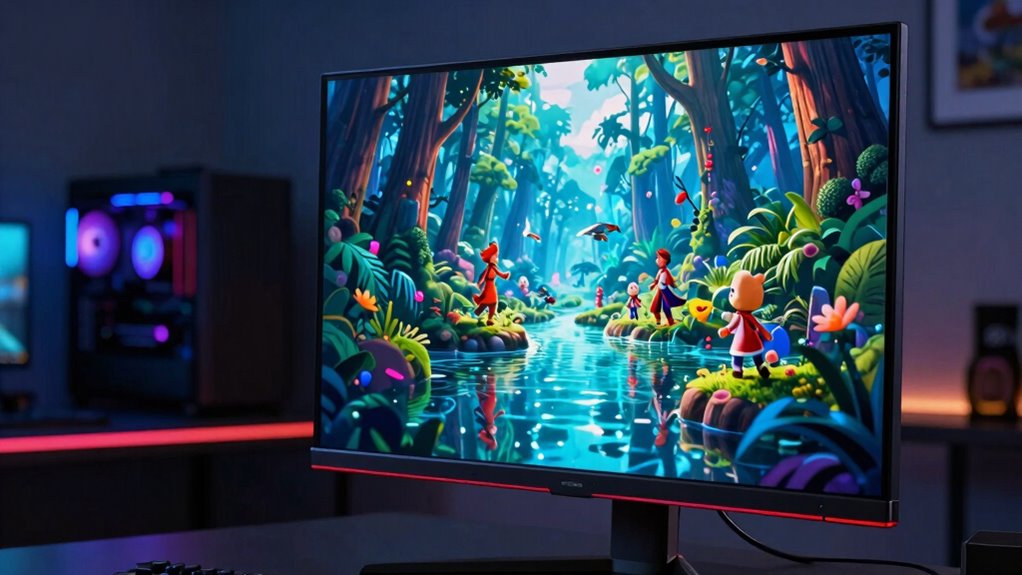
Color accuracy is essential because it determines how true-to-life and vibrant the visuals appear. When your display has high color accuracy, the colors in your game look more realistic and consistent. This isn’t just about aesthetics—it impacts gameplay, especially in genres like first-person shooters or racing games, where recognizing subtle differences in color can provide critical information. A monitor with poor color accuracy can cause images to look dull or unnatural, making it harder to spot enemies, interpret environments, or enjoy the immersive experience you’re after. On the other hand, a display with excellent color fidelity enhances the visual fidelity, pulling you deeper into the game world and giving you a competitive edge. Additionally, calibrating your monitor can significantly enhance these qualities, ensuring you get the most accurate visuals possible.
High color accuracy makes visuals more realistic, enhancing gameplay and giving you a competitive edge.
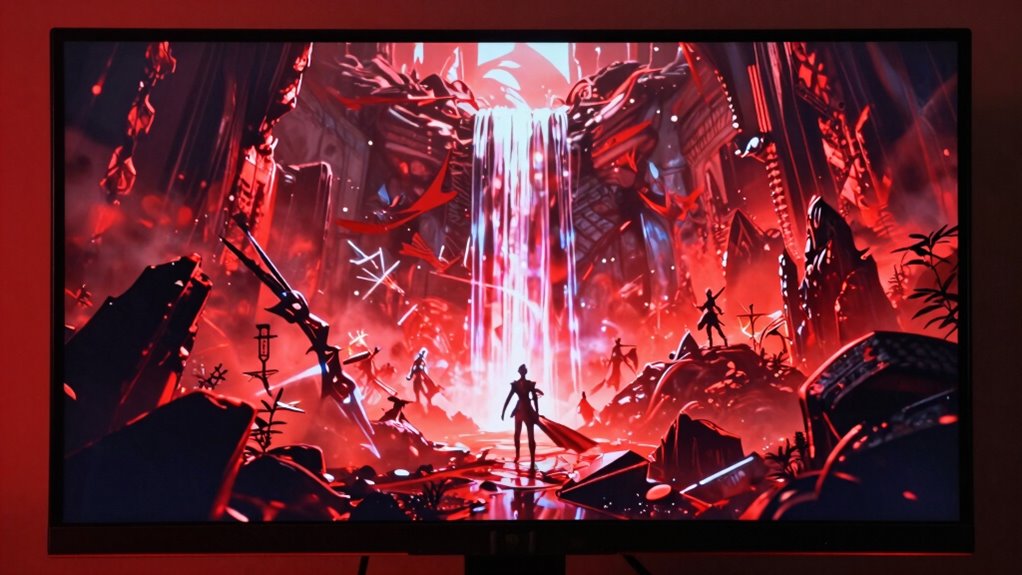
Response time is another vital aspect that often gets overlooked by buyers. Response time refers to how quickly a display can change from one color to another, typically measured in milliseconds. When response times are too slow, you’ll notice motion blur or ghosting—trails that follow moving objects—making fast-paced scenes look smeared or confusing. This can be frustrating, especially in competitive gaming, where split-second reactions determine victory or defeat. A display with low response time ensures that every movement is sharp and clear, providing the fluidity necessary for an optimal gaming experience. It reduces lag between your input and what you see on screen, making your actions feel more responsive and natural. Additionally, display response time can be affected by factors such as panel technology and calibration, which can be optimized for better performance. Understanding display quality can help you make smarter choices and elevate your gameplay beyond expectations.
gaming monitor with high color accuracy
As an affiliate, we earn on qualifying purchases.
As an affiliate, we earn on qualifying purchases.
Frequently Asked Questions
How Does Display Refresh Rate Impact Gaming Performance?
A higher display refresh rate considerably improves your gaming experience by reducing motion blur and input lag. When your screen refreshes more frequently, fast-moving objects stay clear, making gameplay smoother and more immersive. This also shortens the delay between your actions and the response on-screen, giving you a competitive edge. So, upgrading to a high refresh rate monitor helps you react faster and enjoy crisper, more responsive visuals during intense gaming moments.
What Is the Difference Between OLED and LCD Screens for Gaming?
OLED screens deliver richer colors, deeper blacks, and higher contrast compared to LCDs, enhancing your gaming experience. LCD screens often have larger screen sizes and better viewing angles, making them more versatile for multiplayer gaming. However, OLEDs can suffer from burn-in issues over time. If you value vibrant visuals and fast response times, OLED is the way to go. For broader screens and stable viewing angles, LCDs work well.
How Important Is Color Accuracy in Gaming Displays?
A picture’s worth a thousand words, and in gaming, color accuracy truly matters. You want precise color calibration and a broad color gamut to see vivid, true-to-life visuals that enhance immersion. If your display’s colors are off, it can distract you or diminish the experience. So, prioritize a monitor with good color accuracy to get the most out of your gaming sessions, making every scene more vibrant and engaging.
Can a Higher Resolution Improve Gaming Experience Significantly?
A higher resolution can considerably improve your gaming experience by enhancing visual clarity, making details sharper and more immersive. When paired with a suitable screen size, it reduces pixelation and provides a smoother, more realistic view. This means you’ll enjoy better clarity during fast-paced scenes, giving you a competitive edge. Overall, higher resolution elevates your gameplay, making every moment more vivid and engaging.
What Display Features Should Gamers Prioritize for Competitive Play?
Think of your display like a vintage gaming console—every detail matters. Prioritize a fast refresh rate, low response time, and high frame rate for smooth gameplay. Gaming ergonomics is essential—ensure your monitor’s height and tilt suit you. Also, look for sound integration features to minimize distractions. These features keep you sharp and comfortable, giving you the edge in competitive play without missing a beat.
fast response time gaming display
As an affiliate, we earn on qualifying purchases.
As an affiliate, we earn on qualifying purchases.
Conclusion
In the end, your gaming experience hinges on display quality more than you might realize—it’s the magic wand that transforms pixels into epic adventures. Don’t settle for less, because a poor display can turn a thrilling battle into a frustrating nightmare. Invest in the best, and watch your gameplay reach legendary heights. Remember, a great display isn’t just a feature—it’s the beating heart of every unforgettable gaming moment.
As an affiliate, we earn on qualifying purchases.
As an affiliate, we earn on qualifying purchases.
Fall Picks
fall essentials
As an affiliate, we earn on qualifying purchases.