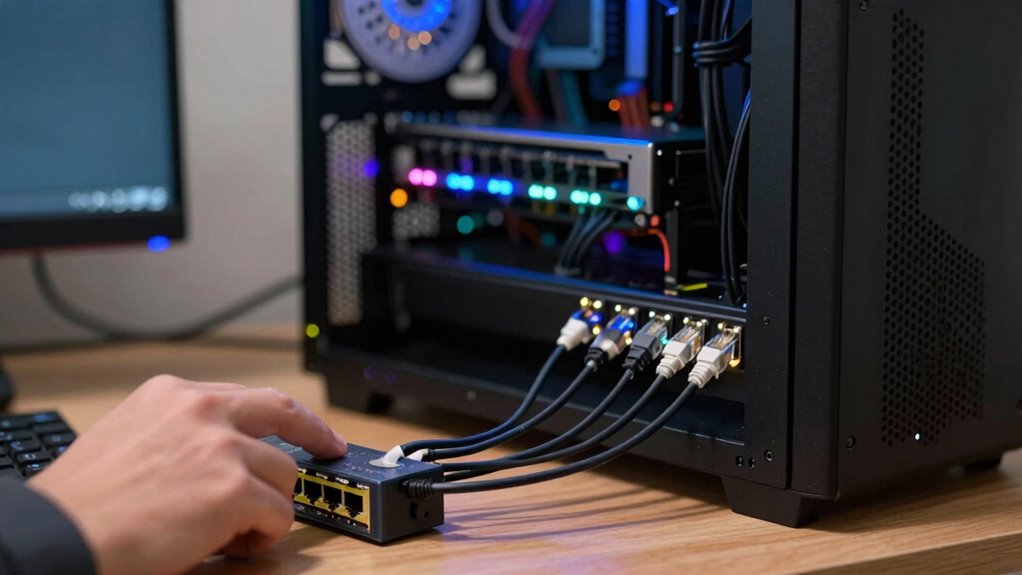

Many think the processor is the main limit in local AI setups, but the real bottleneck often lies elsewhere. Hardware components like memory, storage, and networking can slow down your system even if your CPU is powerful. Insufficient RAM, slow storage, or limited network speed restrict data flow and processing power. If you want your AI to perform at its best, you need to understand and optimize all hardware elements. Keep going to discover how to spot and fix these hidden issues.

Get hardware and tech essentials delivered free with Prime
- Fast, free delivery on millions of items
- Prime Video, Amazon Music and more included
- Member-only deals all year
Key Takeaways
- Hardware components like memory, storage, and networking often limit data flow, creating bottlenecks beyond processor speed.
- Insufficient RAM causes slow data processing, forcing reliance on slower storage and hindering AI performance.
- Storage speed and capacity can delay data access, impacting training and inference tasks.
- Network hardware limitations restrict data transfer rates, affecting real-time AI applications.
- Compatibility and scalability issues among hardware components can exacerbate bottlenecks in local AI systems.
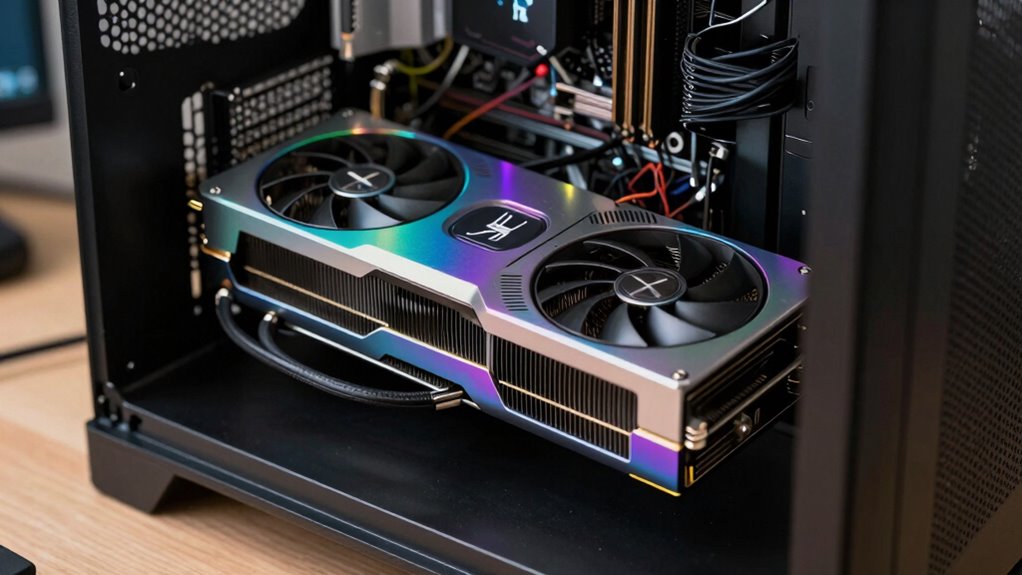
While local AI setups promise greater privacy and control, many users overlook a critical obstacle: the bottleneck created by hardware limitations. The main challenge isn’t necessarily the processor’s raw speed; it’s how the hardware as a whole handles the massive data flows and intensive calculations involved in AI tasks. When your hardware can’t keep up, it creates a bottleneck that hampers the system’s efficiency, regardless of how powerful the processor is. This becomes especially evident when managing sensitive data, where data privacy is a priority; you need a setup that handles data securely without sacrificing performance. Recognizing the importance of balanced hardware components can make a significant difference in overall system performance. Hardware limitations encompass more than just the central processing unit (CPU). Your system’s memory, storage, and networking capabilities all play essential roles. Insufficient RAM can slow down data processing, forcing your system to swap information in and out of storage, which drags performance to a crawl. Limited storage speed or capacity can bottleneck data access, delaying training or inference processes. Similarly, subpar networking hardware restricts data transfer rates, hampering real-time AI applications. These hardware constraints directly impact your ability to process large datasets locally, meaning that even if your processor is top-tier, the overall system can still choke. Additionally, hardware compatibility issues can further complicate upgrades and system stability, making it crucial to ensure all components work harmoniously. Ensuring all hardware components are balanced and compatible is vital for avoiding performance issues and maximizing your AI system’s potential. This involves not only choosing the right components but also considering how they work together holistically within the system. Achieving hardware scalability is also essential, as it allows your setup to adapt and grow with increasing demands without becoming a bottleneck. Hardware limitations also directly affect data privacy. When your setup struggles with data throughput, you might resort to simplifying models or reducing data sizes — compromises that could undermine the privacy benefits you sought in a local environment. Furthermore, hardware limitations often lead to increased system complexity and cost. Upgrading components or building a balanced setup requires careful planning, as investing in a high-end processor alone won’t resolve the bottleneck if memory and storage aren’t equally capable. Addressing these hardware constraints is essential if you want your local AI setup to truly deliver on privacy and performance promises. It’s not enough to focus solely on the processor; you need a well-rounded, balanced configuration that can handle the demands of data privacy, intensive calculations, and large datasets. Otherwise, those hardware bottlenecks will continue to slow down your AI operations, defeating the purpose of local deployment and risking exposing sensitive data to inefficiencies. Recognizing and overcoming these hardware constraints ensures your system remains private, efficient, and capable in the long run.
Products Worth Considering

Jackery HomePower 1000 Plus v2 Portable Power Station

LG UltraGear 32GX850A-B 32-Inch 4K UHD Glossy OLED Gaming Monitor

Apple iPad Air (2025) 13‑inch Wi‑Fi 256 GB – Space Gray (M3 chip)
As an affiliate, we earn on qualifying purchases.
Frequently Asked Questions
How Does Network Bandwidth Affect Local AI Performance?
Network bandwidth directly impacts your local AI performance by limiting data transfer speeds. When bandwidth limitations occur, data takes longer to move between storage or cloud sources and your AI system, increasing network latency. This delay hampers real-time processing, slows response times, and can cause bottlenecks, making your AI less efficient. To optimize performance, guarantee your network offers sufficient bandwidth and minimizes latency, allowing smoother, faster AI operations.
What Role Does Storage Speed Play in AI Setup Efficiency?
Storage speed directly impacts your AI setup’s efficiency by influencing storage latency and disk throughput. When storage has high latency or low throughput, data retrieval slows down, causing bottlenecks during training or inference. You need fast SSDs or NVMe drives to guarantee quick data access, reducing delays. This way, your AI processes data smoothly, improving overall performance and minimizing downtime caused by slow storage components.
Can Software Optimization Improve Local AI Processing?
Yes, software optimization can markedly improve local AI processing. By focusing on software tuning and algorithm refinement, you can reduce unnecessary computations and streamline data flow. This makes your AI run more efficiently, even if hardware remains unchanged. Properly optimized code minimizes latency and maximizes resource use, allowing your system to handle larger models or faster processing speeds without needing costly hardware upgrades.
What Hardware Components Are Most Critical Beyond the Processor?
Did you know that memory bandwidth can be 50% more crucial than processing power in AI setups? Beyond the processor, RAM and GPU memory are essential for handling large data sets efficiently. Ensuring hardware compatibility and seamless component integration prevents bottlenecks, allowing your system to process AI workloads smoothly. Prioritizing these components helps maximize performance, making your local AI setup faster and more reliable without unnecessary upgrades.
How Do Power Supply and Cooling Impact AI System Stability?
Power supply and cooling are essential for your AI system’s stability. A reliable power supply guarantees consistent power stability, preventing crashes or data loss. Effective thermal management keeps components within safe temperatures, avoiding overheating that can throttle performance or cause hardware failure. By maintaining proper power stability and thermal management, you guarantee your AI system runs smoothly, efficiently, and with minimal downtime, optimizing your overall setup.
Conclusion
So, next time you’re setting up your local AI, remember that the real challenge might be lurking behind the scenes, quietly influencing your progress. Instead of focusing solely on the processor, take a moment to contemplate other hidden factors that could be holding you back. With a little awareness and some fine-tuning, you can gently steer your setup toward smoother, more efficient performance. Sometimes, it’s the unseen details that make all the difference.