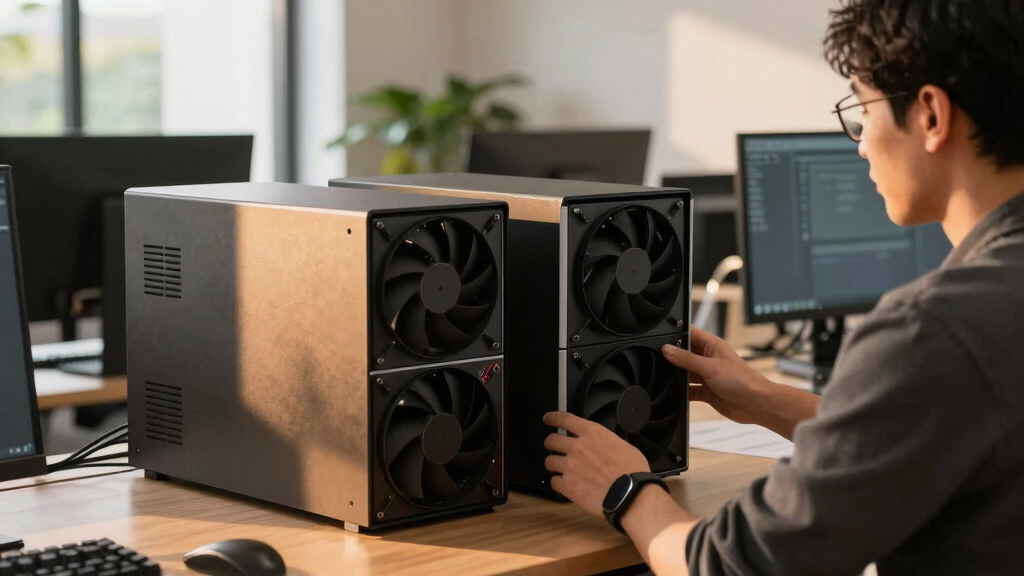

📊 Full opportunity report: How to Reduce Heat and Noise in a High-Power AI Workstation on ThorstenMeyerAI.com — validation score, market gap, and execution plan.
TL;DR
High-power AI workstations generate significant heat and noise due to sustained GPU loads. Key solutions include undervolting GPUs, improving airflow, and choosing appropriate cooling methods. This guide details effective strategies for quieter, cooler AI rigs.
High-power AI workstations produce substantial heat and noise during sustained GPU loads, often turning quiet home offices into noisy server rooms. Effective cooling and noise reduction are crucial for maintaining performance and comfort, and recent techniques like undervolting and airflow optimization have proven highly effective, according to industry sources.
Unlike gaming PCs, AI workstations operate under continuous, high load, generating more heat and noise due to sustained GPU activity. The primary heat source is the GPU, which accounts for over 70% of the thermal load, with fans running at high speeds to manage temperature. CPU and power supply components also contribute but to a lesser extent.
One of the most effective, confirmed methods to reduce heat and noise is undervolting GPUs, which lowers power consumption without significantly impacting performance. Adjusting power limits and optimizing fan curves can further decrease thermal output and noise levels. Proper case airflow, achieved through strategic fan placement and case design, is essential to prevent recirculation of hot air, which worsens temperature and noise issues.
Additional strategies include selecting high-quality cooling solutions — such as liquid coolers or high-performance air coolers — and upgrading power supplies to more efficient units. These measures, combined with careful component placement, can significantly improve the acoustic and thermal profile of an AI workstation.
An AI workstation isn’t a gaming PC —
and that’s why it runs hot.
Local inference is a sustained load: the GPU sits near full power for hours with no loading screens, so the heat never dissipates and the fans never get a break. Here’s where the heat comes from — and the five levers that reduce it.
Why Cooling and Noise Control Matter for AI Workstations
Effective heat and noise management directly impact the performance, longevity, and usability of high-power AI workstations. Overheating can cause thermal throttling, reducing inference speed, while excessive noise can make long working sessions uncomfortable. Implementing proven cooling strategies ensures stable operation, preserves hardware lifespan, and maintains a comfortable working environment, which is especially vital for professional AI deployments.
As an affiliate, we earn on qualifying purchases.
Understanding the Unique Demands of AI Workstation Cooling
AI workstations differ from gaming PCs in their continuous high loads, which keep GPUs at or near full capacity for hours. This sustained demand leads to higher thermal output and fan activity. While gaming PCs experience bursty loads with idle periods, AI workloads require cooling solutions that handle constant heat dissipation. Industry experts recommend focusing on power management, airflow, and component selection to mitigate these issues effectively.
“Undervolting GPUs is one of the simplest and most effective ways to reduce heat and noise without sacrificing performance, especially for inference workloads.”
— Thorsten Meyer, AI hardware specialist
high airflow PC case for AI workstation
As an affiliate, we earn on qualifying purchases.
As an affiliate, we earn on qualifying purchases.
Remaining Challenges in AI Workstation Cooling
While undervolting and airflow improvements are proven, the optimal configurations vary depending on hardware specifics, workload types, and case design. The precise impact of liquid cooling versus high-end air coolers under sustained load remains under active investigation. Additionally, the long-term effects of aggressive power capping on hardware lifespan are still being studied.
liquid cooling system for high-performance PC
As an affiliate, we earn on qualifying purchases.
As an affiliate, we earn on qualifying purchases.
Future Developments in Quiet, Efficient AI Workstation Cooling
Advances are expected in adaptive cooling systems that dynamically adjust fan speeds and cooling methods based on workload. Improved case designs with better airflow pathways and quieter fans are also on the horizon. Researchers are exploring smarter power management algorithms to further reduce heat generation without performance loss. Users should anticipate more integrated solutions tailored specifically for AI workloads in the coming years.
As an affiliate, we earn on qualifying purchases.
Key Questions
What is the most effective way to reduce noise in an AI workstation?
Undervolting GPUs and optimizing case airflow are among the most effective methods for noise reduction, as they lower fan speeds and thermal load.
Can liquid cooling significantly lower temperatures compared to air cooling?
Yes, liquid cooling can provide better thermal performance under sustained loads, but it comes with increased complexity and cost. Its effectiveness varies based on setup quality and workload.
Does undervolting affect GPU performance?
In most inference workloads, undervolting reduces power consumption and heat without noticeable performance loss, especially when properly tuned.
What case features are best for cooling AI workstations?
Cases with high airflow capacity, multiple fan mounts, and good cable management facilitate better cooling and quieter operation.
Are there any long-term risks to aggressive cooling modifications?
Potential risks include hardware instability if settings are too aggressive. Proper testing and gradual adjustments are recommended to avoid damaging components.
Source: ThorstenMeyerAI.com