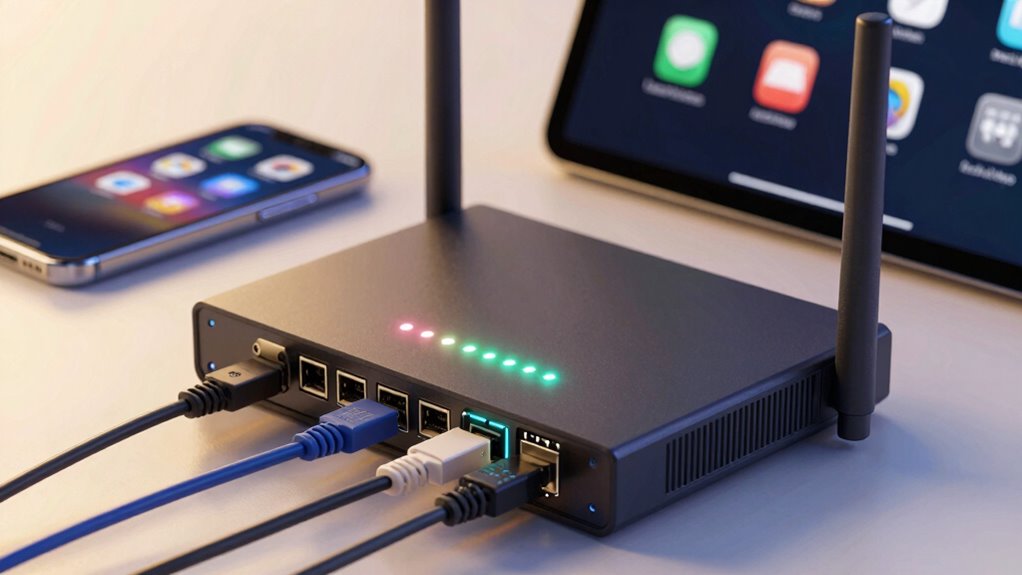

You might have lightning-fast internet, but if your devices don’t follow established connectivity standards, your speeds won’t matter. Standards guarantee devices communicate effectively, avoiding compatibility issues that cause dropped connections or delays. Without them, different brands or tech upgrades can break compatibility, leading to a frustrating experience. Supporting the right standards keeps your network reliable, efficient, and ready for future devices. Stay tuned to discover how to make the most of your network by focusing on standards rather than just speed.

Get hardware and tech essentials delivered free with Prime
- Fast, free delivery on millions of items
- Prime Video, Amazon Music and more included
- Member-only deals all year
Key Takeaways
- Standards ensure devices from different brands can communicate effectively, enabling seamless interoperability beyond just speed.
- Compatibility issues from mismatched standards can cause connection drops and require additional adapters, disrupting performance.
- Supporting current standards allows devices to fully utilize network capabilities and ensures future device compatibility.
- Reliable standards reduce troubleshooting, minimize disruptions, and maintain a stable, efficient network environment.
- Raw speed is meaningless if devices do not adhere to standards, as incompatibility hampers overall network functionality.
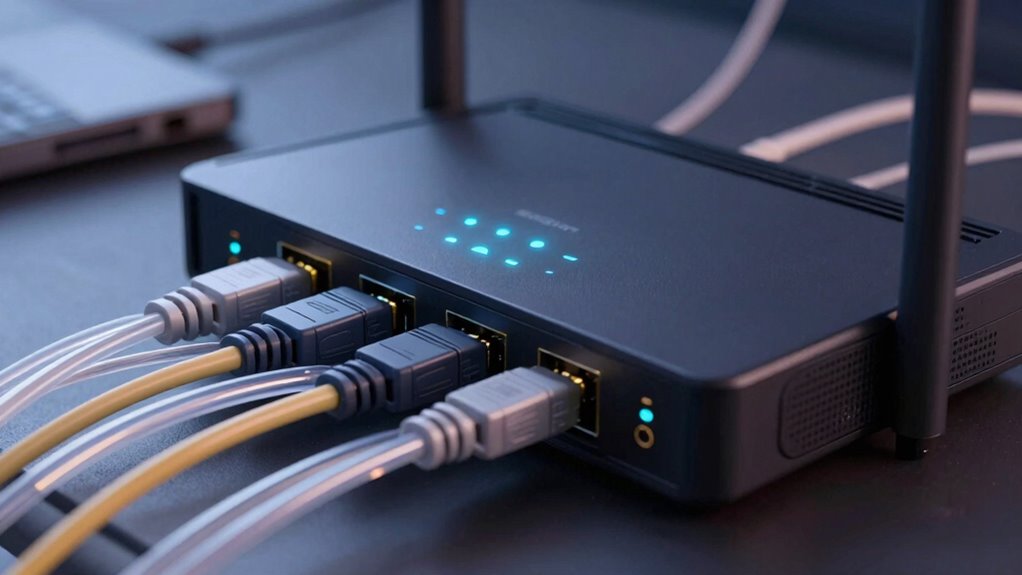
While fast internet speeds grab most of the spotlight, the importance of reliable connectivity standards often goes unnoticed. You might have the latest router promising lightning-fast speeds, but if your devices don’t support the same standards or aren’t compatible, those speeds don’t mean much. Connectivity standards are the backbone that guarantees your devices work together seamlessly. Without them, you could face compatibility issues that hinder your experience, no matter how fast your connection is. These standards define how devices communicate, guaranteeing they understand each other regardless of brand or model.
When your devices follow different standards, device interoperability becomes a major concern. For example, if your laptop supports a newer Wi-Fi standard like 802.11ax but your older printer only understands 802.11n, you’ll encounter problems connecting them efficiently. Compatibility issues like these can lead to frustrating delays, dropped connections, or the need for additional adapters or upgrades. It’s not just about speed but about guaranteeing all your devices can connect reliably and operate smoothly within the same network. That’s why understanding and selecting the right connectivity standards matter more than simply chasing higher speeds.
Furthermore, supporting the correct standards ensures your devices can take full advantage of the network capabilities, enhancing overall performance and user experience. You might think that speed is everything, but the reality is that a fast connection becomes meaningless if your devices can’t communicate properly. For example, interoperability between devices is essential for seamless operation, especially in smart homes or workplaces with multiple connected gadgets. Upgrading to compatible standards can also future-proof your network, making it easier to adopt new technologies as they become available. Supporting these standards helps prevent compatibility issues that can slow down or disrupt your network. Transferring files between devices that use incompatible standards can be slow or even impossible. These issues highlight why compatibility and interoperability are vital for a functional, efficient network. When your devices support the latest connectivity standards, you can enjoy a more reliable and consistent network experience with fewer disruptions. It’s about creating a system where all your devices, from smartphones to smart home gadgets, can work together without constant troubleshooting.
Products Worth Considering

EcoFlow Smart Home Panel 2 Whole-Home Backup System Hub

LG UltraGear 27-Inch QHD OLED Gaming Monitor, 240Hz, 0.03ms, G-SYNC Compatible, FreeSync Premium Pro, HDMI 2.1

DJI Mic 3 Wireless Microphone System (2 Transmitters, 1 Receiver, Charging Case)
As an affiliate, we earn on qualifying purchases.
Frequently Asked Questions
How Do Connectivity Standards Impact Device Compatibility?
Connectivity standards directly affect your device compatibility by guaranteeing interoperability across different devices and platforms. When standards evolve, they enable newer devices to work seamlessly with existing ones, but outdated standards can cause compatibility issues. By adopting up-to-date standards, you make sure your devices stay compatible as technology advances, reducing frustration and increasing usability. Staying informed about standard evolution helps you choose devices that work together smoothly, enhancing your overall user experience.
What Security Features Are Linked to Different Connectivity Standards?
Different connectivity standards include security features like encryption protocols and authentication methods. For example, Wi-Fi standards like WPA3 offer stronger encryption, making your network more secure, while Bluetooth standards use pairing and authentication methods to prevent unauthorized access. By understanding these security features, you can choose standards that better protect your devices and data. Always confirm your devices support the latest standards for maximum security.
Are Newer Standards Always More Reliable Than Older Ones?
Newer standards aren’t always more reliable than older ones because wireless interference and signal stability can vary. While newer standards often offer improvements like faster speeds and better security, they may still face issues with interference from other devices or obstacles. You should assess your environment and device compatibility, as sometimes older standards provide more stable connections in certain situations. Reliability depends on both technology and your specific setup.
How Do Connectivity Standards Influence Battery Life?
Think of connectivity standards as your device’s loyal guide through a busy city. When standards prioritize power efficiency and signal stability, your device conserves energy, much like a guide helping you avoid unnecessary detours. This means longer battery life and fewer recharges. Reliable standards guarantee your device stays connected without draining power excessively, making your experience smoother. So, choosing standards with strong signal stability and power efficiency keeps your device energized longer.
Can Multiple Standards Coexist on a Single Device?
Yes, multiple standards can coexist on a single device, enhancing device interoperability. When standards are integrated effectively, your device can seamlessly connect with a variety of accessories and networks. This standard integration allows for greater flexibility and future-proofing, ensuring you don’t need to upgrade your device every time a new standard emerges. By supporting multiple standards, your device stays compatible across different platforms and environments, simplifying your connectivity options.
Conclusion
Remember, faster isn’t always better if your connection isn’t reliable. Think of connectivity standards as the sturdy foundation of a house—without them, even the fastest network can crumble under pressure. So next time you’re choosing tech, don’t just chase the speed; prioritize standards that guarantee your connection stays strong and steady. After all, in the race of connectivity, isn’t it better to have a reliable partner than a fleeting burst of speed?