
Where you place your router makes a bigger difference in your Wi-Fi quality than the brand on the box. Proper positioning guarantees a strong, stable signal throughout your home, while poor placement leads to dead zones and slower speeds. Avoid hiding it behind furniture or near interference sources like electronics. Elevate it and keep it open for better coverage. If you want to learn how to optimize your router’s location, keep exploring these tips.

Get hardware and tech essentials delivered free — and shop member deals
- Fast, free delivery on millions of items
- Access to Prime Big Deal Days deals on October 6–7
- Prime Video, Amazon Music and more included
Key Takeaways
- Proper placement ensures strong, consistent Wi-Fi signals regardless of router brand or specifications.
- Environmental factors and obstacles significantly impact coverage more than the router’s brand.
- Strategic positioning minimizes interference and dead zones, improving performance for any router.
- Even the best router performs poorly if placed improperly; placement outweighs brand quality.
- Fine-tuning router location can optimize coverage more effectively than relying solely on brand features.
As an affiliate, we earn on qualifying purchases.
Why Router Placement Matters for Wi-Fi Performance
Have you ever noticed your Wi-Fi signal drops in certain parts of your home? That’s often due to interference sources or signal obstacles blocking your router’s reach. Placing your router in a poor spot can expose it to devices like cordless phones, microwave ovens, or Bluetooth gadgets, which disrupt the signal. Thick walls, metal furniture, and even mirrors can act as signal obstacles, weakening your Wi-Fi. When your router isn’t positioned ideally, it struggles to broadcast a strong, reliable signal throughout your space. Proper placement minimizes these issues, ensuring your Wi-Fi remains consistent and fast. Understanding these factors helps you choose the most suitable location, so your internet works smoothly everywhere in your home, not just near the router. Additionally, using product roundups or guides can help you select the best router for your needs. Being aware of signal interference sources can further enhance your Wi-Fi experience by allowing you to avoid common disruptions. Knowing how environmental factors impact Wi-Fi performance can help you optimize your setup for better connectivity. For example, router placement can significantly influence overall network efficiency by reducing interference and obstacles. It’s also helpful to consider router height and positioning away from electronic devices for optimal results.
As an affiliate, we earn on qualifying purchases.
Best Spots in Your Home to Place Your Router
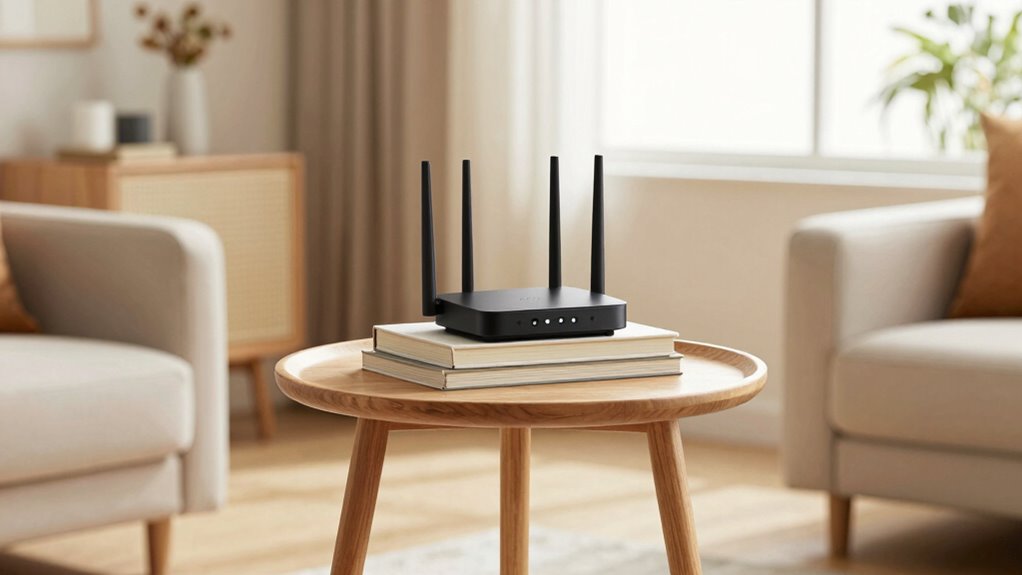
Choosing the right spot for your router can greatly boost your Wi-Fi performance. To optimize your signal, consider these prime locations:
- Central Position: Place your router in a central spot to evenly distribute Wi-Fi throughout your home, especially if you have a smart home setup.
- Elevated Space: Keep it on a shelf or high surface to reduce signal interference from furniture or walls.
- Open Area: Avoid enclosed spaces like cabinets or behind large objects, which block signals and weaken your connection.
As an affiliate, we earn on qualifying purchases.
Common Wi-Fi Router Placement Mistakes to Avoid
Many people make the mistake of placing their router in hidden or inconvenient spots, which can considerably weaken the Wi-Fi signal. Avoid hiding your router behind furniture or in closed cabinets, as this blocks signal flow and causes dead zones. Additionally, placing the router near devices like cordless phones, microwaves, or Bluetooth gadgets can lead to signal interference, reducing speed and stability. Don’t forget about router security—placing it near windows or accessible areas can expose it to unauthorized access. Keep your router elevated and in a central location, away from thick walls and metal objects. Proper placement guarantees a strong, reliable connection while minimizing signal interference. Remember, a well-placed router not only boosts coverage but also enhances your network’s security. Proper placement is essential for optimal performance and minimizing noise interference. Ensuring your router is positioned to avoid common signal interference sources can significantly improve your Wi-Fi experience. Additionally, understanding the environmental factors that affect signal strength can help you choose the best spot for your router. For example, considering antenna orientation can further improve coverage and signal stability.
As an affiliate, we earn on qualifying purchases.
Small Changes to Boost Your Wi-Fi Coverage and Speed
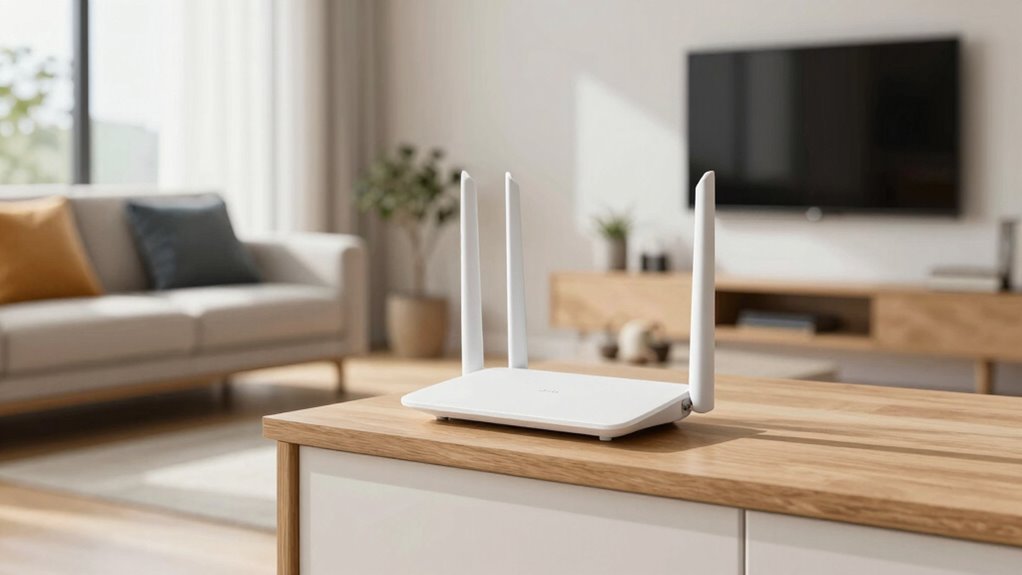
Even small adjustments to your Wi-Fi setup can make a noticeable difference in coverage and speed. First, minimize interference sources by moving your router away from electronics like microwaves and cordless phones. Second, check device compatibility; confirm your devices support the latest Wi-Fi standards for peak performance. Third, elevate your router to a higher spot, such as on a shelf or wall mount, to improve signal reach. These simple tweaks can reduce dead zones and boost speeds without costly upgrades. Additionally, ensuring your network is free from interference sources can significantly enhance overall performance. Proper placement can also help control indoor air quality, which is crucial for a healthy living environment. Incorporating sound therapy principles, such as reducing electromagnetic interference, can further optimize your Wi-Fi environment. Regular maintenance and cleaning of your router can also prevent overheating and maintain optimal performance, improving overall your Wi-Fi experience. Being aware of wireless technology advancements can help you stay updated on the best practices for optimal network setup. Small changes like these can greatly improve your Wi-Fi experience, making streaming, gaming, and browsing faster and more reliable.
How to Test and Fine-Tune Your Router’s Placement
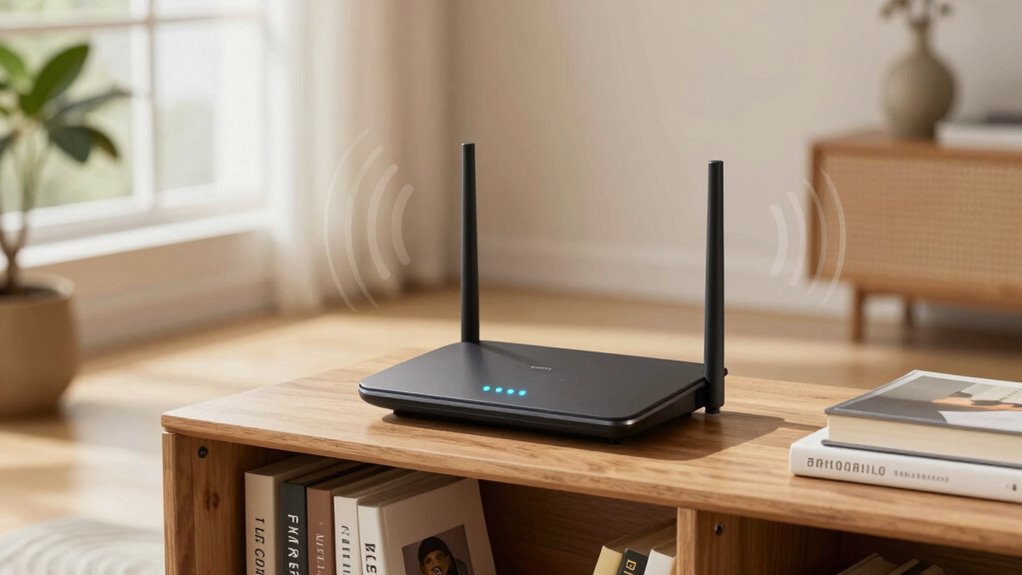
To guarantee your router is ideally positioned, start by testing its signal strength in different areas of your home. Use a device like a laptop or smartphone to gauge Wi-Fi quality and speed. Pay attention to interference sources, such as microwaves, cordless phones, and Bluetooth devices, which can disrupt signals. Also, observe signal obstructions like thick walls, metal objects, or furniture that can weaken Wi-Fi coverage. Additionally, considering network optimization techniques can help improve signal distribution and reduce dead zones. Adjust your router’s placement based on your findings—preferably, place it in an open, central location away from interference sources and signal obstructions. Moving the router slightly and re-testing can help you identify most suitable spots. This process helps you fine-tune placement, ensuring stronger, more reliable Wi-Fi throughout your home. Incorporating smart furniture solutions can also help optimize your router’s placement for better coverage. Furthermore, understanding wireless communication principles can assist in troubleshooting and enhancing your network’s performance. Incorporating signal repeaters or extenders may further enhance coverage in larger or multi-story homes. Being aware of signal propagation characteristics can provide insights into how your Wi-Fi spreads and where to improve coverage.
Frequently Asked Questions
How Does Router Placement Affect Signal Interference From Other Devices?
You should consider how router placement affects signal interference from other devices. Poor placement can lead to wireless obstacles, like thick walls or metal objects, which cause signal attenuation. These obstacles weaken your Wi-Fi, making it slower or less reliable. Keep your router in an open, central location, away from electronics like microwaves and cordless phones, to minimize interference and guarantee a strong, stable connection throughout your space.
Can Router Height Influence Wi-Fi Coverage and Speed?
Yes, router height influences Wi-Fi coverage and speed. Placing your router higher, like on a shelf or wall mount, reduces obstacles and signal interference, improving wireless security and performance. Keep firmware updates current to fix security vulnerabilities. A well-placed, elevated router guarantees a stronger signal, better coverage, and safer wireless connections, helping you enjoy faster speeds and maintaining your network’s security.
Does Wall Material Impact Wi-Fi Signal Strength?
Yes, wall material impacts Wi-Fi signal strength due to signal attenuation and wall absorption. Thick walls or those made of concrete, brick, or metal absorb more signals, weakening your Wi-Fi connection. Drywall or lighter materials cause less attenuation, allowing signals to pass through more easily. To improve coverage, consider placing your router away from dense walls and obstacles, optimizing signal strength and reducing interference caused by wall absorption.
How Often Should I Reposition My Router for Optimal Performance?
You should reposition your router whenever you notice a drop in signal quality or slow internet speeds, typically every few months. Don’t rely solely on router aesthetics or brand reputation; instead, experiment with different locations for the best performance. Keep it central, elevated, and away from thick walls or electronic interference. Regular adjustments make sure your connection remains strong, regardless of the router’s appearance or brand reputation.
Do Router Placement Tips Differ for Multi-Story Homes?
In multi-story homes, router placement tips do differ. You should position your router centrally on the main floor, ideally on an elevated surface, to distribute signals evenly across floors. Keep it away from thick walls and metal objects to maintain signal strength. Also, guarantee your router’s security settings, like signal encryption, are up-to-date to protect your network, especially when signals pass through multiple levels. Proper placement and security keep your Wi-Fi fast and safe.
Conclusion
Remember, your router’s position is the secret ingredient to a strong Wi-Fi signal. Think of it as the conductor of your digital orchestra—place it wisely, and everything runs smoothly. Small adjustments to its location can turn static noise into a symphony of seamless streaming and speedy browsing. So, don’t just settle for the box’s label—move your router around and watch your Wi-Fi perform at its best, tuning your home into a connected harmony.
Fall Picks
fall essentials
As an affiliate, we earn on qualifying purchases.