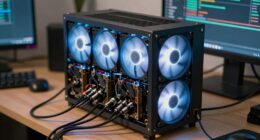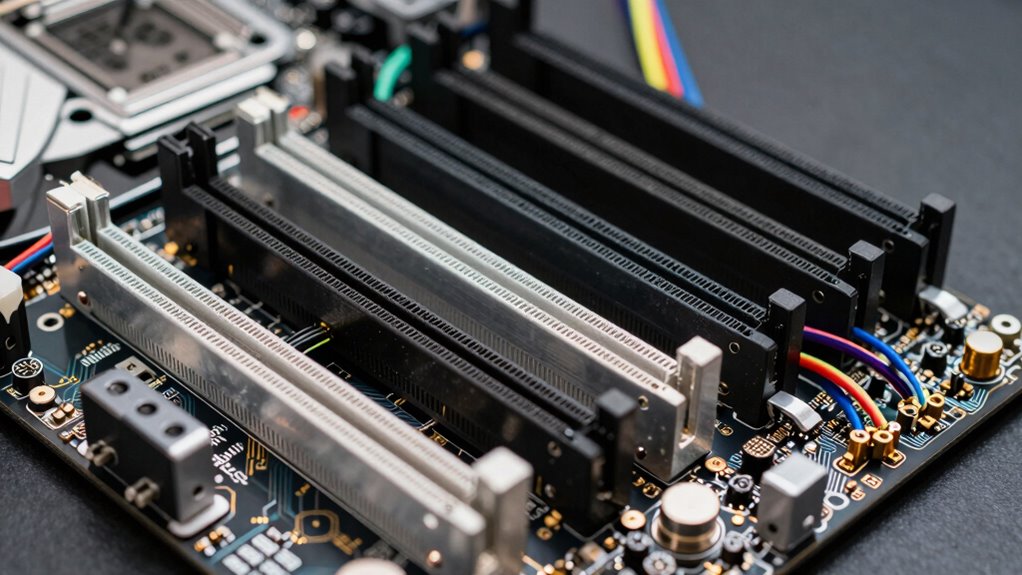
Mining motherboards can seem confusing until you grasp PCIe lanes, which are like data highways connecting your GPUs to the CPU. More lanes mean faster data transfer, boosting your mining performance. Understanding how slots share lanes and how to optimize their use prevents bottlenecks. If you optimize lane distribution and choose the right slots, your system runs smoother and more efficiently. Keep exploring to discover how to master PCIe lanes and maximize your mining setup.
Key Takeaways
- Understanding PCIe lanes clarifies how motherboard slot configurations impact GPU data transfer and mining performance.
- Proper lane management prevents bottlenecks, making complex motherboard layouts easier to comprehend.
- Recognizing slot sizes and their lane sharing helps optimize GPU placement for maximum efficiency.
- Upgrading to motherboards with more lanes or higher PCIe standards boosts mining performance.
- Consulting motherboard documentation reveals lane distribution, simplifying the setup process for effective mining rigs.
What Are PCIe Lanes and Why Do They Matter in Mining?
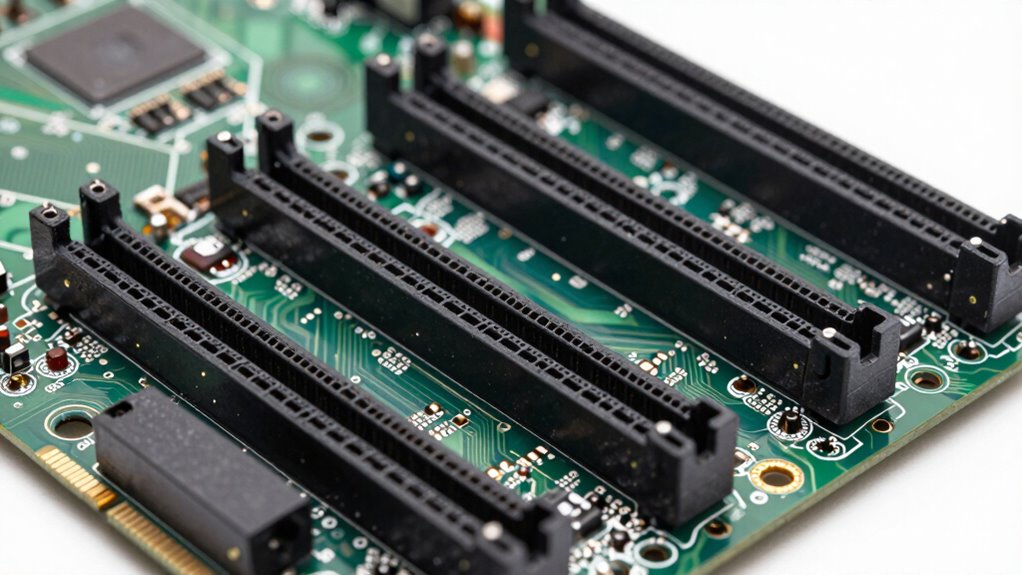
PCIe lanes are the pathways that connect your graphics cards to the motherboard, allowing data to flow between them. The motherboard chipset manages these lanes, determining how many are available for your GPUs. More lanes mean higher data transfer rates, which can improve mining performance. Without enough PCIe lanes, your graphics cards might bottleneck, reducing efficiency. Power delivery is also essential, as it supplies stable energy to your GPUs through the motherboard. A well-designed motherboard guarantees sufficient power and proper lane allocation, preventing overheating and crashes. Understanding how PCIe lanes work helps you choose a motherboard that supports multiple GPUs effectively. Additionally, the quality of PCIe lanes can influence overall system stability and performance, especially during long mining sessions. The chipset plays a crucial role in managing these lanes and ensuring smooth operation. By considering both the chipset and power delivery, you optimize your mining rig’s stability and performance. Proper lane allocation is crucial for maximizing your mining setup’s efficiency and avoiding potential conflicts.
How PCIe Lanes Impact GPU Performance in Mining Rigs
The number of PCIe lanes allocated to each GPU directly influences your mining rig’s performance, as these lanes determine how quickly data moves between the graphics cards and the motherboard. When you have more lanes, data transfer speeds increase, boosting efficiency for mining algorithms. Think of it like a multi-lane highway—more lanes mean less traffic and faster routes. Additionally, proper content formats ensure compatibility and optimal configuration for long-term performance.
More PCIe lanes mean faster data transfer, boosting mining performance and efficiency.
- Faster data flow enhances mining algorithm performance
- Better support for GPU overclocking without bottlenecks
- Increased stability during intensive mining tasks
- Greater potential for higher hash rates
- Reduced latency in data transfer
With ideal PCIe lane distribution, your GPUs can handle demanding calculations better, ensuring consistent performance and maximizing your mining profits.
Understanding PCIe Slot Configurations on Mining Motherboards
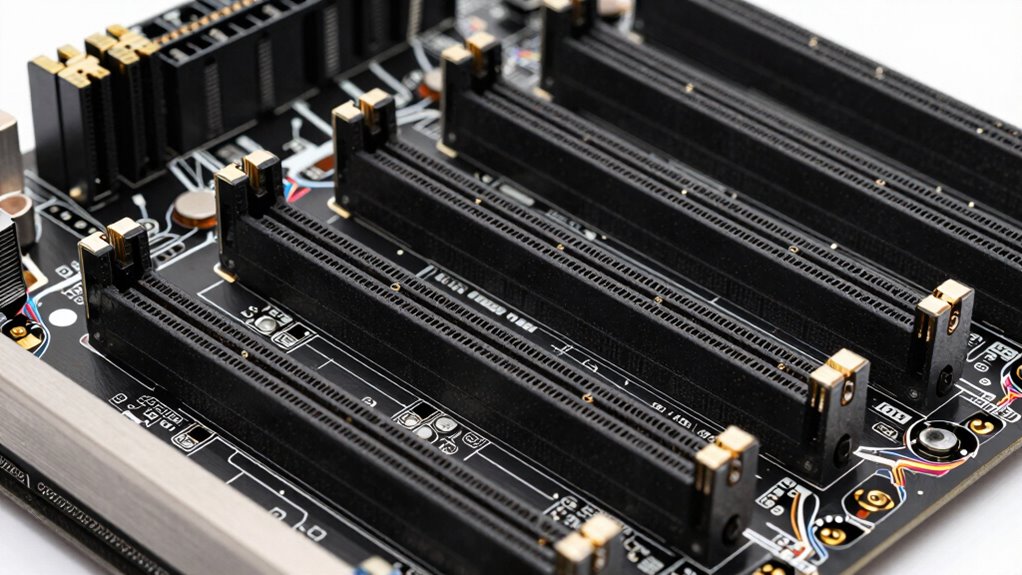
Understanding how PCIe slot configurations are arranged on mining motherboards is essential for optimizing your rig’s performance. These configurations determine how multiple GPUs connect and share bandwidth, directly impacting mining efficiency. Many mining motherboards feature multiple PCIe slots, often with varying lane distributions, such as x16, x8, or x4, which influence mining hardware compatibility. It’s important to take into account cryptocurrency regulations, as they can affect your setup’s legality or operational limits, especially when expanding your mining farm. Proper slot configuration ensures each GPU operates at its best without bottlenecks. Familiarizing yourself with your motherboard’s PCIe layout helps you avoid compatibility issues and maximize the potential of your mining hardware, ultimately increasing your rig’s profitability and stability. Additionally, understanding PCIe Lane Distribution can help you optimize data transfer speeds and overall system efficiency, which is crucial for hardware compatibility and performance. Being aware of motherboard PCIe architecture can further assist in designing a balanced and effective mining setup. Knowing how PCIe bandwidth sharing works can help prevent performance bottlenecks as you scale your mining operation.
How to Identify Your Motherboard’s PCIe Lane Distribution
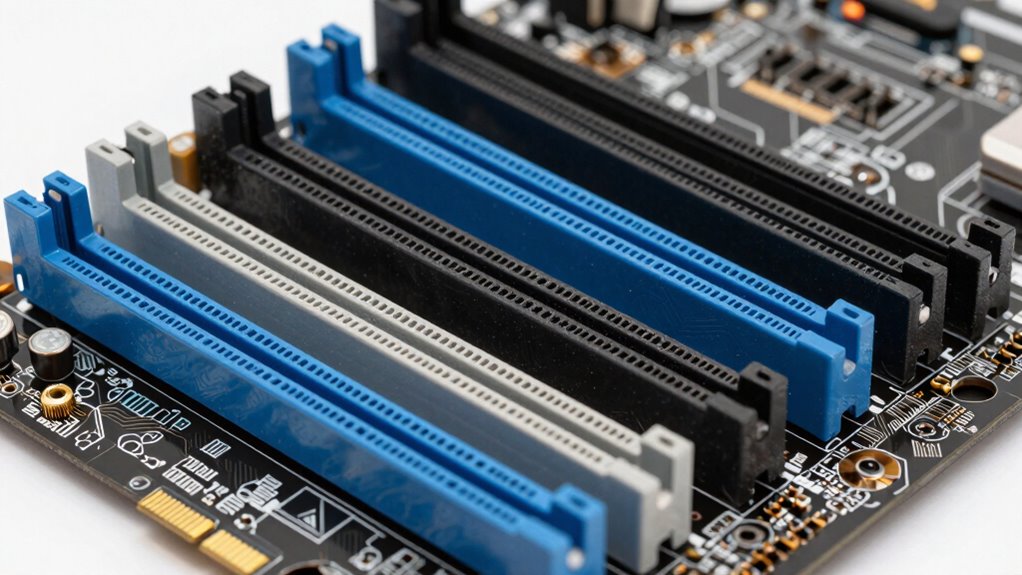
To optimize your mining setup, you need to know how your motherboard distributes PCIe lanes among its slots. Start by checking the motherboard’s documentation or manufacturer’s website, which often details lane distribution and PCIe slot configurations. You can also explore BIOS configurations, where lane assignments may be displayed or adjustable. Visualize your motherboard’s aesthetics: imagine a sleekboard with different-sized PCIe slots, some full-length and others shorter, each assigned specific lanes. Key steps include:
Check your motherboard’s documentation and BIOS to understand PCIe lane distribution for optimal mining performance.
- Accessing BIOS to view lane allocation
- Consulting motherboard manuals or online specifications
- Noticing the physical layout of PCIe slots
- Recognizing differences in slot size and positioning
- Understanding how lane sharing impacts slot performance
This helps guarantee your GPUs are set up for maximum efficiency without bottlenecks.
Common PCIe Lane Bottlenecks and How to Fix Them
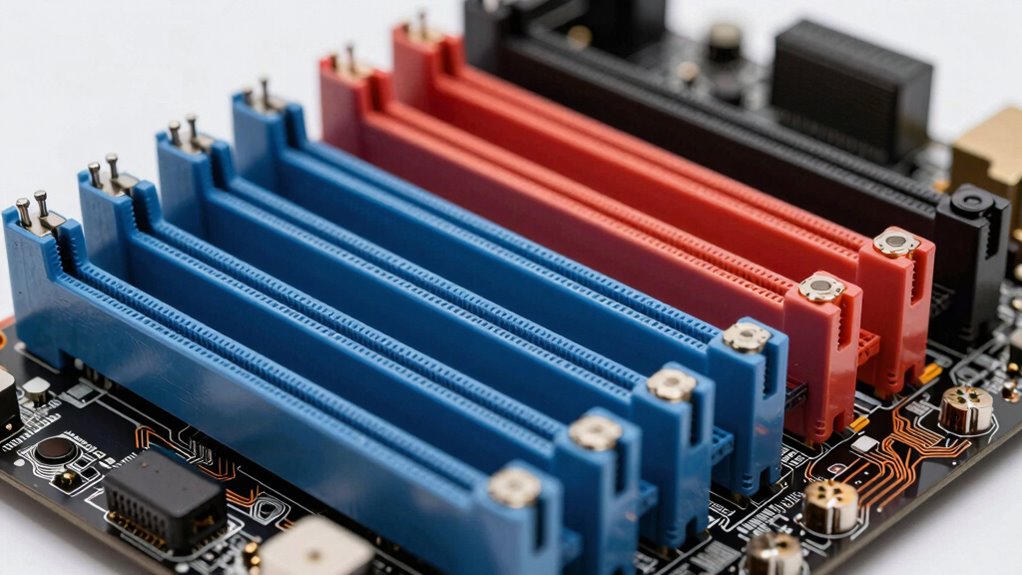
You need to recognize when bandwidth limitations are impeding your mining performance, especially if your GPUs aren’t running at full speed. Upgrading your PCIe slots can help distribute the load more effectively, reducing bottlenecks. Managing multiple devices carefully ensures your motherboard’s lanes are used efficiently and your mining operation runs smoothly. Understanding environmental impact of tissue paper can also help you make more sustainable choices in other areas of your setup. Being aware of home design considerations can help you optimize your hardware placement for better airflow and cooling. Additionally, familiarizing yourself with motherboard architecture can assist you in selecting the right components for optimal PCIe lane distribution, including choosing the appropriate dividing and allocating PCIe lanes. Recognizing how PCIe lane allocation works on your motherboard can further improve your hardware configuration and mining efficiency.
Identifying Bandwidth Limitations
Ever wonder why your mining rig isn’t performing as expected despite having multiple GPUs? Bandwidth limitations are often the culprit. To identify these, look for signs like reduced mining efficiency or GPU stalls. Common bottlenecks include:
- Overloaded PCIe lanes causing data transfer delays
- Insufficient power supply management leading to GPU throttling
- Wireless connectivity issues that disrupt remote management
- Sharing PCIe lanes among multiple devices, reducing available bandwidth
- Hardware configurations that don’t match PCIe slot capabilities
Upgrading PCIe Slots
Upgrading PCIe slots is a common solution when encountering lane bottlenecks that hinder mining performance. When your mining hardware faces limited PCIe lanes, upgrading to a motherboard with more or faster slots can greatly boost throughput. Ensure the new motherboard supports your specific mining hardware compatibility, especially for GPUs or specialized mining cards. Keep in mind, evolving cryptocurrency regulations may influence hardware choices or configurations, so check compliance before upgrading. Additionally, consider whether your power supply and cooling solutions can handle the increased hardware. Upgrading PCIe slots helps eliminate lane bottlenecks, maximizing mining efficiency, but always verify that the new setup aligns with your regulatory environment and hardware requirements for smooth, uninterrupted operations.
Managing Multiple Devices
As mining setups grow to include multiple GPUs or specialized devices, managing PCIe lane distribution becomes increasingly challenging. If you don’t optimize your lanes, you’ll face bottlenecks that reduce mining software efficiency and hurt power efficiency. Imagine your motherboard as a highway with limited lanes—overloading it causes traffic jams and slowdowns. To fix this, consider:
- Prioritizing PCIe slots based on device bandwidth needs
- Using riser cards to distribute lanes evenly
- Upgrading to a motherboard with more PCIe lanes
- Adjusting BIOS settings for better lane allocation
- Ensuring your power supply supports multiple high-demand devices
- Understanding PCIe lane management helps optimize your hardware setup for peak performance. Incorporating landscaping and creating designated areas for equipment can also improve airflow and cooling, which is vital for maintaining optimal operation.
Managing PCIe lanes effectively keeps your mining software running smoothly, maximizing power efficiency and overall performance. Proper lane management prevents bottlenecks and helps you get the most out of your mining hardware.
Tips to Optimize PCIe Lane Usage for Better Mining Efficiency
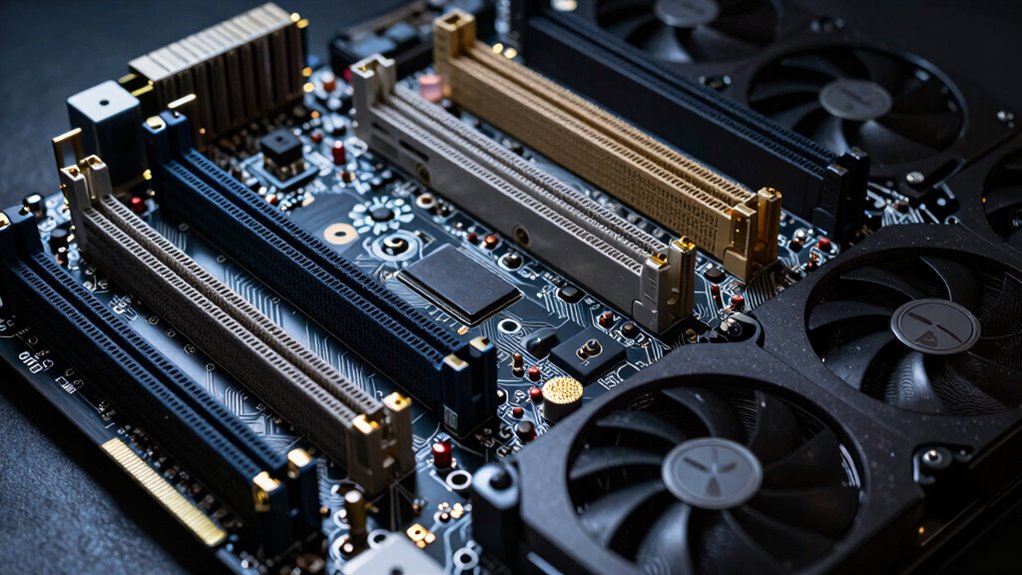
To boost your mining efficiency, start by prioritizing high-speed PCIe slots for your most demanding GPUs. Make sure to balance GPU placement and lane allocation so no component bottlenecks your system’s performance. Proper lane management can make a noticeable difference in your mining output. Additionally, understanding system balance can help you optimize overall performance and ensure your hardware operates smoothly.
Prioritize High-Speed Slots
Prioritizing high-speed PCIe slots is essential for maximizing mining performance. When selecting slots, focus on those offering the fastest data transfer rates to guarantee your GPUs run efficiently. Visualize your motherboard with:
- Brightly colored, clearly labeled slots
- Slots positioned away from bulky power connectors
- Space for ideal airflow and cooling
- Aesthetically pleasing layouts that match your build
- Compatibility with your power supply’s output capacity
Balance GPU and Lane Allocation
Are you making the most of your PCIe lanes for mining? Properly balancing GPU and lane allocation is vital for maximizing efficiency. Distributing lanes evenly prevents bottlenecks, guaranteeing each GPU gets enough bandwidth. Remember that some motherboards offer lane bifurcation options, so check your motherboard’s capabilities. Adequate motherboard cooling is necessary; overheating can throttle performance. Also, consider your power supply requirements—each GPU demands sufficient power, and overloading can cause instability. Prioritize high-speed PCIe slots for your main GPUs, but don’t neglect the lower lanes needed for additional cards. Optimizing lane allocation reduces latency and improves hash rates, translating into better mining performance overall. Striking the right balance ensures your system runs smoothly and efficiently, avoiding unnecessary hardware strain. Understanding watt-hours and capacity is also crucial for ensuring your power setup supports your mining rig’s demands effectively.
When to Upgrade Your Motherboard Based on PCIe Lane Needs
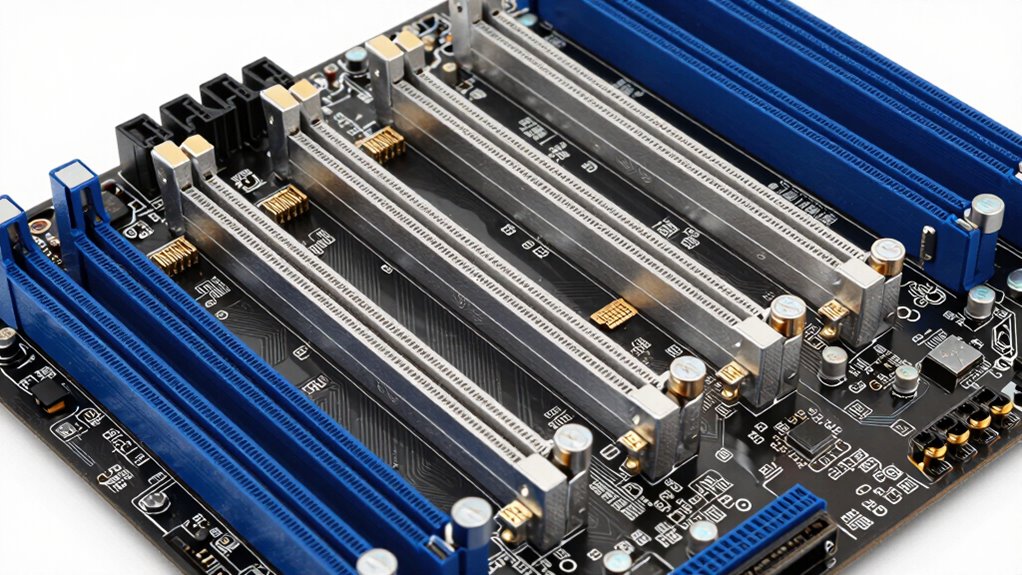
Understanding when to upgrade your motherboard depends largely on your PCIe lane requirements. If you’re scaling your mining operation, you’ll notice the need for more lanes to support multiple GPUs, especially for demanding mining software compatibility. Keep an eye on factors like:
- Growing GPU count demanding higher bandwidth
- Cryptocurrency regulations affecting hardware setups
- Upgrading to newer PCIe standards for speed
- Your motherboard’s lane distribution limits
- Compatibility with advanced mining hardware
If your current motherboard can’t handle the expanded GPU array or PCIe 4.0/5.0 support, it’s time to consider an upgrade. Upgrading ensures you stay compliant with regulations and maximize mining efficiency. A well-suited motherboard helps you avoid bottlenecks, optimize performance, and future-proof your mining rig. Being aware of hardware requirements can help guide your upgrade decisions effectively, especially as PCIe lane distribution varies between models and impacts overall system capacity.
Frequently Asked Questions
Can PCIE Lanes Be Upgraded on Existing Motherboards?
You can’t upgrade PCIe lanes on existing motherboards because they’re fixed during manufacturing, directly affecting motherboard compatibility. If you’re aiming for PCIe lane scaling, you’ll need a new motherboard designed with more lanes or better support for multiple GPUs. Upgrading PCIe lanes isn’t possible through software or hardware modifications; instead, plan your hardware setup accordingly to meet your mining or gaming needs.
How Do PCIE Lane Configurations Differ Between Gaming and Mining Motherboards?
You’ll find that gaming motherboards prioritize PCIe bandwidth for a single GPU, often offering x16 slots for maximum performance. Mining motherboards, however, allocate PCIe lanes differently, spreading lane allocation across multiple slots to support several GPUs simultaneously. This setup maximizes mining efficiency, but reduces PCIe bandwidth per slot. So, your choice depends on whether you need high PCIe bandwidth for gaming or multiple lane allocations for mining.
Are There Specific Brands Known for Better PCIE Lane Management?
You’ll find brands like ASUS, MSI, and ASRock are known for better PCIe lane management. They optimize PCIe lane allocation through advanced motherboard chipset influence, ensuring stable performance for mining setups. These brands often design motherboards with dedicated lanes for multiple GPUs, reducing bottlenecks. When choosing, look for models that prioritize PCIe lane distribution, especially if you’re aiming for efficient mining performance, so your system runs smoothly under heavy load.
What Signs Indicate PCIE Lane Bottlenecks During Mining?
You’ll notice PCIe lane bottlenecks during mining when your GPU performance drops or hash rates decline unexpectedly. Signs include reduced PCIe bandwidth, causing slower data transfer between GPUs and the motherboard. To avoid this, check your motherboard compatibility to guarantee it provides enough PCIe lanes for your GPUs. Monitoring tools can help identify bandwidth issues early, letting you optimize your setup and prevent bottlenecks that hinder mining efficiency.
How Do PCIE Lane Types (x1, x4, x8, x16) Affect Mining Performance?
Sure, because who doesn’t love a good game of PCIe lane roulette? When you pick between x1, x4, x8, or x16, you’re basically choosing how much GPU bandwidth you get—more lanes mean better performance. Motherboard compatibility is king here; if your mining setup doesn’t support high lane counts, your GPUs sit in traffic jams, wasting their potential. So, pick wisely, or your mining rig will be a sluggish parade.
Conclusion
Once you master PCIe lanes, you’ll unleash mining performance like never before—turning your setup into an unstoppable, high-speed powerhouse. No more confusing motherboard chaos or wasted GPU power; just pure mining domination. Understanding and optimizing PCIe lanes could be the game-changer that propels your rig to legendary status. Get ready to crush the competition and mine with a fury that leaves everyone in awe. This is your moment to conquer the mining world!