Understanding refresh rate, thermals, and TGP is essential for optimizing your gaming experience. A higher refresh rate provides smoother visuals, but it must be balanced with effective cooling to prevent overheating and thermal throttling. TGP determines how much power your GPU uses, affecting performance and heat output. Managing these factors together ensures your laptop runs smoothly and lasts longer. If you want to learn more, you’re in the right spot to get all the details.
Key Takeaways
- Higher refresh rates (120Hz+) provide smoother gameplay but require balanced GPU TGP and effective thermals to prevent overheating.
- Managing TGP ensures optimal graphics performance without causing excessive heat or thermal throttling.
- Good thermal solutions are essential to maintain high refresh rates and GPU TGP for consistent gaming performance.
- Overclocking or increasing TGP can boost visuals but risks overheating if thermal management isn’t sufficient.
- Balancing refresh rate, TGP, and thermals is crucial for stable, long-lasting gaming laptop performance.
What Is Refresh Rate and Why Does It Matter for Gaming?
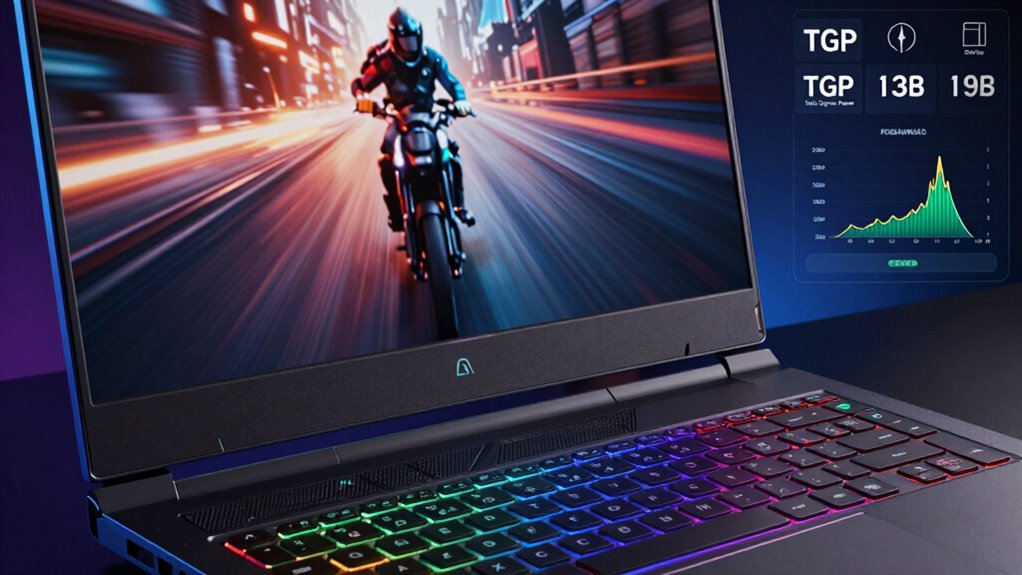
Ever wondered why some gaming laptops deliver smoother visuals than others? It all comes down to the refresh rate. This is how many times your screen updates per second, measured in Hertz (Hz). A higher refresh rate means smoother motion, which is vital in fast-paced games. Even if your display resolution and screen size are excellent, a low refresh rate can make gameplay feel choppy. For example, a 144Hz screen offers noticeably better fluidity than a standard 60Hz display, giving you a competitive edge. It’s especially important if you’re gaming on a larger screen, where motion can appear more sluggish. So, when choosing a gaming laptop, prioritize a higher refresh rate to enjoy crisp, seamless visuals that keep up with your gameplay. Additionally, understanding refresh rate helps you better appreciate how it impacts overall image quality and gaming performance. Knowing about display technology can also help you select the best screen for your needs, including features that enhance motion clarity and reduce motion blur. A good grasp of thermal management is crucial to maintaining consistent performance during intense gaming sessions.
How Do Thermals Affect Gaming Laptop Performance and Longevity?

Thermal management plays a crucial role in how well your gaming laptop performs and how long it lasts. When thermals are poorly managed, components can overheat, leading to reduced overclocking stability and causing your system to throttle performance to cool down. This throttling can create heat buffering, where excess heat is temporarily stored or dissipated more effectively. High temperatures can degrade internal parts over time, shortening your laptop’s lifespan. Efficient thermals also improve battery efficiency since overheating drains power faster and forces the cooling system to work harder. Proper cooling is akin to shipwreck preservation, ensuring the internal components remain intact and functional over time. Maintaining optimal thermals is essential for preventing component degradation, which can significantly impact your device’s reliability. Additionally, Lifevest Advisors emphasizes that proper thermal management can help you avoid costly repairs and replacements. Keeping thermals in check ensures your laptop runs smoothly, maintains high performance, and extends its longevity. Proper cooling isn’t just about comfort; it’s fundamental for sustained performance and the health of your device. Implementing effective thermal solutions can also enhance overall system stability, especially during intensive gaming sessions.
What Is TGP in Gaming Laptops and Why Is It Important?
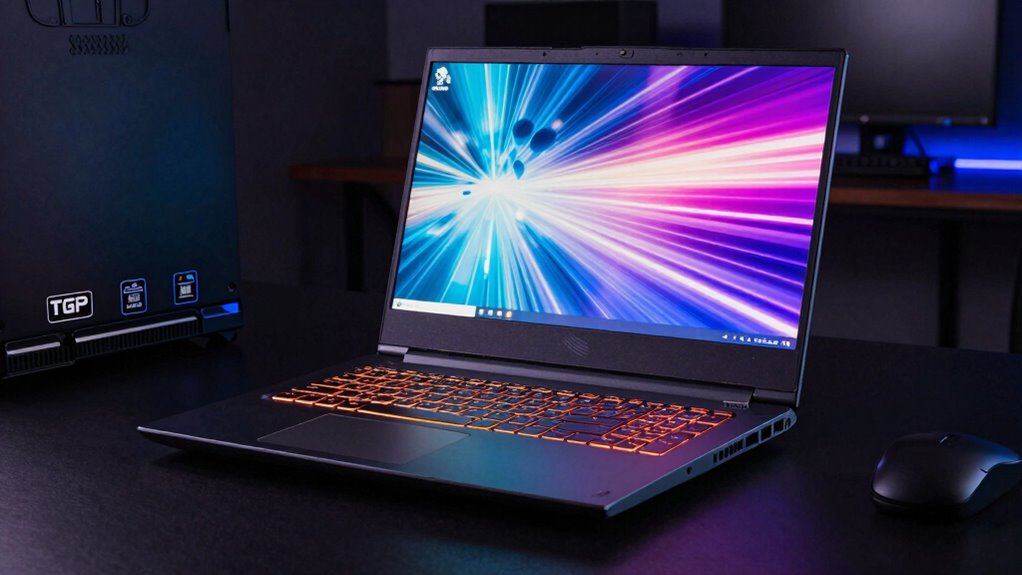
Have you ever wondered how much power your gaming laptop’s graphics card can deliver? That’s where TGP, or Total Graphics Power, comes in. TGP measures the maximum power your GPU can draw, directly impacting gaming performance and graphics quality. A higher TGP usually means better frame rates and smoother gameplay, but it can also generate more heat, affecting thermals. For portable gaming laptops, balancing TGP is essential to maintaining good laptop portability without sacrificing performance. TGP also influences how well your gaming accessories perform—more power can improve visuals and responsiveness. Understanding TGP helps you choose a laptop that aligns with your gaming needs, whether you prioritize mobility or raw power. It’s a vital factor in making an informed gaming laptop purchase.
How to Balance Refresh Rate, Thermals, and TGP for Optimal Gaming Performance?
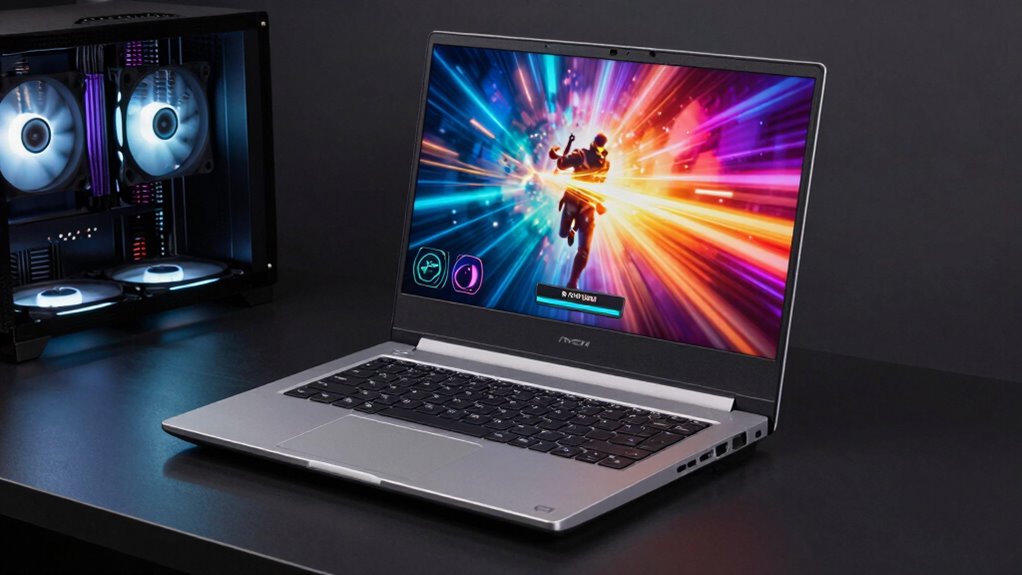
Balancing refresh rate, thermals, and TGP is key to optimizing gaming performance without compromising your laptop’s stability or portability. To do this effectively, you need to manage heat output, power limits, and display settings carefully. Overclocking stability can be affected if you push components too hard, risking crashes or hardware damage. Keep an eye on thermals to prevent overheating, which can throttle performance. Adjust TGP limits to strike a balance between power and longevity, especially if you want better battery life during portable gaming. Here are some tips:
- Use gaming profiles to optimize settings
- Limit overclocking to maintain stability
- Monitor thermals regularly
- Adjust TGP to balance power and temperature
- Optimize display refresh rate based on game type
Common Myths About Gaming Laptop Specs Debunked
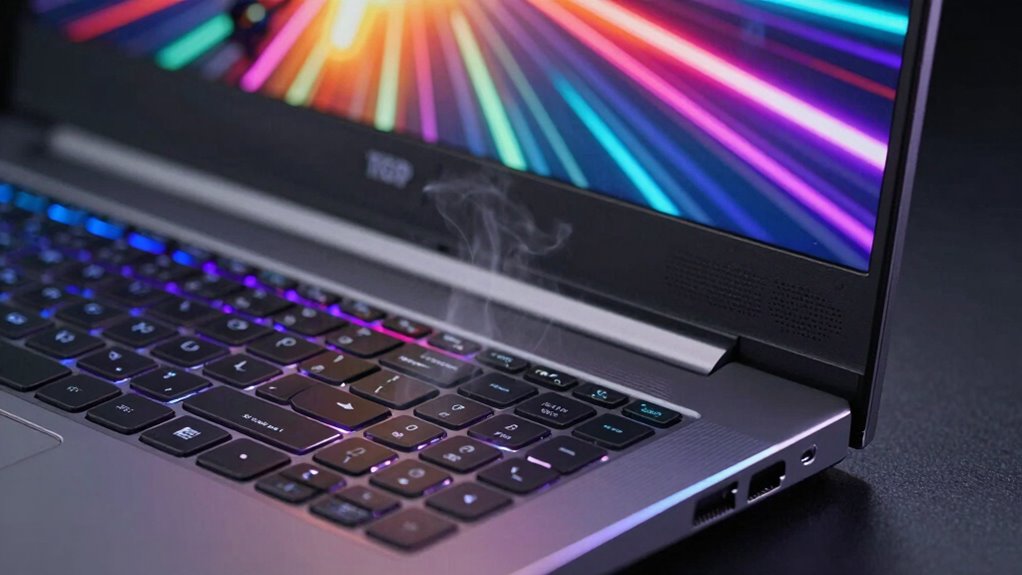
Many gamers believe that the most expensive or highest-spec gaming laptops automatically deliver the best performance, but that’s a misconception. A powerful GPU doesn’t always mean better gameplay if it isn’t paired with proper cooling or optimized settings like GPU overclocking. Similarly, larger RAM capacity doesn’t necessarily improve gaming if the game doesn’t utilize it efficiently. Here’s a quick breakdown:
| Myth | Reality | Key Point |
|---|---|---|
| More RAM always equals better | RAM is only beneficial if the game needs it | Check game requirements |
| Highest GPU guarantees top fps | GPU overclocking can boost performance but risks overheating | Balance overclocking carefully |
| Price equals quality | Budget options may outperform high-end models | Focus on specs, not just price |
Understanding these myths helps you make smarter choices. For example, landscaping and outdoor setups can improve cooling and airflow in a gaming setup, which is crucial for maintaining performance.
Tips for Choosing the Best Gaming Laptop Based on These Specs
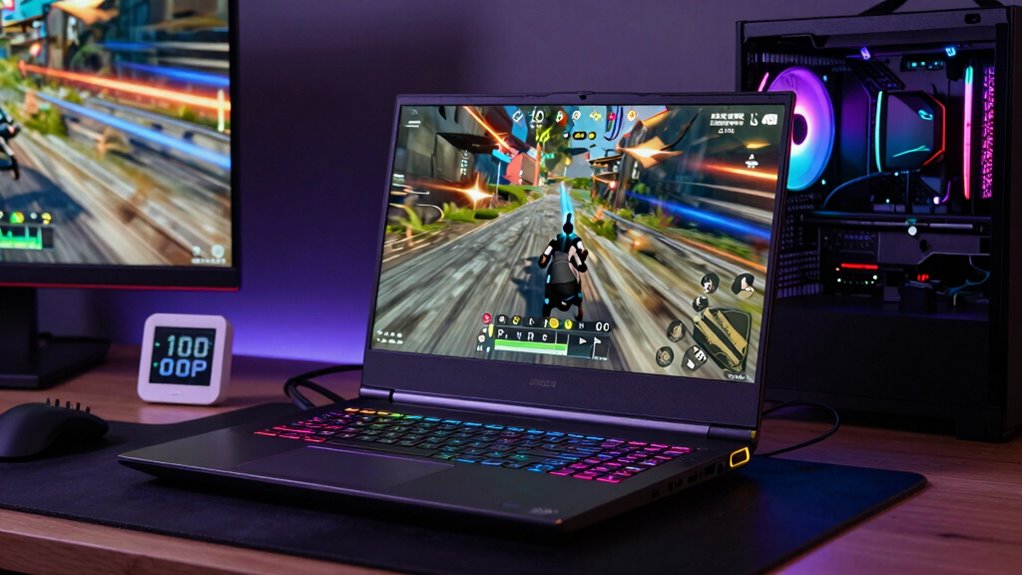
When choosing a gaming laptop, focus on high refresh rates to guarantee smooth gameplay, especially in fast-paced titles. You should also pay attention to thermal performance, so your system stays cool and runs efficiently during long gaming sessions. Additionally, understanding air cooling techniques can help optimize your laptop’s thermals for better gaming performance. Incorporating effective thermal management strategies can further enhance cooling efficiency and prevent overheating during intensive use. Regular maintenance, such as cleaning vents and applying fresh thermal paste, can also significantly improve cooling efficiency. Properly managing thermal design is essential to sustain optimal performance and extend the lifespan of your gaming laptop. To maximize cooling, consider air flow optimization techniques that improve heat dissipation within your device. Finally, find a balance between TGP and power to get the best performance without sacrificing portability or battery life.
Prioritize High Refresh Rates
If you want smooth and immersive gameplay, prioritizing high refresh rates on your gaming laptop is essential. A higher refresh rate, like 120Hz or above, enhances gaming ergonomics by delivering fluid visuals and reducing motion blur. This makes fast-paced games feel more responsive and accurate, giving you a competitive edge. When choosing a laptop, focus on the refresh rate because it directly impacts your experience.
Consider these factors:
- Look for a display with at least 120Hz for smooth gameplay
- Ensure your GPU can support high refresh rates without bottlenecking
- Check for adaptive sync technology to reduce tearing
- Test the refresh rate in real-world gaming scenarios
- Balance refresh rate with screen resolution for optimal performance
Optimize Thermal Performance
Optimizing thermal performance is essential to guarantee your gaming laptop runs smoothly under heavy loads. Good thermals prevent overheating, which can throttle performance and damage components. To maximize overclocking benefits, choose a laptop with advanced cooling solutions like vapor chambers or multiple fans, assure sustained high performance. Proper thermal management also helps conserve battery life—efficient cooling reduces the need for aggressive fan speeds, leading to better battery optimization. When selecting a gaming laptop, look for models with well-designed heat sinks and thermal pads. Regularly cleaning vents and applying thermal paste can further improve heat dissipation. Incorporating trusted brands known for quality cooling solutions can make a significant difference. Additionally, considering a laptop’s thermal design can provide insights into how effectively it manages heat during intense gaming sessions. Ensuring adequate airflow is also crucial for maintaining optimal temperatures during prolonged use. Research shows that a well-implemented thermal management system not only prolongs hardware lifespan but also enhances overall gaming performance. Proper evaluation of cooling efficiency can help you select a device that stays cooler under load and maintains peak performance longer. Prioritizing thermal performance ensures your system stays cool, maintains peak performance longer, and provides a more stable gaming experience without sacrificing portability.
Balance TGP and Power
Balancing the Total Graphics Power (TGP) and overall power output is essential to getting the most from your gaming laptop without overpaying for unnecessary performance. Higher TGPs boost gaming performance but can drain the battery faster and increase heat, impacting portability concerns. To make the right choice, consider these tips:
- Match TGP with your typical gaming workload
- Prioritize models with efficient thermal management
- Check battery life ratings for your intended use
- Opt for a balance between high TGP and portability
- Consider cooling solutions that support sustained performance
- Be aware of how thermal management impacts both performance and device longevity. Proper early warning signs can help you detect issues like overheating before they cause significant damage. Additionally, understanding thermal thresholds can guide you in maintaining optimal operating conditions for your device. Recognizing thermal limits is crucial for preventing long-term damage to your hardware and ensuring consistent performance. A thorough understanding of these thermal concepts can help you optimize your gaming experience while protecting your investment.
Frequently Asked Questions
How Does Refresh Rate Impact Perceived Motion Smoothness in Gaming?
A higher refresh rate makes motion appear smoother because your display updates more frequently, reducing motion blur. This means you notice less ghosting and a more fluid experience. When frame interpolation isn’t enough, a high refresh rate helps your eyes perceive faster, clearer movements. It greatly improves perceived motion smoothness, especially in fast-paced games, giving you an edge. Lower refresh rates can cause choppiness, making motion seem less natural and more distracting.
What Are the Signs of Thermal Throttling During Gaming Sessions?
Like a car racing too hard, thermal throttling shows up through sudden frame drops, increased fan noise, and overheating. You’ll notice your game stuttering or your laptop feeling hotter—signs that overclocking stability is compromised. When fans roar louder or temperatures spike unexpectedly, it’s time to pause and check cooling. Ignoring these signals risks hardware damage, so stay vigilant and give your laptop proper cooling to keep performance smooth.
Can Increasing TGP Improve Gaming Performance Without Overheating?
Increasing TGP can boost gaming performance by allowing your GPU to draw more power, which often results in higher clock speeds. However, this also raises power consumption and heat output, risking overheating if your cooling system isn’t adequate. To avoid thermal throttling, you might consider GPU overclocking carefully alongside TGP adjustments, but always monitor temperatures. Proper cooling and balanced settings help improve performance without compromising your laptop’s thermal health.
How Do Different Cooling Solutions Affect Thermals and Performance?
Sure, your laptop’s cooling solution influences thermals and performance more than you’d think. Irony? Liquid cooling might seem fancy, but airflow optimization is often more effective for everyday gaming. Better airflow keeps components cooler, preventing thermal throttling, and ensuring consistent performance. So, investing in good airflow or liquid cooling can help your laptop run smoothly longer, proving that sometimes, simple solutions beat high-tech gimmicks.
Is a Higher Refresh Rate Always Better for Competitive Gaming?
A higher refresh rate isn’t always better for competitive gaming if you value VR immersion or battery life. While it offers smoother visuals, it can drain your battery faster and may cause motion sickness during VR sessions. Consider your gaming focus—if you prioritize immersive VR experiences or longer playtime, a moderate refresh rate might serve you better. Balance refresh rate with performance to enhance overall gaming and VR enjoyment.
Conclusion
Remember, knowledge is power when choosing your gaming laptop. By understanding refresh rates, thermals, and TGP, you can make smarter decisions and avoid pitfalls. Don’t just chase the highest specs—balance is key for performance and longevity. As the saying goes, “A stitch in time saves nine.” Invest wisely now, and you’ll enjoy smoother gameplay and a longer-lasting machine. Your perfect gaming setup is within reach—just stay informed.