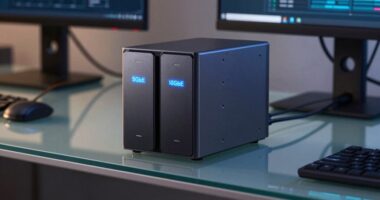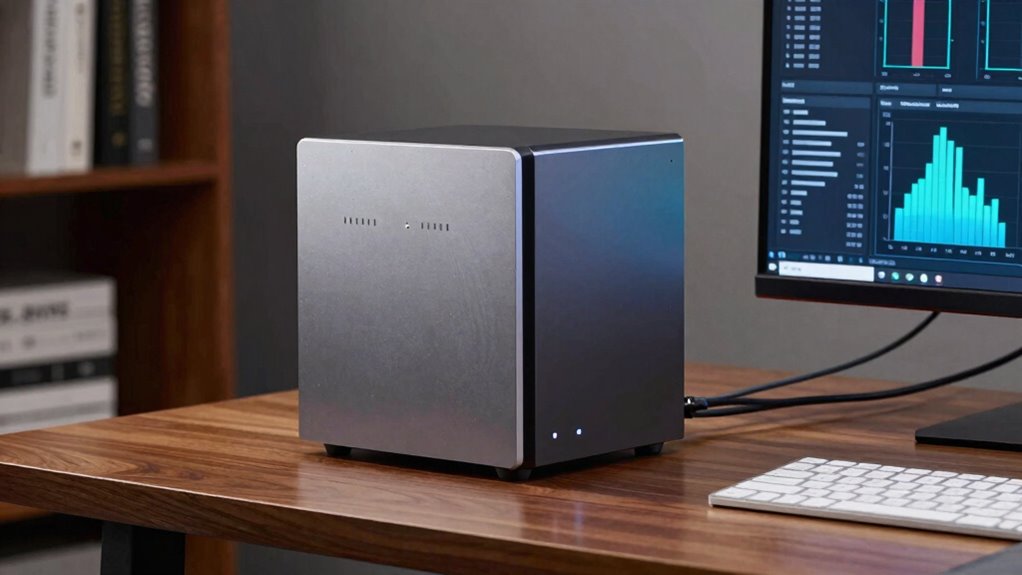

The biggest mistake that causes you to outgrow your NAS setup too quickly is choosing a model that doesn’t support future expansion. If you pick a system with limited or non-expandable drive bays, you’ll have to replace or upgrade it sooner than expected, which can be costly and time-consuming. To avoid this, select a NAS with expandable drives and flexible configurations. Keep these points in mind and discover how to plan effectively for long-term growth.
Key Takeaways
- Selecting a NAS with limited expandability can force early upgrades as storage needs grow.
- Overlooking future data redundancy and scalability leads to rapid outgrowing of the initial setup.
- Relying solely on basic RAID configurations like RAID 0 increases risk and prompts early system replacement.
- Failing to plan for future storage expansion causes frequent, costly upgrades.
- Not choosing a scalable NAS setup limits long-term data management and growth potential.
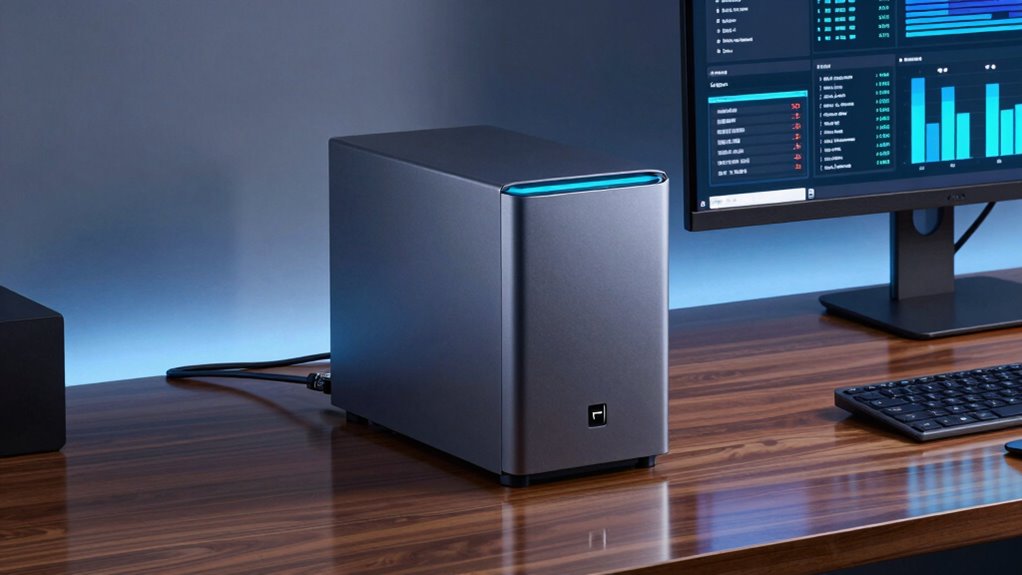
Many people make the mistake of choosing a Network Attached Storage (NAS) setup that doesn’t scale with their needs, causing them to outgrow their system faster than they expected. This often happens because they overlook the importance of data redundancy and proper RAID configurations. When you’re setting up a NAS, it’s tempting to pick a simple, inexpensive model that meets your current storage requirements. However, neglecting future growth can lead to costly upgrades or data loss down the line.
Data redundancy is a vital aspect of a reliable NAS system. It ensures your data remains safe even if a drive fails. Without it, a single drive failure could jeopardize your entire dataset. Many users underestimate this risk when they choose basic setups, thinking that hard drives won’t fail often. But drives do fail, and not having a plan for data redundancy leaves you vulnerable. To prevent this, you need to understand RAID configurations and how they contribute to data safety.
RAID, or Redundant Array of Independent Disks, allows you to combine multiple drives for improved performance or redundancy. For example, RAID 1 mirrors data across two drives, so if one fails, the other still holds all your information. RAID 5, which requires at least three drives, offers a good balance of redundancy and storage efficiency. It can survive a single drive failure without losing data. But the key is choosing the right RAID setup based on your current needs and future growth plans. If you only consider RAID 0 for speed, you risk losing everything if a drive fails, which can quickly outgrow your setup’s capacity when data accumulates.
Many people also forget that RAID isn’t a substitute for regular backups. While it protects against hardware failure, it doesn’t guard against accidental deletion or corruption. As your data grows, so does the importance of planning for scalability and redundancy. Picking a NAS with expandable drive bays or supporting higher RAID levels means you won’t need to replace your entire system when your storage needs increase. Additionally, understanding scalability options can help ensure your setup remains viable as your data requirements expand.
In the end, the mistake lies in not evaluating your future data needs and ignoring the role of data redundancy and RAID configurations. When you choose a scalable NAS setup, you’re investing in a system that adapts as you grow, saving you money and stress. Prioritize flexible RAID options and plan for expansion from the start, so you won’t find yourself outgrowing your storage faster than expected.

CENMATE Aluminum 4 Bay Hard Drive Enclosure with Cooling Fan for 2.5“/3.5" SATA HDD/SSD with USB A/C 3.0, Support Hot Swappable, Tool-Free HDD Enclosure, DAS(NO RAID/NAS)
【Reliable External Storage System for Individuals and Business】The 4 Bay Hard Drive Enclosure supports 2.5/3.5 inches HDD and…
As an affiliate, we earn on qualifying purchases.
As an affiliate, we earn on qualifying purchases.
Frequently Asked Questions
How Often Should I Upgrade My NAS Hardware?
You should consider upgrading your NAS hardware every 3 to 5 years, depending on your needs. Regular upgrades help maintain data redundancy and guarantee your system keeps up with increasing data demands. Pay attention to power management features to optimize energy use and extend hardware lifespan. If you notice slower performance or your data storage needs grow, it’s a good sign it’s time for an upgrade to prevent outgrowing your setup too quickly.
What Are the Signs My NAS Setup Is Underperforming?
You might notice your NAS feels sluggish or data redundancy issues crop up unexpectedly, hinting it’s time to reassess. Increased power consumption can also signal underperformance, as the device works harder than it should. If tasks take longer, backups are slower, or you see unusual energy use, these are signs your setup isn’t keeping pace. Upgrading or optimizing can restore smooth operation and guarantee your data stays protected.
Can Software Updates Extend My NAS Lifespan?
Yes, software updates can extend your NAS lifespan by improving firmware longevity and update reliability. Regularly installing updates guarantees your device benefits from security patches, bug fixes, and performance enhancements. These updates help prevent hardware issues caused by outdated firmware, keeping your NAS running smoothly longer. Stay proactive with updates, and you’ll maximize your setup’s longevity, avoiding premature replacement and maintaining ideal data storage performance.
How Do I Determine the Right NAS Capacity for Future Needs?
You might think today’s storage is enough, but future needs matter. To determine the right NAS capacity, consider storage scalability—how easily you can add more drives later—and data redundancy requirements for safety. Think about your growth plans and potential data increases. Choosing a setup that allows expansion and maintains redundancy prevents outgrowing your system too quickly, saving you time and money down the line.
What Are Common Mistakes in NAS Network Configurations?
One common mistake in NAS network configurations is neglecting network security, leaving your data vulnerable. You should also guarantee proper data redundancy, like RAID setups, to prevent data loss if a drive fails. Avoid using weak passwords or open ports unnecessarily. Additionally, failing to segregate network traffic can slow access and compromise security. Regular updates and backups are essential to maintain a secure, reliable setup that scales with your needs.

ORICO RAID 5 Bay HDD Enclosures USB 3.0 Push-Pull Mounting for 3.5-inch HDD, Max 110TB, External Direct Attached Storage 8 RAID Modes Supported 9858RU3
[Flexible RAID Mode Management]: This 3.5-inch RAID HDD enclosure supports eight configuration modes, namely 0, 1, 3, 5,…
As an affiliate, we earn on qualifying purchases.
As an affiliate, we earn on qualifying purchases.
Conclusion
Ignoring scalability might seem like a minor oversight, but it’s the trap that pushes your setup to outgrow itself faster than you’d like. You’re enthusiastic for instant results, yet neglecting future needs can turn your dream NAS into an outdated relic. Think of it as planting a small seed today—without considering growth, it’s destined to outgrow its pot. Plan ahead, stay flexible, and your setup will evolve with you, not against you.

BUFFALO TeraStation 3420RN 4-Bay SMB 8TB (4x2TB) Rackmount NAS w/Hard Drives Included Network Attached Storage
Professional Grade Network Attached Storage: Optimized to organize, store, share, and back up your important files.
As an affiliate, we earn on qualifying purchases.
As an affiliate, we earn on qualifying purchases.

CENMATE Aluminum 10 Bay Hard Drive Enclosure with Cooling Fan for 2.5“/3.5" SATA HDD/SSD with USB A/C 3.0, Support Hot Swappable, Tool-Free HDD Enclosure, DAS(NO RAID/NAS)
Note: When using this product, please first confirm that the hard drive loaded into this product is normal,…
As an affiliate, we earn on qualifying purchases.
As an affiliate, we earn on qualifying purchases.