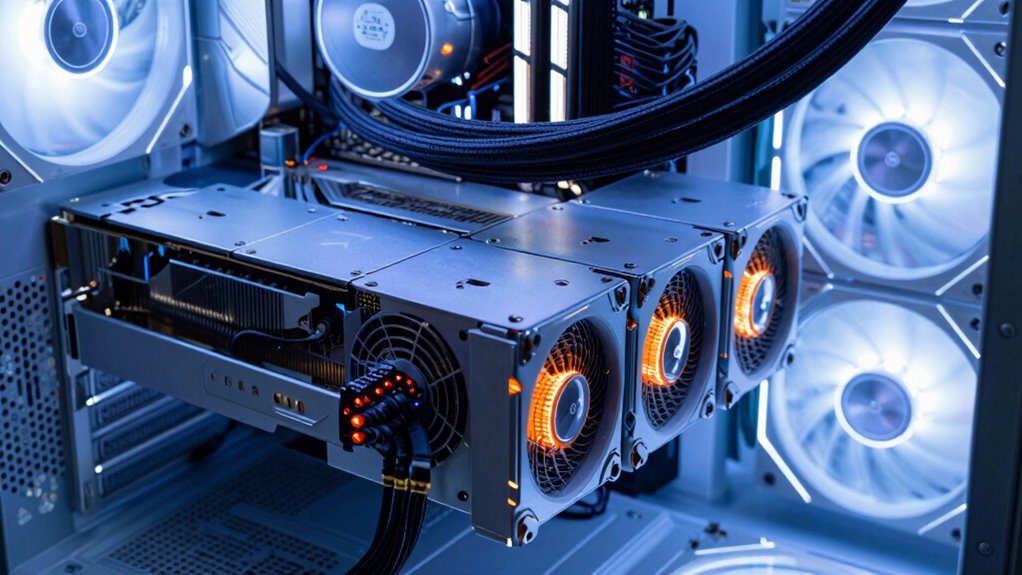

Your power supply is critical to the stability of your multi-GPU setup because it provides the necessary, consistent power for all components under load. If your PSU isn’t high-quality or isn’t rated enough, it can cause crashes, artifacts, or hardware damage due to voltage drops or overheating. Proper wiring, sufficient capacity, and quality components guarantee stable performance. Keep in mind, understanding how the right PSU influences your system’s stability and performance is key to avoiding issues as you explore further.
Key Takeaways
- A reliable PSU provides consistent, sufficient power to prevent crashes and hardware damage during multi-GPU loads.
- Proper power distribution and wiring ensure all GPUs receive balanced power, avoiding voltage drops and instability.
- High-quality PSUs maintain stable voltage regulation, reducing fluctuations that can cause system crashes or artifacts.
- Adequate thermal management in the PSU prevents overheating, which can impact power delivery and system stability.
- Choosing a compatible, high-capacity PSU supports overclocking and high-performance demands of multi-GPU setups.
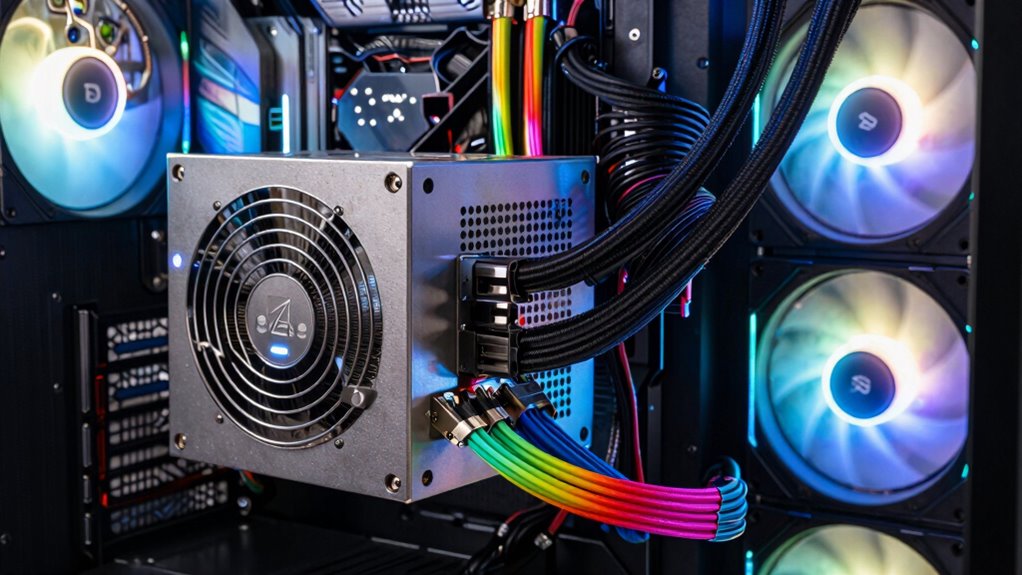
Ever wondered why your multi-GPU setup crashes or underperform? The answer often comes down to your power supply. A reliable power supply unit (PSU) is the backbone of a stable multi-GPU system. When you’re pushing your graphics cards for maximum overclocking performance, every watt counts. Insufficient power delivery can cause instability, crashes, or even hardware damage. Your PSU needs to handle the combined power draw of multiple GPUs, especially under heavy loads when their power consumption spikes. If your power supply isn’t rated appropriately or lacks enough headroom, you risk voltage drops that make your system unstable. This instability can manifest as system freezes, artifacting, or sudden shutdowns, hampering your workflow or gaming experience.
Beyond just providing enough wattage, your PSU influences thermal management, which is essential for maintaining system stability. High-performance GPUs generate a lot of heat, and if your power supply cannot efficiently dissipate this heat, it may lead to thermal throttling or shutdowns. A quality PSU with good thermal management ensures that excess heat is expelled effectively, keeping your components within safe operating temperatures. When thermal management is inadequate, components may run hotter than intended, causing fluctuations in power delivery and reducing overall overclocking performance. Overclocking pushes your GPUs beyond their stock settings, which increases power draw and heat output. A compromised PSU can’t supply stable power during these demanding periods, leading to system crashes or degraded performance.
Choosing the right power supply isn’t just about wattage; it’s also about quality and efficiency. A high-quality PSU with stable voltage regulation and good efficiency ratings ensures consistent power delivery. This consistency is fundamental when multiple GPUs work together, as any fluctuation can destabilize the entire system. It’s also worth investing in a PSU with multiple power rails or sufficient PCIe connectors to distribute power evenly across your GPUs. Proper cabling and load distribution prevent overloading any single rail, further enhancing stability. Additionally, selecting a PSU with robust power regulation can help maintain voltage stability under varying loads, which is crucial for multi-GPU setups. Recognizing the importance of power supply quality can make all the difference in achieving optimal performance and reliability. Furthermore, understanding the importance of proper wiring ensures that power is distributed efficiently without risking overloads or voltage drops. Using a high-quality power supply with appropriate specifications is essential to meet the demands of modern multi-GPU configurations. Ensuring your PSU is compatible with your hardware is also vital for optimal performance and safety.
In essence, your power supply directly impacts both overclocking performance and thermal management. It’s the foundation that keeps your multi-GPU setup running smoothly, allowing you to push your hardware to its limits without risking crashes or hardware failures. Skimping on your PSU might seem like a small detail, but it’s the critical factor that determines whether your high-performance rig operates reliably or falls apart under pressure. Without a solid power supply, all your efforts to optimize performance could be for nothing.
high wattage power supply for multi-GPU setup
As an affiliate, we earn on qualifying purchases.
As an affiliate, we earn on qualifying purchases.
Frequently Asked Questions
How Does Power Supply Efficiency Impact Multi-Gpu Performance?
Your power supply efficiency directly impacts multi-GPU performance by ensuring stable voltage regulation and effective thermal management. Higher efficiency means less energy waste, which reduces heat buildup and maintains consistent power delivery. This stability minimizes performance fluctuations and prevents crashes during intense workloads. When your power supply efficiently manages voltage and heat, your multi-GPU setup runs smoothly, maximizing performance and longevity without risking instability or damage.
What Are the Signs of an Underpowered GPU Rig?
Your GPU rig giving you the cold shoulder? That’s a sign it’s underpowered. You might notice system crashes, flickering screens, or frequent reboots—like a car sputtering on a hill. These issues happen because of poor power supply compatibility and overclocking limitations, which prevent your GPUs from reaching their full potential. If you see these signs, it’s time to upgrade your power supply to keep your system running smoothly.
Can a Lower Wattage Supply Support Multiple GPUS?
A lower wattage power supply can support multiple GPUs if it has excellent voltage regulation and proper cable management. Good voltage regulation ensures stable power delivery, preventing crashes. Proper cable management reduces stress on cables and connectors, ensuring efficient power flow. However, if your GPUs demand more power than your supply provides, even with good regulation, system instability may occur. Upgrading to a higher wattage PSU is advisable for ideal multi-GPU performance.
How Do Power Fluctuations Affect Multi-Gpu Setups?
Power fluctuations can seriously impact your multi-GPU setup by causing voltage regulation issues and increased power ripple. When voltage regulation falters, your GPUs may not receive consistent power, leading to crashes or artifacts. Excessive power ripple introduces noise that can damage components over time or cause instability during demanding tasks. To maintain stability, guarantee your power supply offers solid voltage regulation and minimal power ripple, especially with multiple GPUs running simultaneously.
What’s the Ideal Power Supply Brand for Multi-Gpu Stability?
Think of your power supply as the backbone of your setup—reliable brands like Corsair, Seasonic, and EVGA deliver premium voltage regulation, ensuring your multi-GPU rig stays steady under pressure. These brands are known for their reliability, meaning fewer fluctuations and better stability. When choosing a power supply, prioritize proven brand reliability and excellent voltage regulation to keep your GPUs performing at their peak without risking crashes or damage.

ARESGAME AGV Series 500W Power Supply, 80 Plus Bronze Certified, Non Modular Power Supply, 5 Year Warranty
- Power Output: 500W continuous power
- Efficiency Certification: 80 Plus Bronze certified
- Warranty: 5-year warranty included
As an affiliate, we earn on qualifying purchases.
As an affiliate, we earn on qualifying purchases.
Conclusion
Choosing the right power supply is the backbone of a stable multi-GPU rig; without it, your setup is like a ship without a rudder—destined to drift into chaos. A reliable power supply guarantees each GPU gets the juice it needs, preventing crashes and overheating. Think of it as the heart of your system, pumping life into your build. Get it right, and your rigs will run smoother than a well-oiled machine, ready to conquer any workload.

Evounic 800W Gaming Power Supply, ATX 3.1 PSU, GPUs, semi-Passive 120mm Fan, LLC Technology, Single Rail, for Overclocked GPUs
- Efficiency Certification: 80 PLUS Bronze with up to 85% efficiency
- Future-Proof Compatibility: Supports ATX 3.1 and modern connectors
- Reliable Power Output: 800W with a single stable 12V rail
As an affiliate, we earn on qualifying purchases.
As an affiliate, we earn on qualifying purchases.

Cable Matters 8-Pin GPU Power Cable, 6+2Pin PCIe/GPU, 2ft
- Compatibility Warning: Check PSU pinouts before use
- Reliable Power Connection: Connects PSU to GPU securely
- Versatile GPU Support: Fits 6-pin and 8-pin GPUs
As an affiliate, we earn on qualifying purchases.
As an affiliate, we earn on qualifying purchases.