
To stay safe online, start by creating strong, unique passwords for each account and consider using a password manager. Be cautious of phishing emails that try to trick you into revealing personal information; always verify sender details and avoid clicking suspicious links. Enable two-factor authentication and keep your software updated to protect against threats. Be mindful of your privacy settings and cookies, as they influence your data security. Continue exploring these basics to build a solid cybersecurity foundation.

Get hardware and tech essentials delivered free — and shop member deals
- Fast, free delivery on millions of items
- Access to Prime Big Deal Days deals on October 6–7
- Prime Video, Amazon Music and more included
Key Takeaways
- Use strong, unique passwords for each account and consider a password manager for secure storage.
- Enable two-factor authentication and keep software updated to protect against common cyber threats.
- Be cautious of phishing emails by verifying sender details and avoiding suspicious links or attachments.
- Regularly review privacy settings and cookies to control data sharing and maintain online privacy.
- Stay informed about cybersecurity best practices and recognize signs of suspicious activity for quick response.
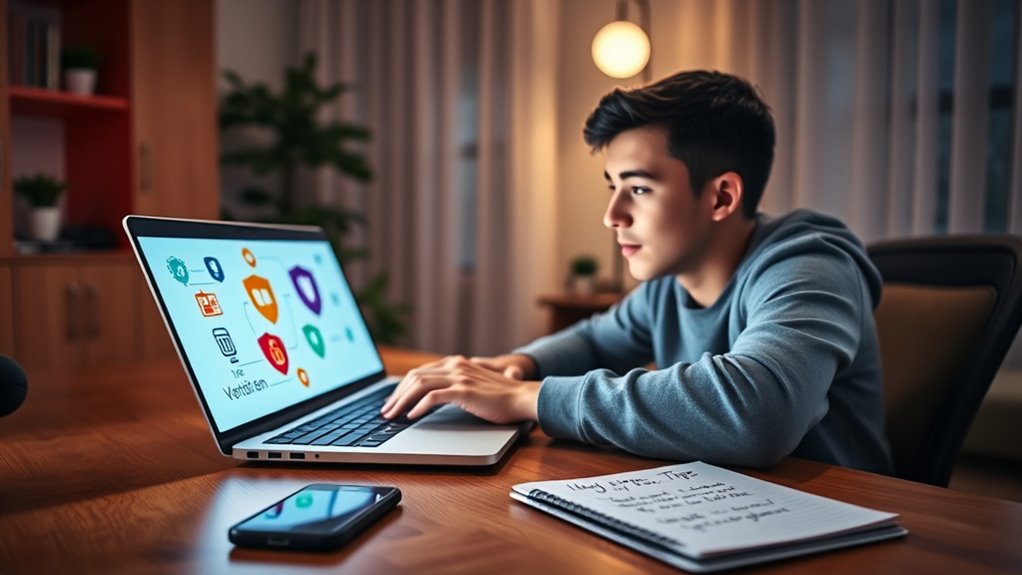
In today’s digital world, understanding basic cybersecurity practices is essential for everyone. You rely on the internet for communication, banking, shopping, and work, so protecting your personal information should be a top priority. One of the most effective ways to stay safe online is by practicing good password management. Instead of using the same password across multiple sites, create unique, strong passwords for each account. A strong password combines uppercase and lowercase letters, numbers, and symbols, making it difficult for hackers to guess. To help manage multiple passwords without forgetting them, consider using a reputable password manager. These tools securely store your passwords and auto-fill login details, reducing the temptation to reuse simple passwords. Remember, never share your passwords with anyone, and avoid writing them down where others might find them. Additionally, be aware of cookies and privacy policies that may track your browsing habits and influence your online security.
Phishing awareness is equally indispensable in safeguarding your digital life. Phishing is a tactic used by cybercriminals to trick you into revealing sensitive information, like passwords, credit card numbers, or social security details. These attacks often come through emails, messages, or even fake websites that resemble legitimate ones. You might receive an email that appears to be from your bank, asking you to verify your account details by clicking a link. If you’re not cautious, you could fall for the scam and unknowingly give away your information. Always scrutinize the sender’s email address, look for spelling or grammatical errors, and avoid clicking on links or opening attachments from unknown sources. When in doubt, go directly to the official website instead of following links in suspicious messages. You should also enable two-factor authentication whenever possible, adding an extra layer of security to your accounts. This way, even if someone manages to steal your password, they’ll still need a second form of verification to access your account.
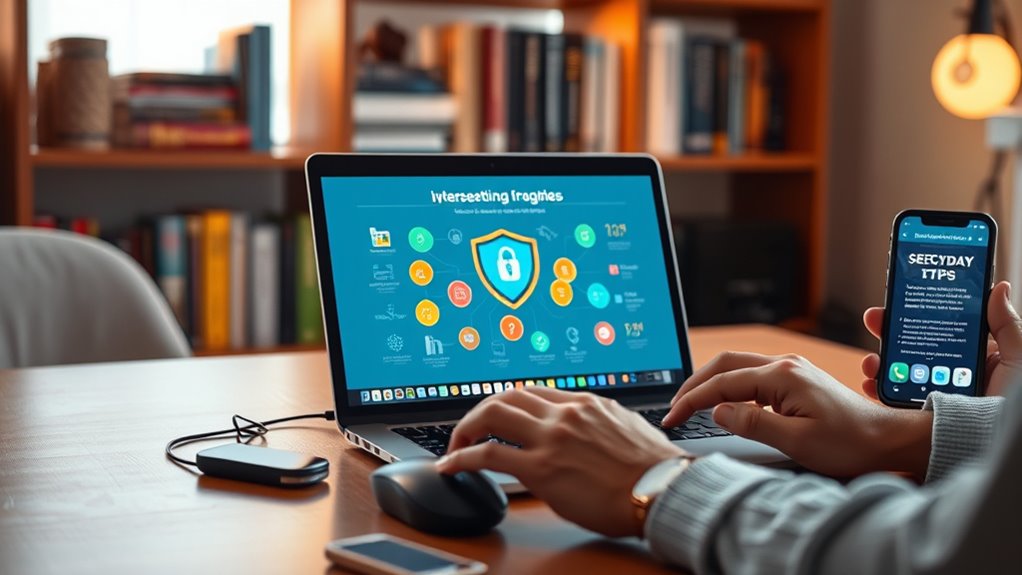
Staying vigilant about cybersecurity is a continuous process. Regularly update your software and apps to patch security vulnerabilities. Be cautious about the information you share on social media, as cybercriminals often gather details from these platforms to craft targeted scams. Educate yourself about common threats like malware, ransomware, and scams, so you can recognize suspicious activity early. By practicing good password management and sharpening your phishing awareness, you notably reduce your risk of falling victim to cyberattacks. Remember, cybersecurity isn’t just the responsibility of IT professionals; it’s something everyone needs to understand and implement daily. Small habits, like using strong passwords and verifying suspicious messages, can make a big difference in keeping your digital life secure.
A key part of maintaining security is understanding the importance of cookies and privacy policies, which can influence your online safety and data sharing practices.
best password manager for beginners
As an affiliate, we earn on qualifying purchases.
As an affiliate, we earn on qualifying purchases.
Frequently Asked Questions
How Often Should I Update My Passwords?
You should update your passwords every three to six months to maintain strong password management. Regular updates help protect your accounts from potential breaches. When changing passwords, make certain they are complex, combining uppercase and lowercase letters, numbers, and symbols. Avoid reusing passwords across different sites. This approach keeps your accounts secure and makes it harder for hackers to crack your password, especially if you stay vigilant with your password management habits.
What Are the Signs of a Phishing Email?
Phishing emails often look convincing but show signs like unexpected sender addresses or urgent language. You’ll notice email scams that include suspicious links or requests for personal info. Be wary of emails asking for passwords or financial details, especially if they create panic or pressure. Always verify links before clicking, and don’t trust messages that seem out of place. Recognizing these signs helps protect you from falling victim to scams.
Is Public Wi-Fi Safe for Online Banking?
Public Wi-Fi risks make online banking安全 risky unless you’re careful. When you use public Wi-Fi, your data can be intercepted by hackers, putting your personal info and banking details at risk. If you must access your online banking, use a trusted VPN to encrypt your connection and avoid sensitive transactions. Always log out when finished and avoid public Wi-Fi for critical banking activities to keep your info safe.
How Can I Recover a Hacked Social Media Account?
If your social media account gets hacked, start by using the platform’s account recovery options. You’ll likely need to verify your identity through security verification steps, such as confirming your email or phone number. Change your password immediately and enable two-factor authentication for added security. Review your account activity and remove any suspicious posts or messages. These steps help you regain control and protect your account from future attacks.
What Devices Are Most Vulnerable to Cyberattacks?
Ever wonder which devices are most vulnerable to cyberattacks? Your smartphones and IoT devices are prime targets, especially if they lack strong device encryption and IoT security measures. These devices often store sensitive info and connect to networks, making them attractive for hackers. To protect yourself, make sure all devices have updated security features, use strong passwords, and keep software patched. Isn’t safeguarding your digital life worth the effort?
two-factor authentication security key
As an affiliate, we earn on qualifying purchases.
As an affiliate, we earn on qualifying purchases.
Conclusion
Now that you’re armed with the basics, you’ll outsmart cyber villains faster than they can click “forgot password.” Remember, a strong password and cautious clicking are your new superpowers—no cape required. So go ahead, stay vigilant, and keep those hackers wondering if they’ve stumbled into a digital fortress. After all, in the world of cybersecurity, the best defense is a sharp mind and a dash of paranoia. Happy surfing—securely, of course!
cybersecurity awareness training kit
As an affiliate, we earn on qualifying purchases.
As an affiliate, we earn on qualifying purchases.
online privacy and security toolkit
As an affiliate, we earn on qualifying purchases.
As an affiliate, we earn on qualifying purchases.
Fall Picks
fall essentials
As an affiliate, we earn on qualifying purchases.